
TranscrtiptVideo
Video and audio to searchable textTurn recordings into notes and quizzes
Highlights
What you can do with it
- A podcast producer verified references by searching an hour-long interview
- A graduate student reviewed a seminar through text, mind maps, and flashcards
- A user researcher located customer quotes and built an evidence-based briefing
How to use it
- 1 Add the source: paste a YouTube link, submit a playlist, or pick a local file.
- 2 Generate the timed text, organized into readable paragraphs with timestamps.
- 3 Develop materials: search the text and build summaries, chapters, quizzes, or visual notes.
Who it is for
Pros
- Many output formats from a single transcript
- Timestamps make it easy to verify a quote
- Speaker separation keeps long recordings readable
Limitations
- Free plan limits are not detailed and pricing can change
- Transcription accuracy depends on audio quality and accents
- Long files take longer to process before materials appear
What TranscrtiptVideo is
TranscrtiptVideo is a web tool that converts video and audio into timed text. You can paste a YouTube link, submit a playlist, or pick a file from your device, and it returns a readable transcript with timestamps you can search. From there it builds study and research materials: summaries, mind maps, chapters, flashcards, quizzes, and translations. Speakers are separated so a long interview does not turn into one block of text, and long talks can be condensed into key decisions, claims, and examples. The positioning is turning audio-visual content into a knowledge asset instead of a file you watch once. Free and paid plans are offered.
What you can do with it
- Convert YouTube, playlist, video, and audio sources into timed text
- Search a transcript to verify a quote or a claim
- Build summaries, chapters, mind maps, flashcards, and quizzes
- Translate the transcript for another audience
- Separate speakers in long recordings
Who it is for
- Podcast producers who need a searchable record of interviews
- Graduate students reviewing seminars and lectures in several formats
- User researchers pulling evidence from recorded calls
- Content creators mining long recordings for clips and quotes
What to watch out for
Free plan limits are not spelled out on the page and pricing can change, so check current terms before relying on it for regular work. Transcription quality depends on the source: noisy audio, overlapping speech, and strong accents all reduce accuracy, and names and technical terms often need correction. Long files take time to process, and generated summaries are a starting point rather than a finished study guide. Free tiers and usage limits can change, so check the current rules on the official page before relying on it long term.
FAQ
What can I convert?
YouTube videos, playlists, ordinary video files, and audio files.
What materials can it generate?
Summaries, mind maps, chapters, flashcards, quizzes, and translations.
Is there a free plan?
The product has free and paid plans; check the site for current limits.
Why it is free
What the official page says: 免费
Free limits, trial length and features are decided by the official site and can change at any time.
Product preview
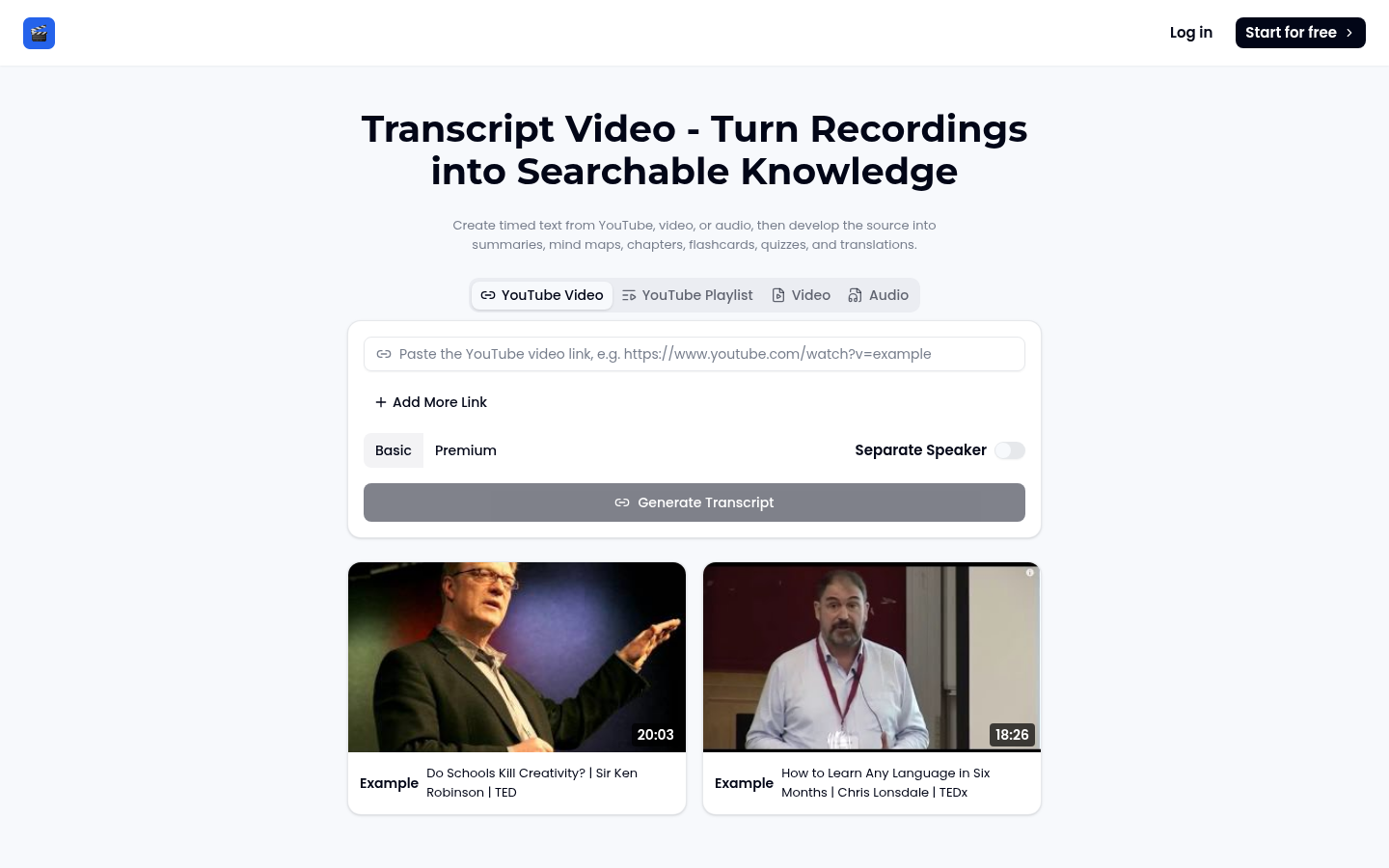
Screenshot archived from the listing page, for preview only.











