TurboSeek
Open-source AI searchAsk in plain language, get answers
Highlights
What you can do with it
- Finding recent papers and resources
- Digging into open-source and programming topics
- Tracking developments on a technology or product
How to use it
- 1 Open the TurboSeek website.
- 2 Type your question in the search box.
- 3 Let it fetch the top results and build context.
- 4 Read the answer and the suggested follow-up questions.
- 5 Refine the query or explore the related suggestions.
Who it is for
Pros
- Free and open source
- Answers are grounded in retrieved search results
- Follow-up questions help you explore further
Limitations
- Answer quality depends on the models and the search results
- It relies on external APIs that can change or break
- As a community project, support and uptime vary
What TurboSeek is
TurboSeek is an open-source AI search engine. You type a question in plain language, it calls the Bing Search API to pull the top results, extracts the text from those pages as context, and then asks a large language model such as Mixtral 8x7B for an answer grounded in that context. Llama-3 is used to generate related follow-up questions so you can keep digging into a topic without starting over. The site says the project is currently free and inspired by engines in the same category, and because the code is open source, the community can inspect how it works and modify it.
What you can do with it
- Ask questions in natural language instead of guessing keywords
- Get an answer built from the top retrieved search results
- Follow related questions generated for your topic
- Inspect and modify the code if you want to run your own version
- Compare the sources behind an answer rather than trusting a single summary
Who it is for
- Researchers who need to find and compare sources quickly
- Developers and technology enthusiasts researching a topic in depth
- Anyone who wants an answer that points back to where it came from
- Users comfortable with an experimental, community-built tool
What to watch out for
The answer is only as good as the retrieved results and the model behind them, so wrong or outdated pages produce wrong answers, and you should check the sources before relying on anything. The project depends on external services such as the Bing Search API and the hosted models, and those can change, rate-limit, or stop working, which means uptime is not guaranteed. It is also a community project rather than a commercial service, so support and maintenance depend on whoever is contributing at the time. Treat it as a research aid rather than an authority, and be aware that only a small number of results are used, so a narrow set of pages can shape the whole answer.
FAQ
What powers TurboSeek?
It combines the Bing Search API with large language models including Mixtral 8x7B and Llama-3.
Is it open source?
Yes, the code is open source and available for community improvement and customization.
Does it cost anything?
The product is currently available for free.
Why it is free
What the official page says: for free
Free limits, trial length and features are decided by the official site and can change at any time.
Product preview
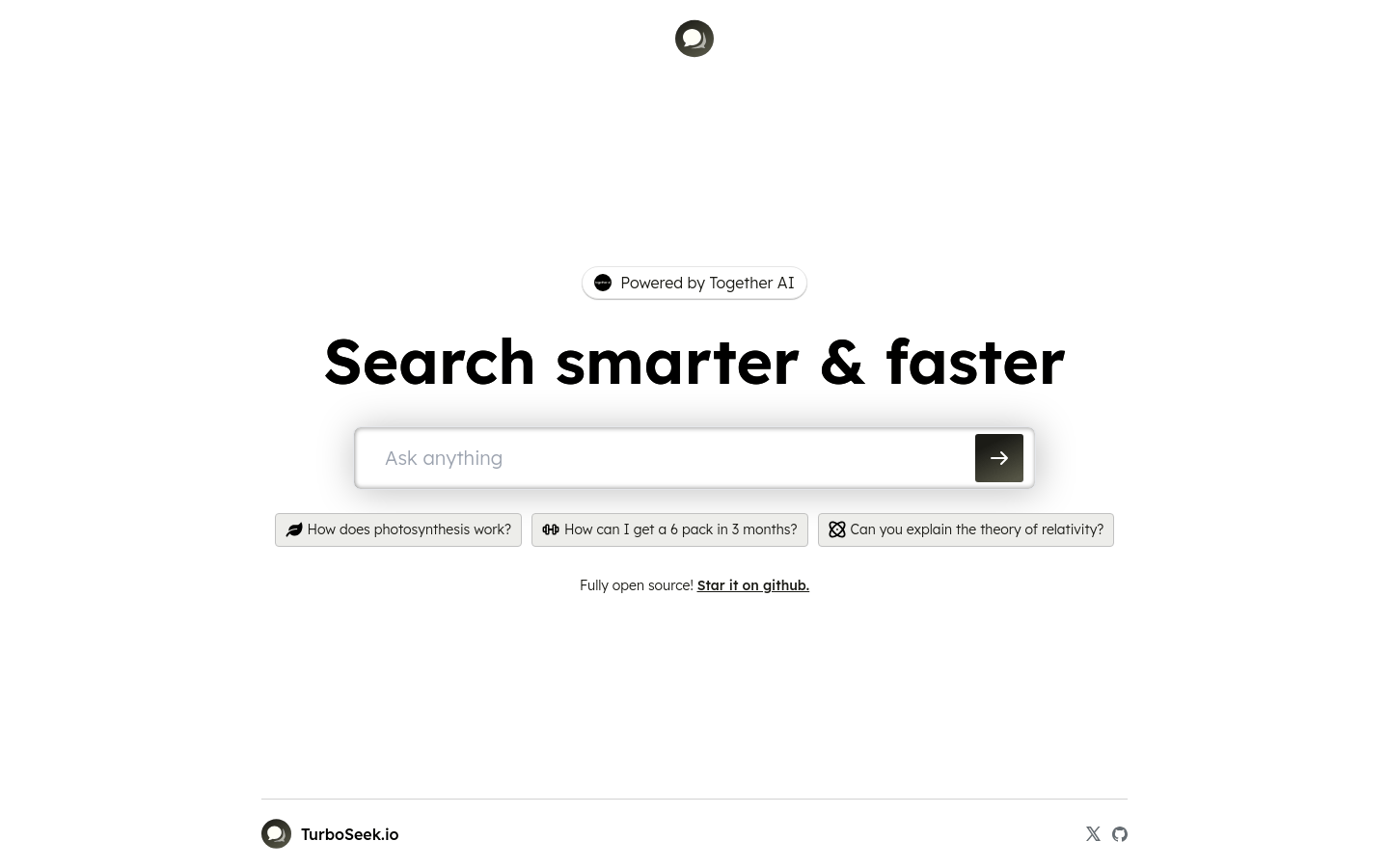
Screenshot archived from the listing page, for preview only.