SlidesGo
Free AI presentation maker with customizable templatesGenerate presentation templates in seconds, free
Highlights
What you can do with it
- Students building class presentations on a deadline
- Professionals drafting business or project decks
- Anyone who wants a fast starting point instead of a blank slide
How to use it
- 1 Open the SlidesGo AI presentations page
- 2 Let the AI generate a presentation template
- 3 Customize the template with your own text and images
- 4 Edit the layout and style as needed
- 5 Download or present the finished deck
Who it is for
Pros
- Free to use
- Fast template generation saves setup time
- Templates are customizable after creation
Limitations
- Free template options and limits may change over time
- Generated layouts still need your own content and edits
- Design variety depends on the current template library
What SlidesGo is
SlidesGo provides a free AI presentation maker that generates customizable templates in seconds. Instead of staring at a blank slide, you let the AI produce a starting layout and then shape it into your own deck. The tool is built for speed, offering quick generation plus options to modify and edit the result. It is free to use and targets anyone who needs a presentation fast, whether for a class, a business meeting, or a personal project. The focus is on removing the setup work so you can spend time on your message.
What you can do with it
- Generate a presentation template in seconds using AI
- Customize text, images, and layout to fit your topic
- Edit the design and structure as your content grows
- Build decks for school, work, or personal use
Who it is for
- Students who need slides on a tight deadline
- Professionals who draft business or project presentations
- Anyone who prefers an AI generated starting point over a blank page
What to watch out for
The tool gives you a template, not finished content, so you still need to add your own text, images, and reasoning. Free template options and generation limits can change over time, so check the current terms before relying on it. Because the output is generic, expect to adjust the layout to match your audience. Treat the generated deck as a first draft that improves with your edits. For team use, agree on naming and editing conventions in advance to avoid version conflicts or duplicated work. Name and archive exported files consistently so you can find and reuse them, and keep a backup copy of key data.
FAQ
Is the SlidesGo AI presentation maker free?
Yes, it is free to use and generates templates you can customize.
How fast does it create templates?
It generates presentation templates in seconds.
Can I edit the generated template?
Yes, you can modify and customize the template to match your needs.
Why it is free
What the official page says: free to use
Free limits, trial length and features are decided by the official site and can change at any time.
Product preview
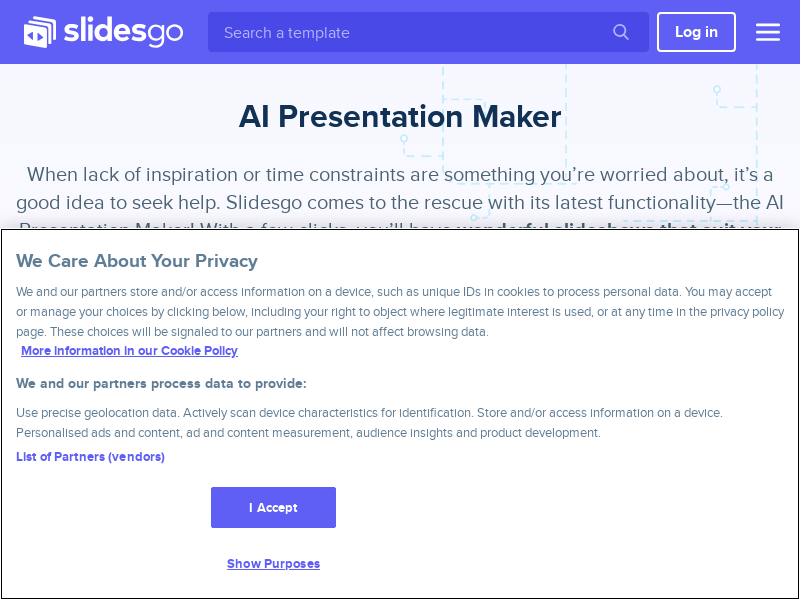
Screenshot archived from the listing page, for preview only.