
Tweet Delete
Tweet cleanup extensionFilter, then delete in bulk
Highlights
What you can do with it
- Removing years of old tweets before a job search
- Deleting likes that no longer reflect your views
- Cleaning an account down to a fresh start
How to use it
- 1 Install the extension from the Chrome or Edge store.
- 2 Sign in to your Twitter account in the browser.
- 3 Open Tweet Delete and set your filters, such as date or keyword.
- 4 Select the tweets or likes to remove, or schedule an automated task.
- 5 Let the extension run and check the results.
Who it is for
Pros
- Filters make targeted cleanup possible instead of all or nothing
- Automation handles large histories without manual clicking
- Free to use on Chrome and Edge
Limitations
- Deletion is permanent, and an old archive may not restore everything
- Automated actions run against platform rules, so account risk sits with the user
- Free extensions can change ownership or terms, so review permissions
What Tweet Delete is
Tweet Delete is a browser extension that cleans up a Twitter account. The core job is bulk deletion of tweets and likes, but the part that makes it useful is filtering: you can search by keyword, by date, by number of likes, and by number of replies, which lets you remove one period or one topic instead of everything. Twitter archive files can be uploaded so older posts can be searched and removed too. Scheduled and automated tasks keep the deletion running in the background, which matters on accounts with years of history. It installs on Chrome and Edge, and the listing describes it as free.
What you can do with it
- Delete tweets and likes in bulk
- Filter by keyword, date, likes, and replies
- Upload a Twitter archive to search older content
- Schedule automated deletion that runs in the background
Who it is for
- Anyone cleaning up a long social media history
- Job seekers reviewing what an employer might find
- Users who want old likes and posts gone for privacy
What to watch out for
Deletion is permanent. Before you run a large job, download your own archive and be sure you do not need anything you are about to remove. Automated bulk actions also run against the platform's rules, and any account penalty falls on you, so read the current terms and keep the deletion rate reasonable rather than running everything at once. The extension needs access to your account in the browser, which is a real permission to grant, so install it from the official store and review what it asks for. Free extensions can change hands or terms, so re-check before updating, and expect that platform interface changes can break the tool until it is patched.
FAQ
What can it delete?
Tweets and likes, including content found through uploaded Twitter archive files.
Does it run automatically?
Yes, scheduled and automated tasks can keep deleting in the background.
Which browsers?
Chrome and Edge.
Why it is free
What the official page says: 免费
Free limits, trial length and features are decided by the official site and can change at any time.
Product preview
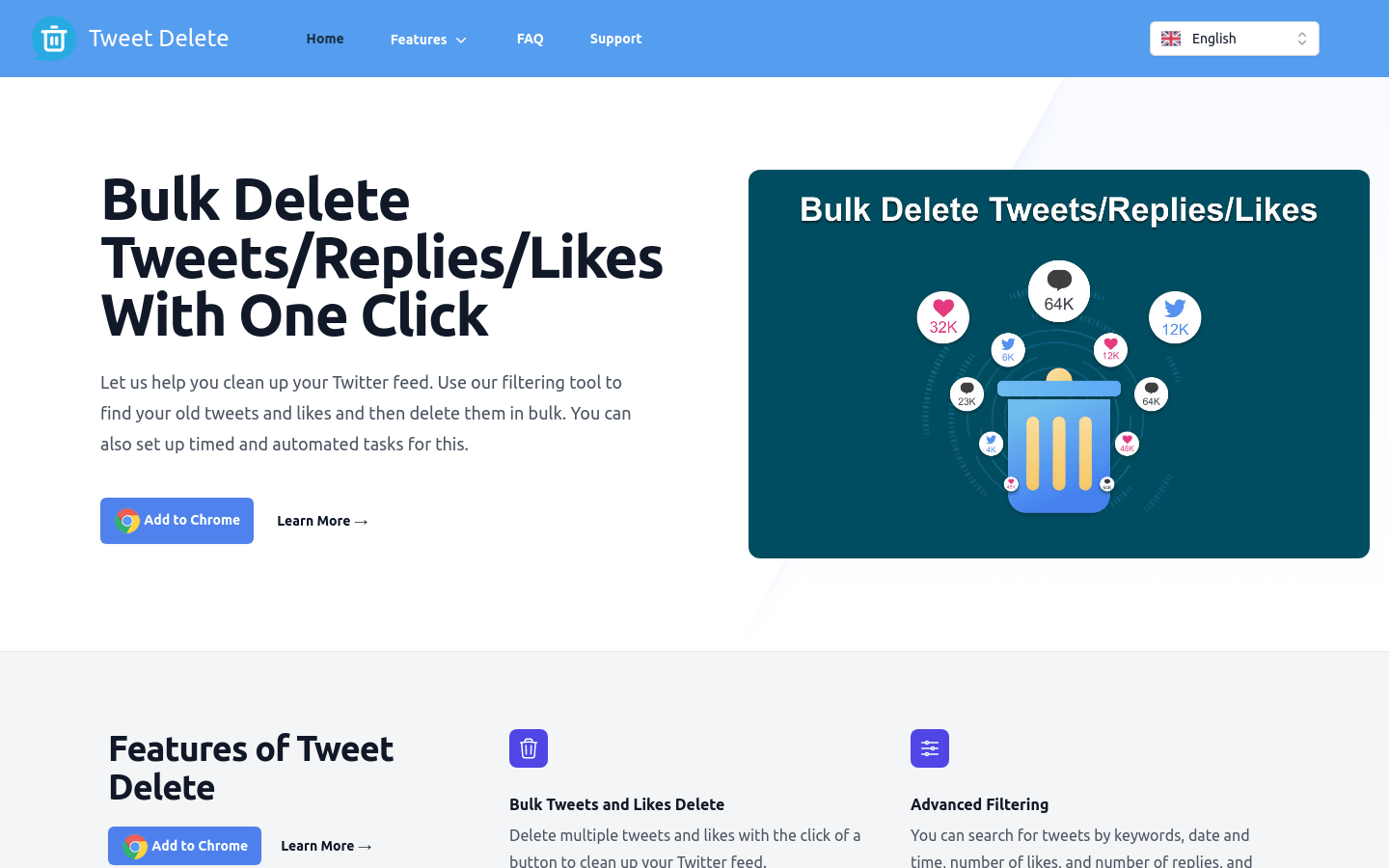
Screenshot archived from the listing page, for preview only.











