
Video2Text
Video to text transcription toolOne-click video to text, powered by Whisper
Highlights
What you can do with it
- Educators turn video lectures into transcripts
- Journalists transcribe interview video
- Researchers transcribe video material from projects
How to use it
- 1 Download and install Video2Text
- 2 Open the tool and load the video you want to transcribe
- 3 Start the transcription and wait for it to finish
- 4 Read through the transcript and correct names and terms
- 5 Save or export the text for your notes or article
Who it is for
Pros
- One-click style workflow from video file to text
- Free to download and use
- Whisper based transcription handles speech reasonably well
Limitations
- Free status and availability can change, and the site may move
- Transcripts still need a human pass for names and jargon
- Audio quality in the source video drives the final accuracy
What Video2Text is
Video2Text is a video to text tool powered by OpenAI Whisper technology. It uses advanced algorithms to provide accurate transcription of video content, which means you hand it a recording and get back written text you can read, search and edit. The tool is described as free to download and use, and it is presented as suitable for a wide range of people, including researchers, educators, journalists and content creators. The job it does is narrow and clear: convert spoken content in a video into a transcript. For anyone who has ever retyped quotes from an interview or a lecture, that single function saves a large amount of time.
What you can do with it
- Transcribe video files into written text
- Turn lecture recordings into readable transcripts
- Produce a first draft script from recorded video
- Search and edit the resulting text for notes or articles
Who it is for
- Educators who need text versions of lecture recordings
- Journalists working from interview footage
- Researchers transcribing video material for analysis
- Content creators who want a script from recorded video
What to watch out for
The site describes the tool as free to download and use, and free offers can change or disappear, so keep an eye on the official page rather than assuming it stays that way. Transcription is never perfect, and names, technical terms and overlapping speech are where errors cluster, so plan a human editing pass. Accuracy also depends on the audio in your source video, which means a clean recording gives a much better transcript than a noisy one. Check the terms before using transcripts in published work.
FAQ
Is Video2Text free?
The site describes it as free to download and use.
What technology does it use?
It is powered by OpenAI Whisper technology for video transcription.
Who is it for?
The site lists researchers, educators, journalists and content creators among its users.
Why it is free
What the official page says: 免费
Free limits, trial length and features are decided by the official site and can change at any time.
Product preview
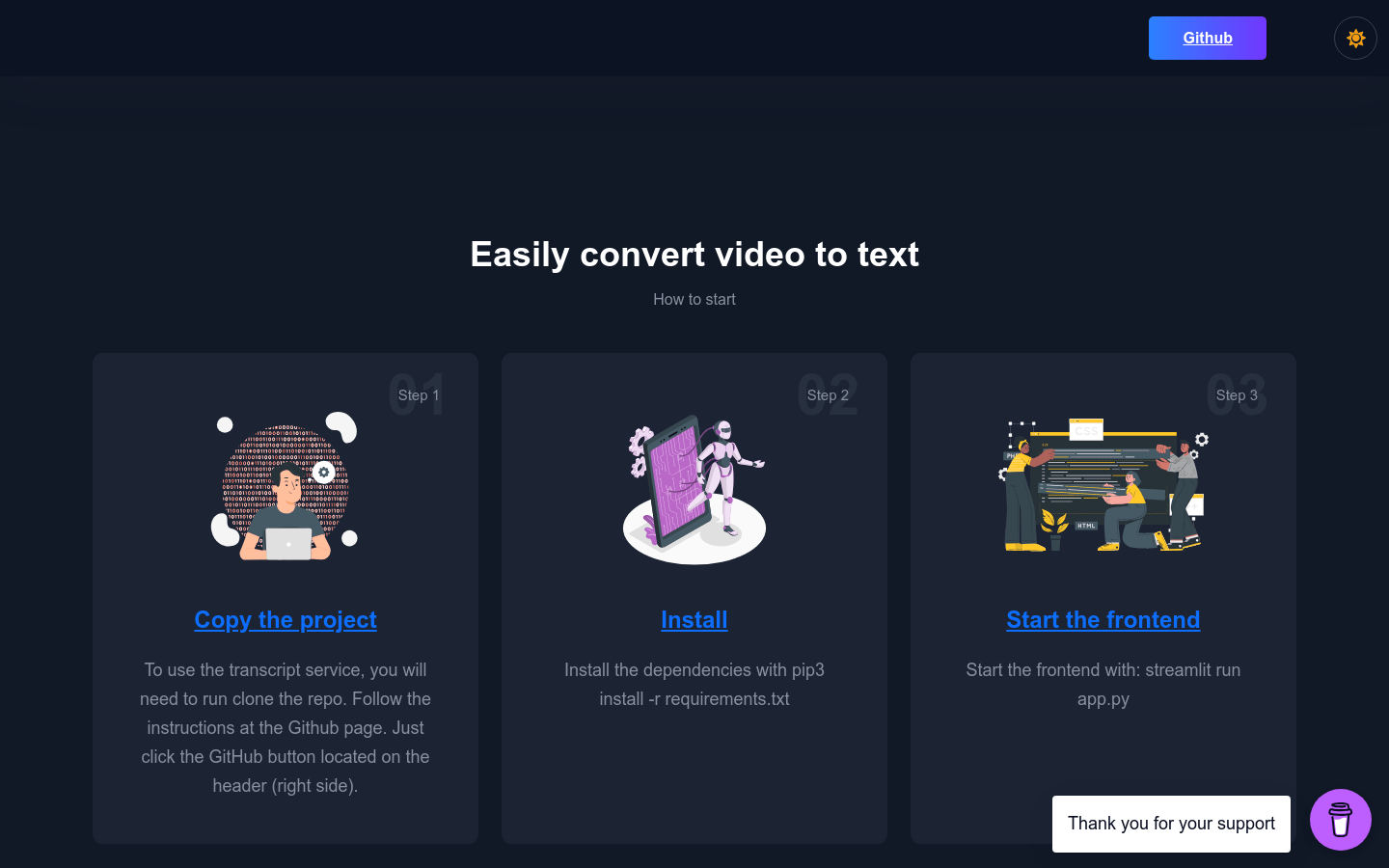
Screenshot archived from the listing page, for preview only.











