
Vidycon
AI virtual camera and microphone for video callsPro video effects for streaming and meetings
Highlights
What you can do with it
- Teachers transcribe and record live lessons
- Remote meetings with virtual backgrounds
- Personal live streams with blur and effects
How to use it
- 1 Install Vidycon on your computer
- 2 Select it as your virtual camera and microphone
- 3 Choose effects such as blur or a virtual background
- 4 Enable captions or transcription for your session
- 5 Start your call, stream, or recording
Who it is for
Pros
- Combines camera effects and audio tools in one app
- Multilingual captions help wider audiences
- Transcription and recording built in
Limitations
- The product was listed as coming soon, so availability is uncertain
- The advertised offer involves a paid first month, not a fully free product
- Virtual device software can conflict with conferencing apps
What Vidycon is
Vidycon is an AI powered virtual camera and microphone solution for live streaming and video conferencing. It simulates system cameras and microphones, adding features such as video background blur, virtual backgrounds, video beautification, multilingual closed captions, and real time transcription and recording. The goal is to turn ordinary calls and streams into professional looking experiences for teaching, meetings, and personal broadcasting, without requiring a studio setup. The listing describes the product as coming soon, with an early offer that mentions a first month at a low price followed by additional free months, so it was not a fully free service at the time of review.
What you can do with it
- Blur or replace your background during calls and streams
- Beautify video and add multilingual closed captions
- Transcribe and record sessions in real time
- Use the virtual camera and microphone across conferencing apps
Who it is for
- Online teachers running live lessons
- Remote workers in frequent video meetings
- Streamers who want polished video effects
What to watch out for
The product was listed as coming soon, so availability and timelines were uncertain at review time, and features may differ from the description. The advertised early offer involves a paid first month rather than a fully free product, so read the current terms carefully before signing up. Virtual camera and microphone software can conflict with some conferencing apps, and performance depends on your computer's hardware. Behavior may vary across browsers and devices, so test before production use and consult the help docs if errors appear. Features and interface details may change between versions, so review the latest notes on the page before you start.
FAQ
What is Vidycon?
It is an AI powered virtual camera and microphone solution for streaming and video conferencing.
What features does it include?
Background blur, virtual backgrounds, beautification, multilingual captions, transcription, and recording.
Is it free?
The listing mentions an early offer of a first month at $3 followed by three months free, so it is not a fully free product.
Why it is free
What the official page says: for free
Free limits, trial length and features are decided by the official site and can change at any time.
Product preview
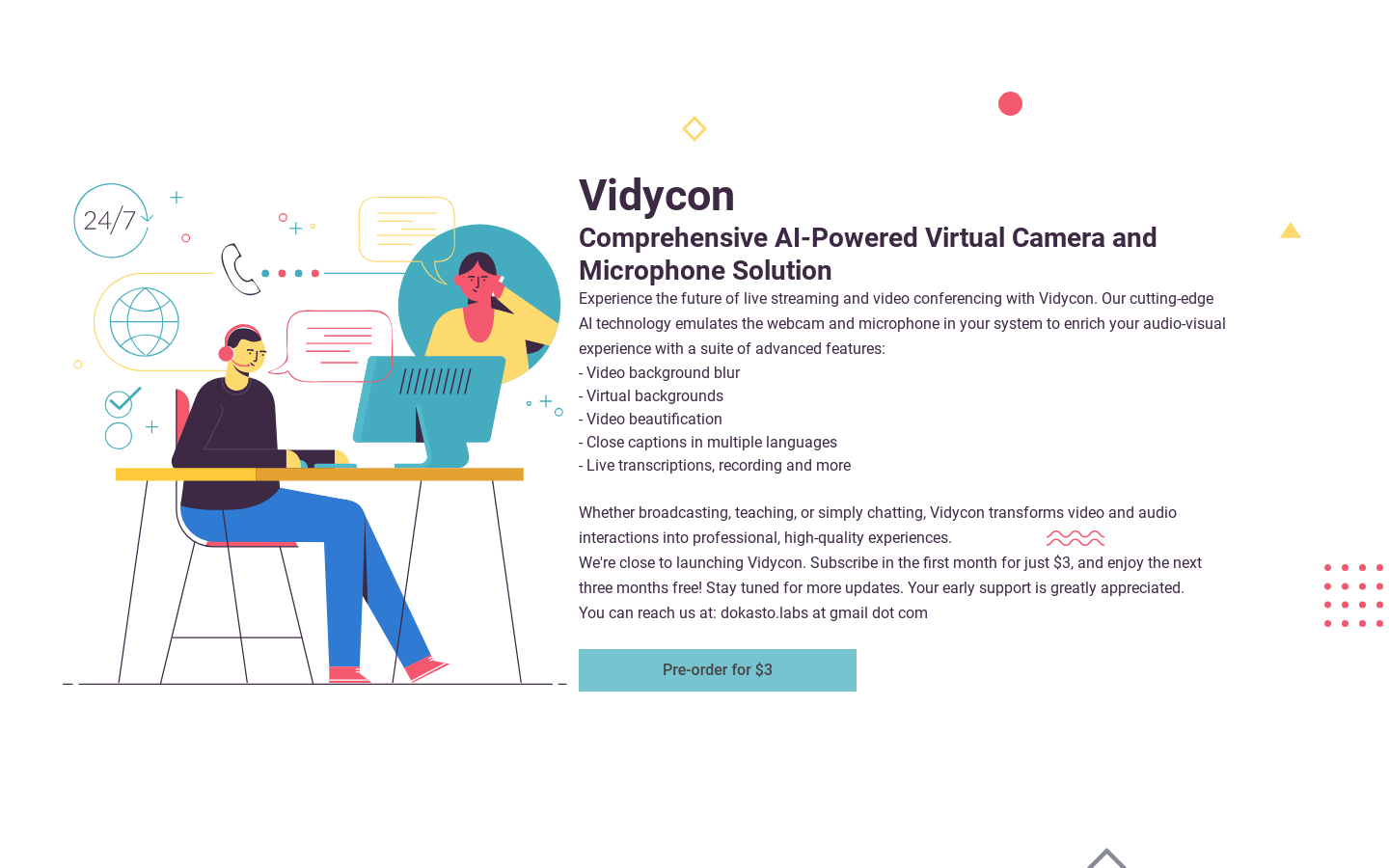
Screenshot archived from the listing page, for preview only.











