Voco Speech
Offline Mac voice cloning and text to speechLocal AI voices with unlimited cloning
Highlights
What you can do with it
- Creators clone their own voice for a personalized podcast
- Video producers add natural voiceover to teaching videos
- Enterprises generate product demo narration
How to use it
- 1 Check that your Mac runs macOS 11.0 or later on Apple Silicon M1 or newer
- 2 Download the app from the official website with Download for Free
- 3 Install and open the application
- 4 Start with the 5 minute free monthly quota for generation and cloning
- 5 Enter text, pick voice tags and emotion, and generate locally
- 6 Upgrade to the professional version if you need unlimited generation
Who it is for
Pros
- Audio stays on the device, which helps privacy
- Cloning has no cap even on the free tier
- Fine controls let you tune emotion and delivery
- The free monthly quota is enough for short tests
Limitations
- Mac only, and it requires Apple Silicon M1 or a newer chip
- Five free minutes per month is small for long projects
- Local generation depends on your machine performance
- Cloning a voice needs the rights holder's permission, and misuse is your responsibility
What Voco Speech is
Voco Speech is an offline AI voice cloning and text-to-speech application for Mac. Everything runs locally, so your source audio and the files it generates stay on your own device instead of being uploaded for cloud processing. Cloning is unlimited on both the free and professional tiers, and free users get a 5 minute generation quota each month that is refreshed regularly. The professional version costs 9.90 dollars per month and removes the generation time limit. It requires macOS 11.0 or later on Apple Silicon M1 or newer.
What you can do with it
- Clone a voice locally and reuse it across projects
- Convert text to speech with natural sounding output
- Tune delivery with voice tags, emotion selection, and custom styles
- Produce voiceover for videos, tutorials, podcasts, and demos
- Generate long-form audio if you upgrade to the professional version
Who it is for
- Content creators who want one consistent voice across episodes
- Video producers who need clean narration without studio time
- Enterprise teams that generate product demo audio in-house
What to watch out for
It only runs on Mac with Apple Silicon, so Windows and older Intel machines are out. Five free minutes a month is enough to test the quality but not to produce a full series, and local generation speed depends on your hardware. Voice cloning carries real responsibility: you need permission from the person whose voice you clone, and using a voice to impersonate someone can break laws or platform rules, with the consequences falling on you. Quotas and prices are set by the developer and can change. For team use, agree on naming and editing conventions in advance to avoid version conflicts or duplicated work.
FAQ
Does it work on Windows?
No. It is designed for Mac and needs macOS 11.0 or higher with Apple Silicon M1 or a newer chip.
Is voice cloning limited?
Cloning is described as unlimited for both free and professional users.
How much free generation do I get?
Free users get 5 minutes of generation per month, refreshed on a regular cycle.
What does the professional version add?
It costs 9.90 dollars per month and adds unlimited generation plus a business-ready workflow.
Why it is free
What the official page says: free version
Free limits, trial length and features are decided by the official site and can change at any time.
Product preview
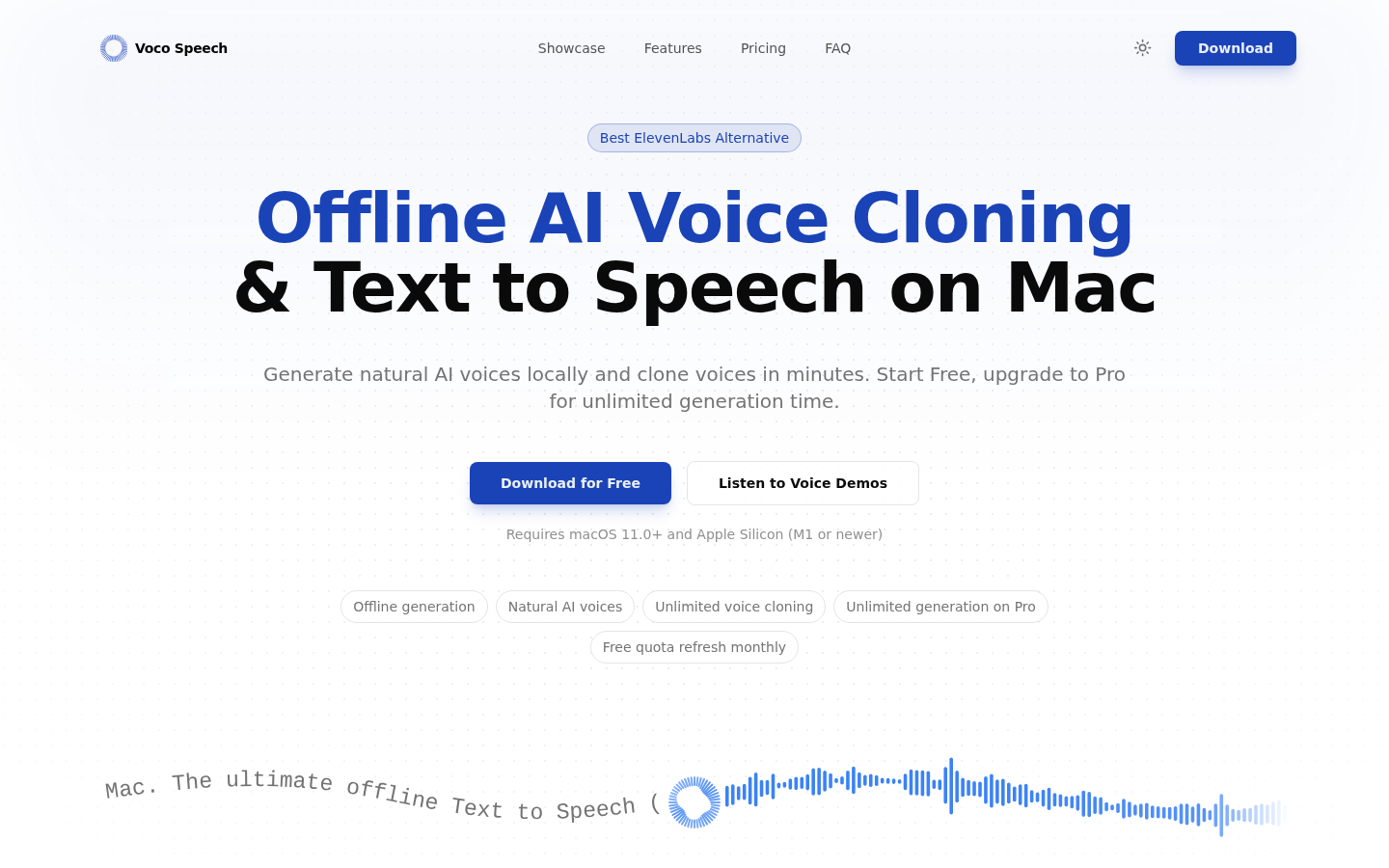
Screenshot archived from the listing page, for preview only.