Vozo Video Translator
AI video translation with voiceover and lip syncTranslate, dub, and lip-sync a video
Highlights
What you can do with it
- A content manager producing multilingual versions of a video
- An educator localizing a course for students abroad
- An animation studio distributing a show in new markets
How to use it
- 1 Upload your video or paste a link and set the target language
- 2 Refine the translation with AI Pilot prompts or presets
- 3 Check the lip sync and generate subtitles
- 4 Export the finished video
Who it is for
Pros
- One tool covers translation, dubbing, and lip sync
- Translation can be edited as text without a re-record
- Voice cloning keeps tone and rhythm
- Free trial credits to test before paying
Limitations
- Voice cloning needs consent from the speaker, and misuse can break platform rules and local law, with consequences on you
- The free trial is limited to 30 credits, then it is paid
- Lip sync quality depends on the source footage
- Multi-speaker videos need careful setup
What Vozo Video Translator is
Vozo Video Translator is an AI tool that handles three jobs at once: translating a video, generating a voiceover in the target language, and syncing the lips to match. You upload a file or paste a link, specify the target language and how many speakers there are, and the tool does the rest. AI Pilot helps you proofread and refine the translation using presets or your own prompts, so the result fits your tone instead of reading like a literal transcript. Voice cloning replicates tone, accent, and rhythm, emotional nuance is retained, and subtitles can be generated automatically. New users get a free trial with 30 credits.
What you can do with it
- Translate a video and generate a matching voiceover.
- Lip-sync the result for any language or dialect.
- Edit the translation as text without re-recording audio.
- Pick specific speakers in multilingual videos and generate subtitles.
Who it is for
- Content managers producing multilingual versions at volume.
- Educators localizing courses for students in other countries.
- Studios and agencies distributing content into new markets.
What to watch out for
Voice cloning is the sensitive part. You need permission from anyone whose voice you replicate, and using a voice without consent can break the terms of the platforms you publish on and can raise legal issues around voice and likeness rights, with the consequences falling on you rather than the tool. The free trial is limited to 30 credits, so a real project will need a paid plan. Lip sync quality depends heavily on the source footage: fast head movement, obstructions, and heavy facial hair all make the result less convincing. Multi-speaker videos need careful speaker setup, otherwise the wrong voice lands on the wrong line.
FAQ
Is there a free trial?
Yes, new users get a free trial with 30 credits.
Does it lip-sync as well as dub?
Yes, it handles lip sync for any language or dialect and can pick specific speakers in multilingual videos.
Can I fix the translation without re-recording?
Yes, text-based editing lets you adjust the script without recording the voiceover again.
Why it is free
What the official page says: free trial
Free limits, trial length and features are decided by the official site and can change at any time.
Product preview
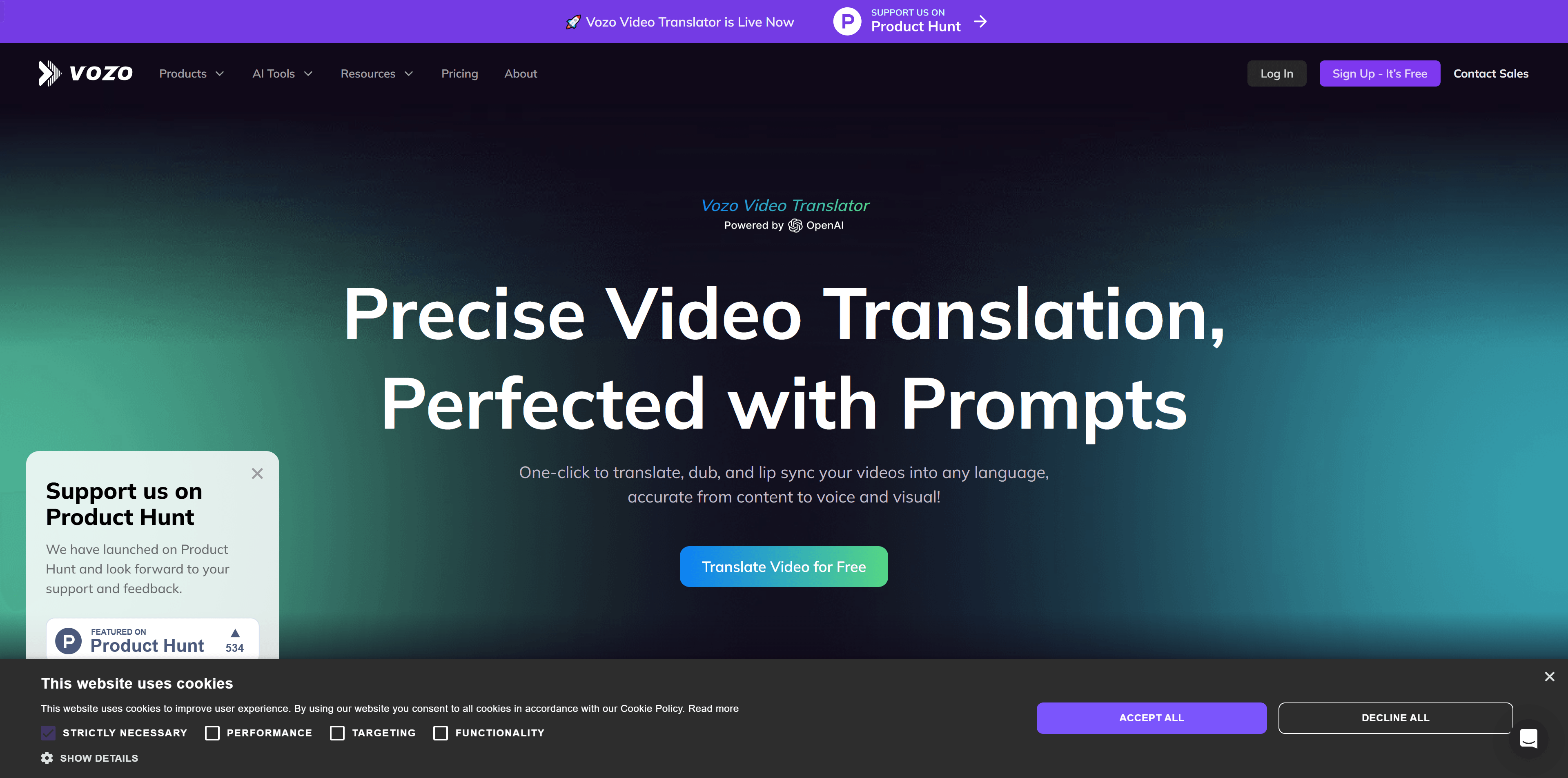
Screenshot archived from the listing page, for preview only.