
Vunote
Turns YouTube lectures into AI study notesFree to start, learn from video in three steps
Highlights
What you can do with it
- Turn a history lecture series into notes and a mind map before an exam
- Collect key data and viewpoints from several academic talks for a research project
- Search a programming tutorial transcript to find one function explanation fast
How to use it
- 1 Add your material: upload several videos, paste YouTube links or playlists, or drag audio files into the workspace
- 2 Let the system build timestamped notes and transcripts while you watch
- 3 Search the notes, then build a mind map, flashcards, or a research report from them
- 4 Ask the assistant questions about the content and review what you saved
Who it is for
Pros
- Free version available, so you can try the full workflow before paying
- Searchable transcripts save rewatching hours of video to find one fact
- Multi-video linking shows where different lectures agree or disagree
Limitations
- Transcript quality depends on the audio quality of the source video
- The free plan has limits, and the paid Plus tier is needed for heavier use
- Third-party video content should be used for study only; respect copyright and course rules
What Vunote is
Vunote is an AI study tool for people who learn from video. Paste a YouTube link or playlist, or drag in an audio file, and it produces timestamped notes and a searchable transcript of the material. The product is aimed at students and researchers who need to turn long lectures into something they can actually revise. There is a free version to start with, and a paid Plus plan that was listed with a limited time 40 percent discount. It works in the browser and needs no special setup beyond adding your material.
What you can do with it
- Paste YouTube video links, whole playlists, or upload several videos at once
- Drop audio files into the same workspace and get transcripts and timestamped notes
- Search across notes and transcripts instead of rewatching hours of footage
- Link insights between different lectures to see agreement or conflict
- Turn notes into mind maps, flashcards, and structured research reports
- Ask the assistant questions about the video content
Who it is for
- Students preparing for exams from recorded lectures
- Researchers working through many academic talks and talks series
- Software engineers and technical staff learning from tutorial videos
- Self-learners who want a searchable record of what they watched
What to watch out for
Vunote depends on the source video and its audio. If a lecture is noisy or the speech recognition is imperfect, the notes and transcript will carry those errors through, so check anything you plan to quote. The free version has usage limits, and heavier study workloads will push you toward the paid Plus plan. Always respect copyright and any course or platform rules when you process third-party video material for personal study.
FAQ
Is Vunote free to use?
There is a free version you can start with. A paid Plus plan also exists, and a limited time discount of 40 percent was listed.
What can I add besides YouTube links?
You can upload multiple videos at once or drag and drop audio files into the same workspace.
What can I build from my notes?
Mind maps, flashcards, summaries, and structured research reports. You can also chat with the notes and transcripts.
Why it is free
What the official page says: free version
Free limits, trial length and features are decided by the official site and can change at any time.
Product preview
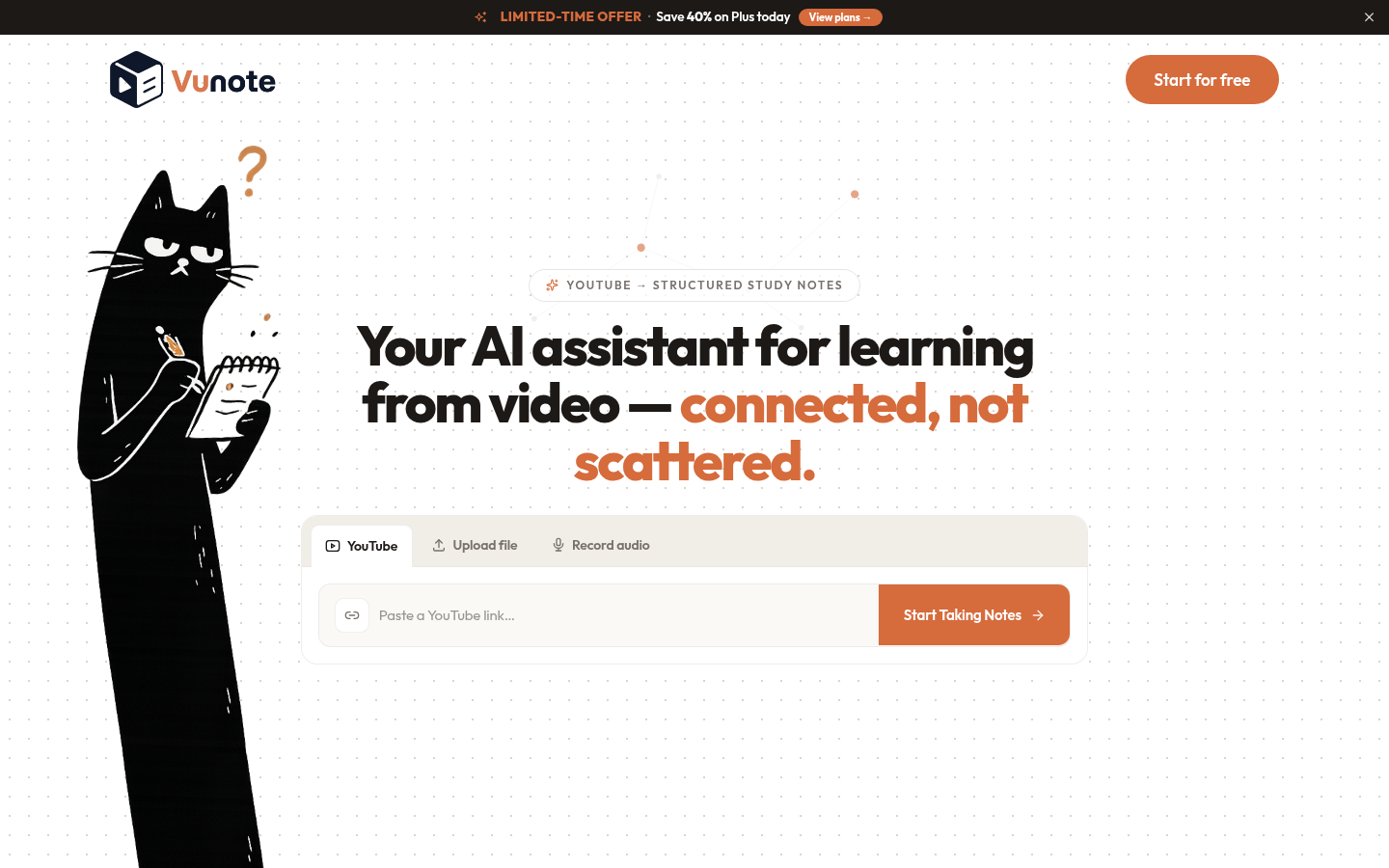
Screenshot archived from the listing page, for preview only.











