
Wikipedia Summarizer
Wikipedia summary toolWikipedia in plain language
Highlights
What you can do with it
- Get a quick overview for a research report
- Learn the basics of a technology field
- Grasp an industry's history and key terms
How to use it
- 1 Open the Wikipedia Summarizer site.
- 2 Paste or select the Wikipedia article you need.
- 3 Generate the summary.
- 4 Read the condensed version.
- 5 Move to a paid plan if you need more usage.
Who it is for
Pros
- Free option available
- Saves time versus reading full articles
- Plain language suits quick learning
Limitations
- Free plan terms and limits may change
- Summaries lose detail and nuance
- Simplified wording can oversimplify complex topics
What Wikipedia Summarizer is
Wikipedia Summarizer is an AI tool that turns Wikipedia articles into short, easy to understand summaries. It is written for Gen Z users, and it rewrites encyclopedia content into language that feels closer to how younger readers talk, which lowers the friction of starting on an unfamiliar subject. You input an article and get a condensed version quickly, which shortens the time needed to get up to speed. The tool offers free and paid subscription options, so basic use does not require payment, while heavier use can move to a paid plan.
What you can do with it
- Condense a Wikipedia article into a short summary
- Read complex topics in plainer, Gen Z friendly language
- Get a fast overview before deeper research
- Use summaries for study, reports, and industry preparation
Who it is for
- Students preparing reports and coursework
- Younger readers who find standard encyclopedia language heavy
- Entrepreneurs and professionals researching a new industry quickly
What to watch out for
A summary is a starting point, not a substitute for the source, so check the original article before citing anything, because a shortened version can drop the caveats that matter. Plain language rewrites can oversimplify topics where nuance is the whole point, and condensed formats lose detail by design. Free plans can change their limits or become paid, so confirm current terms if you rely on it regularly. For academic work, treat the output as background reading rather than a citation, and be aware that the rewritten wording is not the wording used by the encyclopedia itself. Start with a small sample to confirm the output meets your expectations before processing the full batch.
FAQ
What does Wikipedia Summarizer do?
It translates Wikipedia articles into short, easy to understand summaries for Gen Z readers.
Is there a free option?
Yes, the tool offers both free and paid subscription options.
Who is it for?
It is aimed at students, young learners, and anyone who needs a fast overview of a topic.
Why it is free
What the official page says: 免费
Free limits, trial length and features are decided by the official site and can change at any time.
Product preview
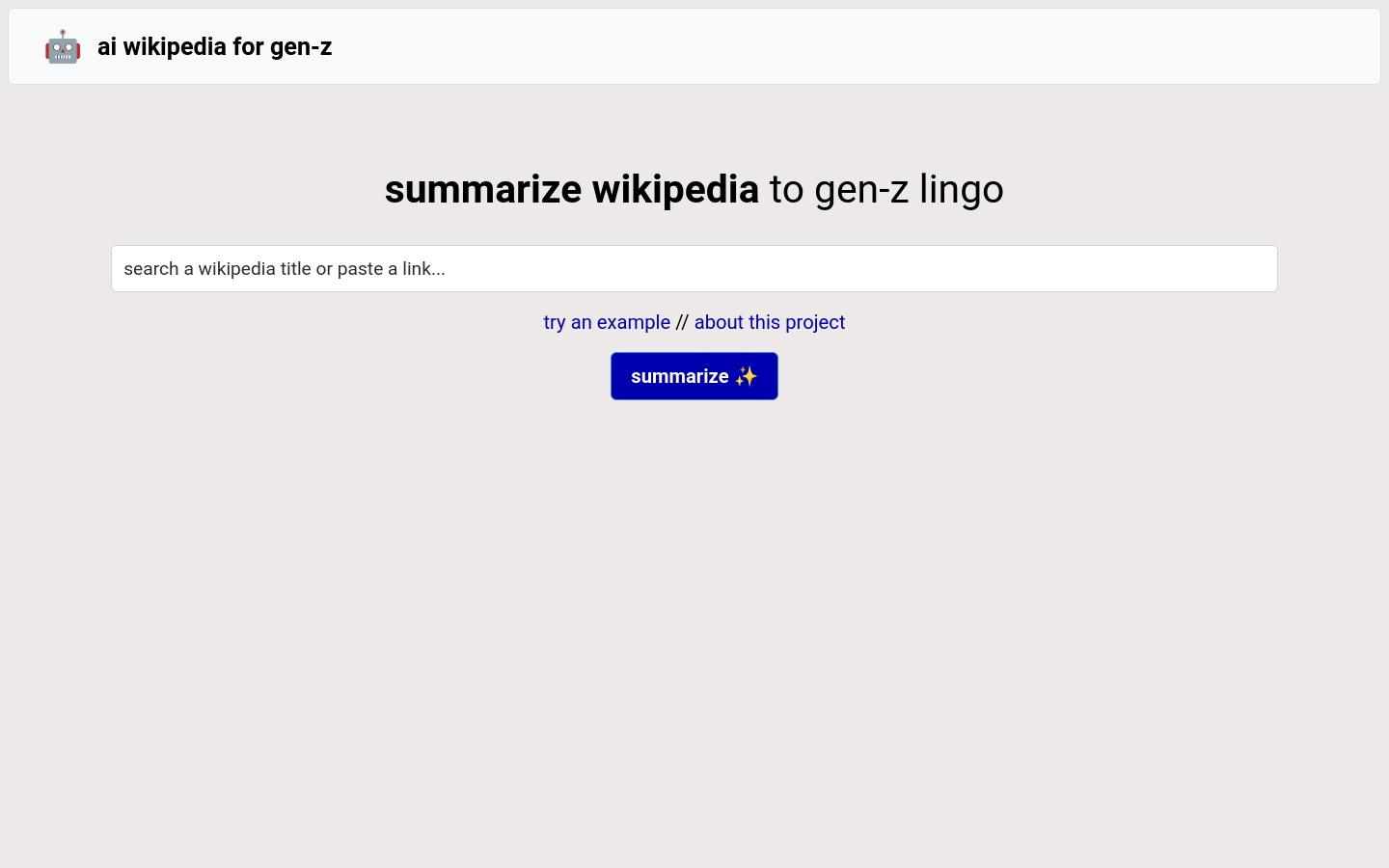
Screenshot archived from the listing page, for preview only.











