Xmind AI
AI-powered collaborative mind mappingGenerate ideas, edit together, sync across devices
Highlights
What you can do with it
- Brainstorm product features with AI mind mapping
- Map a work log to record highlights and problems
- Build a business presentation containing a mind map
How to use it
- 1 Open Xmind AI and create a new map
- 2 Use AI assistance to expand ideas
- 3 Invite others to edit in real time
- 4 Embed the map in a presentation
- 5 Sync and access it across devices
Who it is for
Pros
- AI-assisted idea generation
- Real-time collaboration
- History version management
- Cross-device sync
Limitations
- Free version limits compared with paid
- Free and paid rules can change
- Collaboration needs all members online
- Advanced features may need a paid plan
What Xmind AI is
Xmind AI is an online mind mapping tool with AI-powered idea generation and team collaboration. Its features include AI-assisted mind map creation, real-time collaborative editing, and the ability to embed mind maps in presentations. It also provides topic linking, bookmarks, and history version management for easy idea management and organization, plus cross-device syncing access. Both free and paid versions are offered, and the product is positioned as a next-generation collaborative mind mapping tool.
What you can do with it
- Generate ideas with AI assistance
- Edit maps with your team in real time
- Embed mind maps in presentations
- Organize ideas with topic linking and bookmarks
- Track changes with history version management
- Sync and access maps across devices
Who it is for
- Teams brainstorming and planning together
- Individuals organizing notes and work logs
- Presenters who want maps inside slides
- Anyone who prefers visual idea organization
What to watch out for
The free version has limits compared with the paid version, and the split between them can change. Real-time collaboration needs all members online at the same time, which can be hard across time zones. Advanced features may require a paid plan, so check what the free tier includes before you rely on it. Cross-device sync depends on the service being available and on you signing in on each device. Behavior may vary across browsers and devices, so test before production use and consult the help docs if errors appear. Features and interface details may change between versions, so review the latest notes on the page before you start. Save a backup of the original file before large batch jobs, and keep an exported copy of key results in case the page or service becomes temporarily unavailable.
FAQ
Is there a free version?
Yes, it offers both free and paid versions.
What does the AI do?
It assists with idea generation for mind maps.
Can teams edit together?
Yes, it supports real-time collaborative editing.
Can I use it in presentations?
Mind maps can be embedded in presentations.
Why it is free
What the official page says: 免费
Free limits, trial length and features are decided by the official site and can change at any time.
Product preview
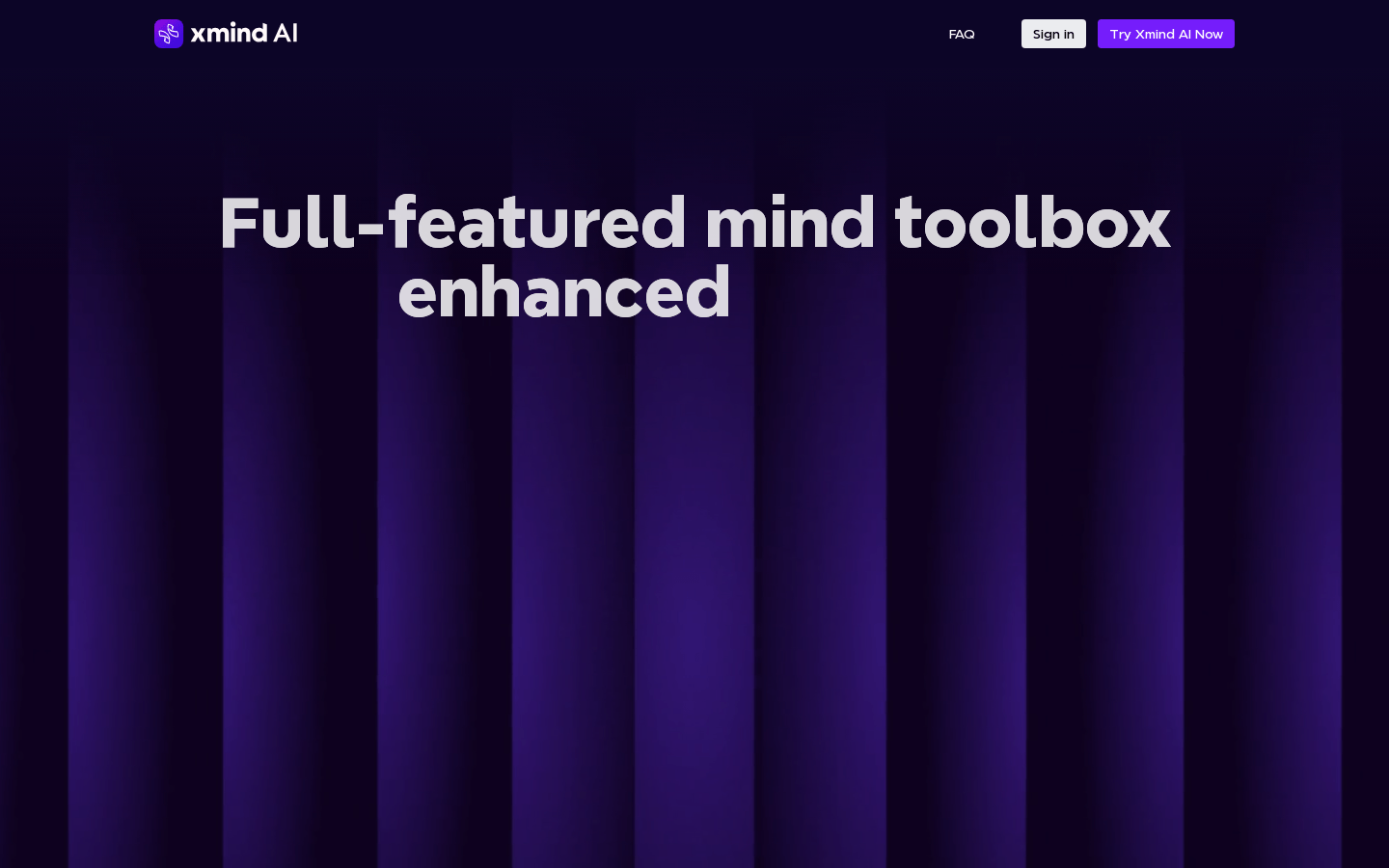
Screenshot archived from the listing page, for preview only.