Tencent Docs
Cloud office suite for real-time team document collaborationEdit documents together, in the cloud
Highlights
What you can do with it
- A rescue team collecting and sharing information quickly
- A project team building a shared knowledge base
- Operations teams reaching out to users efficiently
How to use it
- 1 Register and open Tencent Docs
- 2 Create a new document or import an existing file
- 3 Edit with real-time saving to the cloud
- 4 Invite teammates by link or add collaborators
- 5 Use the AI assistant and set permissions as needed
Who it is for
Pros
- Smooth real-time collaboration across devices
- AI assistant speeds up document creation
- Free version covers everyday teamwork
Limitations
- Enterprise features and larger needs need a paid version
- Requires a stable connection for real-time editing
- Free version limits and features may change over time
What Tencent Docs is
Tencent Docs is a cloud-based office tool built for collaborative teamwork. Multiple people can edit documents, spreadsheets, and presentations at the same time across different devices, and everything saves to the cloud as you work. It includes permission and security controls so you decide who can see or change a file, and an AI assistant that can generate documents from a single sentence. The goal is to make team collaboration smoother and cut the friction of sending files back and forth. A free version is available, with an enterprise version for organizations that need more.
What you can do with it
- Edit documents, spreadsheets, and presentations together in real time
- Store files in the cloud and reach them on any device
- Set permissions to control who can view or edit
- Use the AI assistant to draft documents and process data
- Share a link to bring teammates into a file
Who it is for
- Teams that edit documents together on a regular basis
- Organizations building a shared knowledge base
- Operations groups coordinating fast information sharing
- Anyone who wants cloud files with permission control
What to watch out for
Real-time editing depends on a stable internet connection, so weak connectivity can interrupt collaboration and syncing. The free version covers everyday teamwork, but larger organizations and advanced admin needs push you toward the enterprise version. Because files live in the cloud, take permission settings seriously and avoid putting sensitive data where it should not be. Free version limits and features may also change over time, so confirm current terms if you plan to rely on it for important, shared work.
FAQ
What is Tencent Docs?
It is a cloud-based office tool that supports real-time collaborative editing of documents, spreadsheets, and presentations across devices.
Does it have AI features?
Yes. It includes an AI assistant that can generate documents from a single sentence and help process data.
Is there a free version?
Yes. Tencent Docs offers a free version as well as an enterprise version for larger organizations.
Why it is free
What the official page says: free version
Free limits, trial length and features are decided by the official site and can change at any time.
Product preview
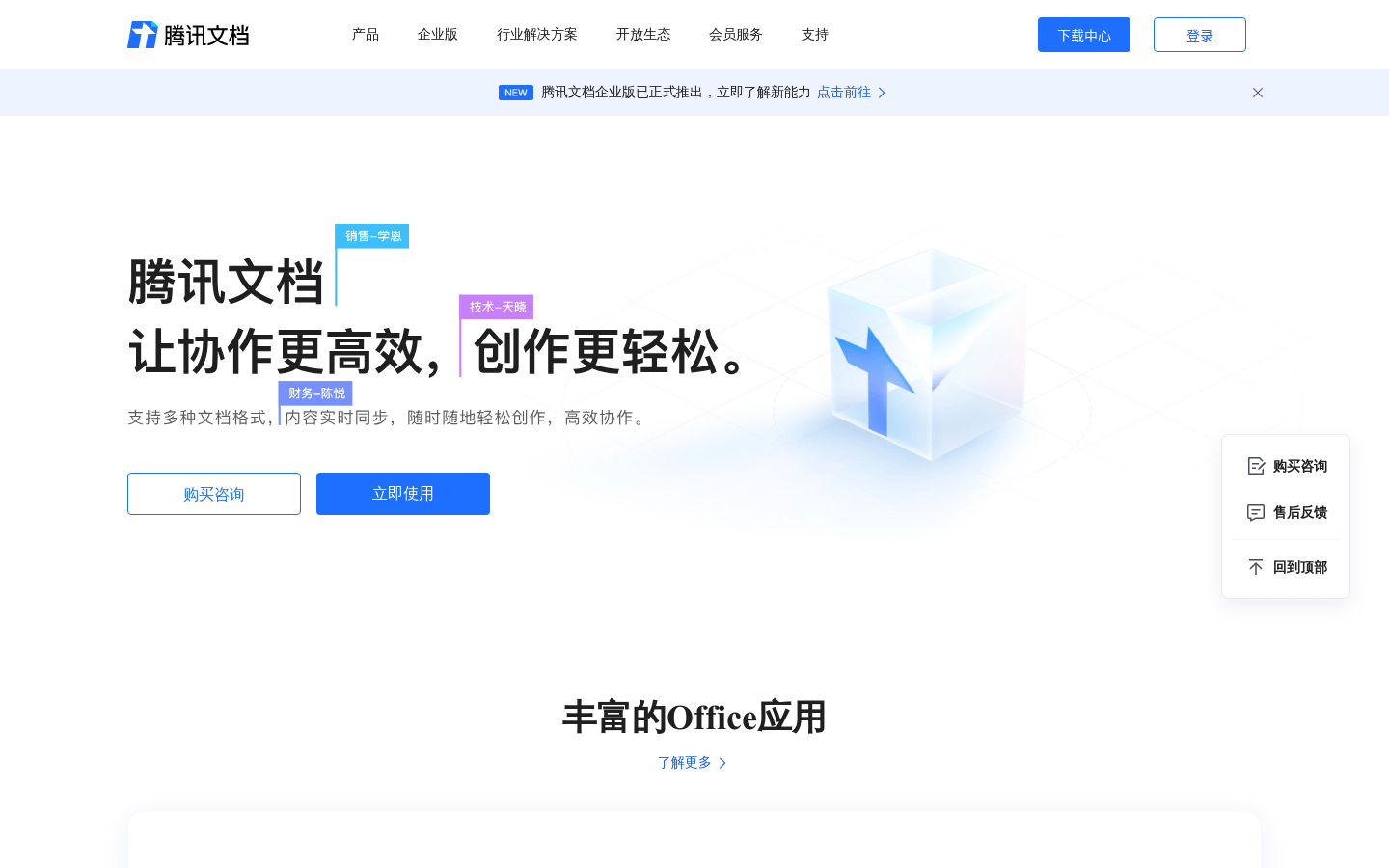
Screenshot archived from the listing page, for preview only.