3D House Planner
Free browser-based 3D house design toolDesign houses and apartments in 3D, free in browser
Highlights
What you can do with it
- Plan room layouts and furniture for your own home
- Produce 3D property models for sales presentations
- Show a client a design idea visually instead of on paper
How to use it
- 1 Open the 3D House Planner site in your browser
- 2 Click Start Designing to enter the design interface
- 3 Build walls, floors, roofs and frames with the provided tools
- 4 Import models or furnish the space from the item library
- 5 Apply materials and textures, then export the 3D model locally
Who it is for
Pros
- Completely free and browser based with no install
- Flexible imports plus a large item library
- Local export keeps design data off third party servers
Limitations
- Free terms can change and no long term promise is given
- Browser performance depends on your device and project size
- Large multi-floor projects can get heavy to work with
What 3D House Planner is
3D House Planner is a professional online 3D home design tool that runs in a browser without installation. You can construct walls, floors, roofs, and frames quickly, import 3D models in GLB, GLTF, OBJ, and Babylon formats, and furnish rooms from a library containing thousands of items. Importing a floor plan image lets the AI generate a 3D floor plan in a single click. Materials and textures are highly customisable, terrain modelling and drawing are supported, and buildings of up to 50 floors can be designed. The listing says design data can be saved locally by exporting the 3D model rather than using cloud storage, which it presents as a privacy benefit.
What you can do with it
- Build the structure of a house or apartment from scratch
- Import existing models or furnish rooms from a large item library
- Convert a floor plan image into a 3D layout in one click
- Apply custom materials, textures, and terrain to the design
Who it is for
- People planning a home layout without professional design training
- Real estate developers who need 3D visuals for sales presentations
- Interior design studios showing clients a visual concept
What to watch out for
Everything runs in a browser, so performance depends on your device, and large multi-floor projects with detailed models can become slow to edit. The tool is aimed at visual design rather than engineering documentation, so structural, electrical, or permit work still needs qualified professionals. Importing models in several formats is useful, but files from other packages may need cleaning before they behave well. The listing describes the software as completely free, yet free terms can change, so confirm current conditions on the official site before you rely on it for client work.
FAQ
Is 3D House Planner free?
The listing describes it as completely free and browser based, with no installation required.
Can I import my own models?
Yes. The listing names GLB, GLTF, OBJ, and Babylon formats for imported 3D models.
Where are my designs stored?
The listing says design data can be saved on local devices by exporting the 3D model, without cloud storage.
Why it is free
What the official page says: completely free
Free limits, trial length and features are decided by the official site and can change at any time.
Product preview
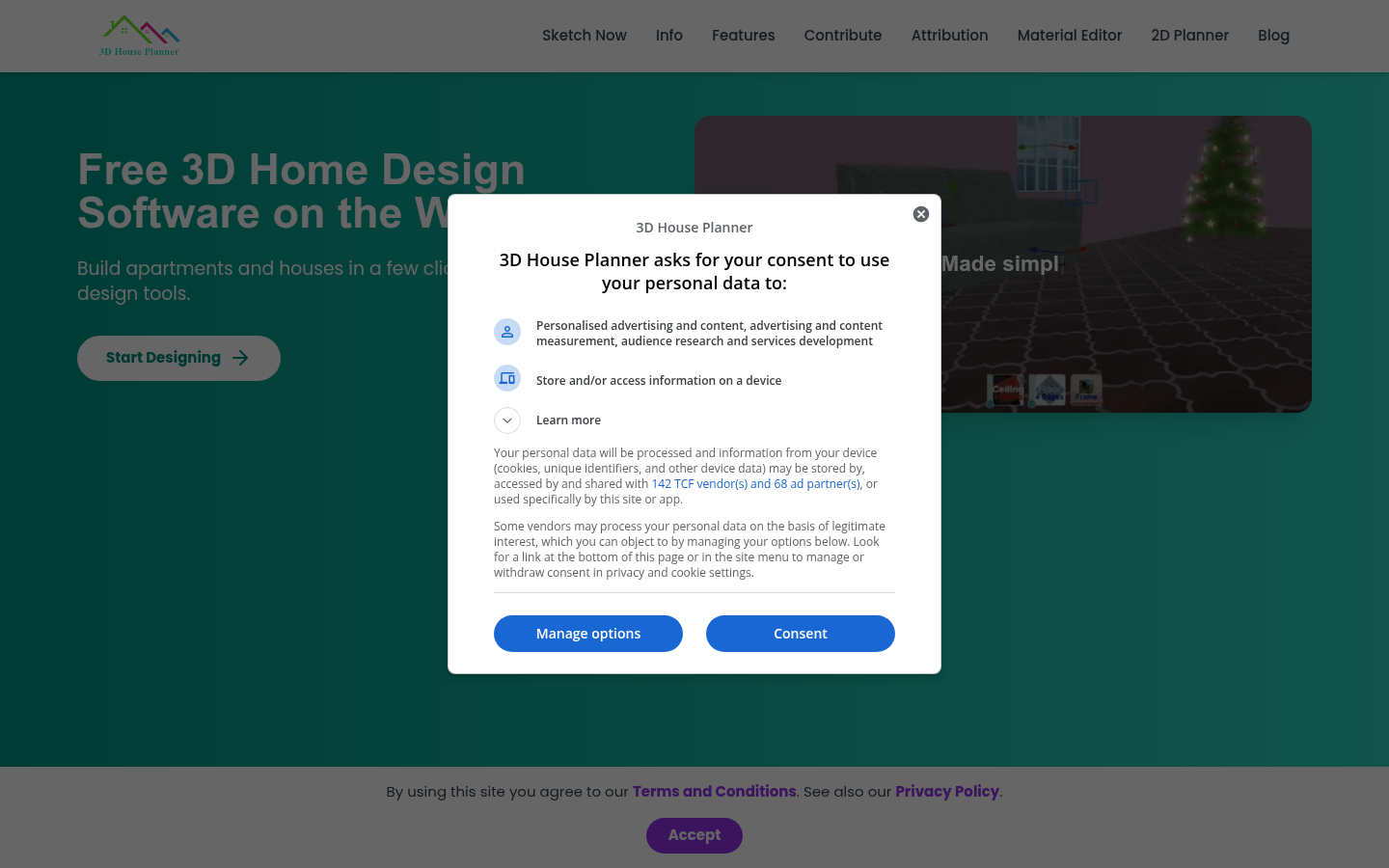
Screenshot archived from the listing page, for preview only.