AI Call
Real-time phone and video call translatorTranslate calls across 100 languages
Highlights
What you can do with it
- Cross-border business meetings and video conferences
- Asking for help or directions while traveling
- Practicing a language with a native speaker on the phone
How to use it
- 1 Download AI Call from the iOS or Android store
- 2 Select the language the other person speaks
- 3 Enter their number with the country code
- 4 Start the call and let the app translate both sides
Who it is for
Pros
- Works on ordinary phone calls, no app needed on the other end
- Broad language coverage at 100 languages
- Free to download, so the basics are easy to try
Limitations
- Advanced features require a subscription
- Translation quality depends on audio and network conditions
- Call content passes through a translation service, so privacy matters
What AI Call is
AI Call is a mobile application developed by TaraAI LLC for iOS and Android. It is built for one job: translating phone and video calls in real time so two people who do not share a language can still talk. The app claims translation in under half a second using advanced neural translation models, and it covers 100 languages including English, Mandarin, Japanese, Korean, Spanish, French, German, Portuguese, Arabic, Hindi, and Russian. One practical detail stands out: in a regular phone call the other person does not need to install anything, because you simply dial their normal number. It also provides call links through social platforms such as WhatsApp, WeChat, iMessage, Telegram, Instagram, and LINE, plus video calling with live subtitles. The app is free to download, with some advanced features behind a subscription.
What you can do with it
- Translate a voice call in real time on mobile or landline
- Run a video call with translated speech and subtitles
- Reach people through WhatsApp, WeChat, iMessage, and other links
- Use it as a practice tool for learning a language
Who it is for
- Business people handling cross-border calls and meetings
- Travelers facing language barriers on the road
- Language learners who want real conversation practice
What to watch out for
The download is free, but advanced features sit behind a subscription, so check what the free tier actually covers before you rely on it for important calls. Translation quality depends heavily on audio conditions and network stability; background noise, accents, and fast speech all reduce accuracy, and the sub-half-second figure is an ideal case rather than a guarantee. Because spoken content passes through a translation service, it is worth reading the privacy policy before discussing confidential business or personal matters. For high-stakes conversations such as contracts or medical topics, use a professional interpreter instead of trusting an app, since a mistranslated sentence can carry real consequences.
FAQ
Does the other person need the app?
No. For a regular phone call, the other person does not need to install anything; you dial their normal number and the app translates.
How many languages are supported?
The app supports 100 languages, including English, Mandarin, Japanese, Korean, Spanish, French, German, Portuguese, Arabic, Hindi, and Russian.
Is AI Call free?
The application can be downloaded for free, and some advanced features are available through a subscription.
Why it is free
What the official page says: for free
Free limits, trial length and features are decided by the official site and can change at any time.
Product preview
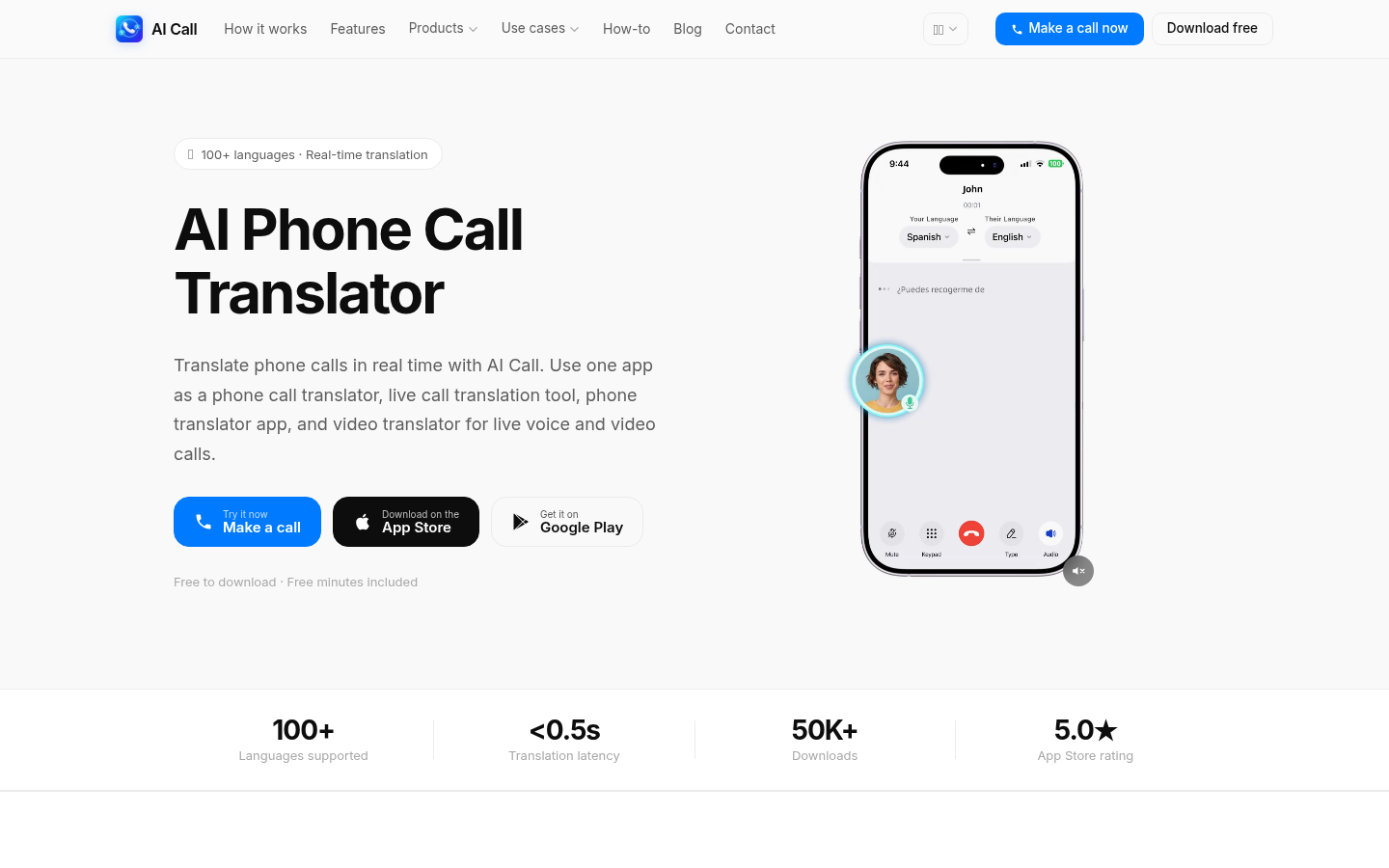
Screenshot archived from the listing page, for preview only.











