AI Eraser
A free Chrome extension that strips personal data from ChatGPT prompts.One click redaction of sensitive details before you send a prompt.
Highlights
What you can do with it
- Removing identifiers from a prompt before sharing a transcript
- Keeping API keys out of a debugging conversation
- Reducing accidental data exposure in research workflows
How to use it
- 1 Install AI Eraser from the Chrome Web Store
- 2 Visit chatgpt.com and find the Redact button in the message bar
- 3 Click it to redact personal information in the conversation
- 4 Click again to undo if you removed too much
- 5 Review the result and edit manually if needed
Who it is for
Pros
- Free and local, so nothing is uploaded
- One-click workflow with undo
- Scoped to chatgpt.com only
Limitations
- Automated redaction can miss things or remove too much, so review is required
- It only covers chatgpt.com, not other AI tools
- Extension behaviour depends on the browser and on ChatGPT's page structure
What AI Eraser is
AI Eraser is a free Chrome extension that removes personal data from ChatGPT prompts before you send them. It targets the kind of information people paste by accident, including social security numbers, API keys, and email addresses, and it adds a Redact button to chatgpt.com so the cleanup is a single click. Everything runs locally on your device, and the extension states that no data is transmitted anywhere, which is the whole point: the sensitive text never leaves your machine in the first place. An undo function restores the original prompt if you redact too much, and the extension activates only when you are on chatgpt.com. The developers still expect you to review the result manually.
What you can do with it
- Strip identifiers from a prompt with one click
- Keep API keys and account details out of a chat
- Undo a redaction if it removed something you needed
- Work without sending anything to an external server
Who it is for
- Developers who paste code, keys, or logs into chats
- Researchers handling sensitive material
- Anyone who wants a quick check before pressing send
What to watch out for
Automated redaction is not perfect. It can miss a piece of information or remove something you needed to keep, so a manual review of the final prompt is still necessary. Coverage is limited to chatgpt.com, so prompts sent to other AI tools are not touched. Because it is an extension that reads the page, changes to ChatGPT's layout or to Chrome's extension rules can affect how it behaves, and browser permissions should be reviewed before you install anything like this. It reduces risk but does not remove it, and nothing replaces not pasting a secret in the first place.
FAQ
What does it remove?
Personal data such as social security numbers, API keys, and email addresses from ChatGPT prompts.
Does my data leave my device?
No. The extension runs entirely locally and states that it does not transmit data to servers.
Can I undo a redaction?
Yes. Clicking Redact again restores the original prompt.
Where does it work?
It activates when you access chatgpt.com.
Why it is free
What the official page says: 免费
Free limits, trial length and features are decided by the official site and can change at any time.
Product preview
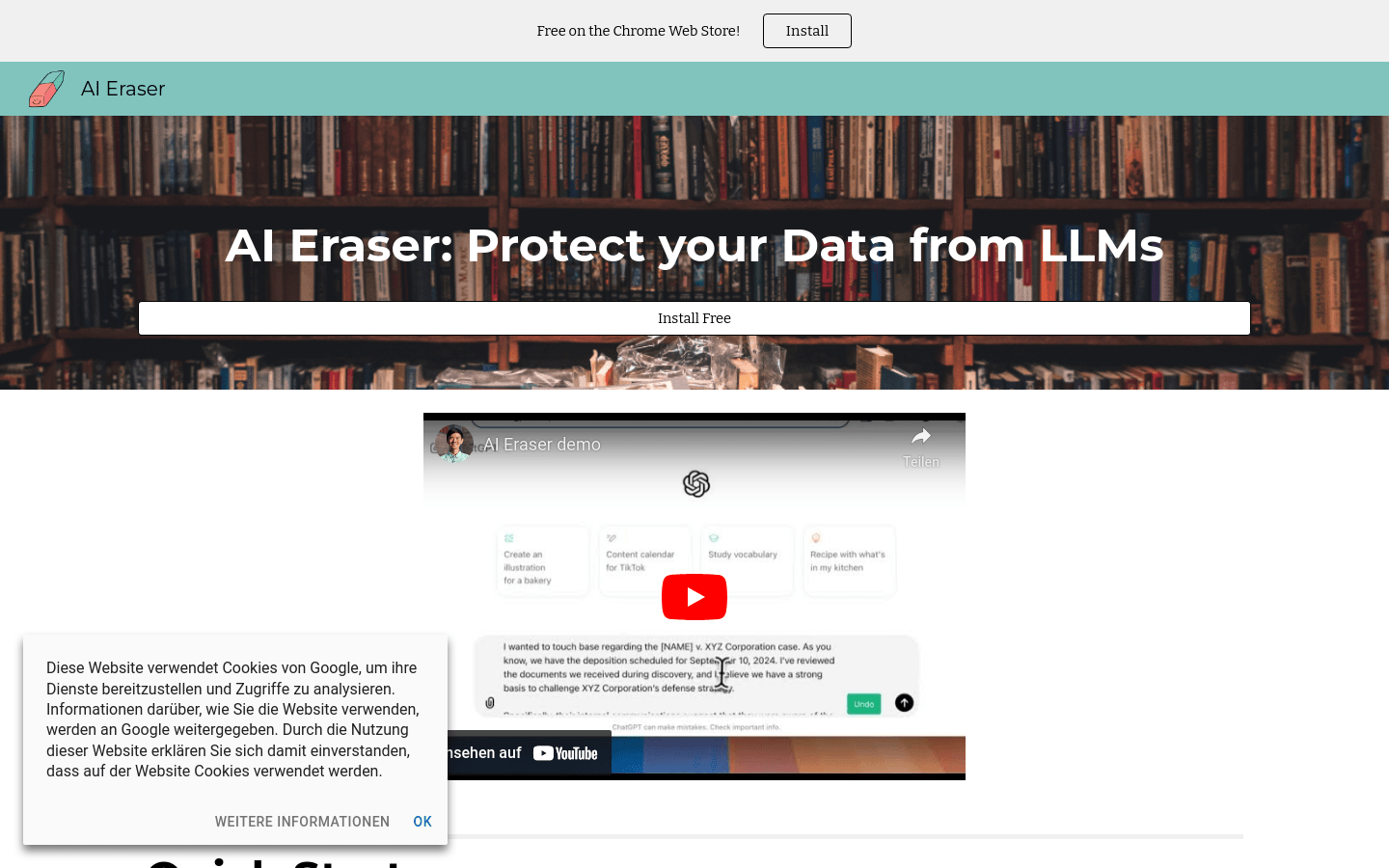
Screenshot archived from the listing page, for preview only.