AI Video Generation Tool
Online AI tool that turns images or text into videoMake video content from a photo or a prompt
Highlights
What you can do with it
- A social media user turns photos into a lifestyle video
- A blogger converts a written article into video form
- A business creates a product introduction video for marketing
How to use it
- 1 Open the tool's website and register an account.
- 2 Choose image-to-video or text-to-video.
- 3 Upload images or type your description.
- 4 Wait for the AI to generate the video.
- 5 Edit with the built-in tools, then save, download, or share.
Who it is for
Pros
- No video editing experience is required to start
- Both photo and text inputs are supported
- Subtitles and basic editing are built in
- Cloud storage keeps files available for sharing
Limitations
- Free trial only; longer use needs a paid plan
- AI-generated footage can look uncanny or repetitive
- Render times vary with queue length
- Fine creative control is limited compared with a real editor
What AI Video Generation Tool is
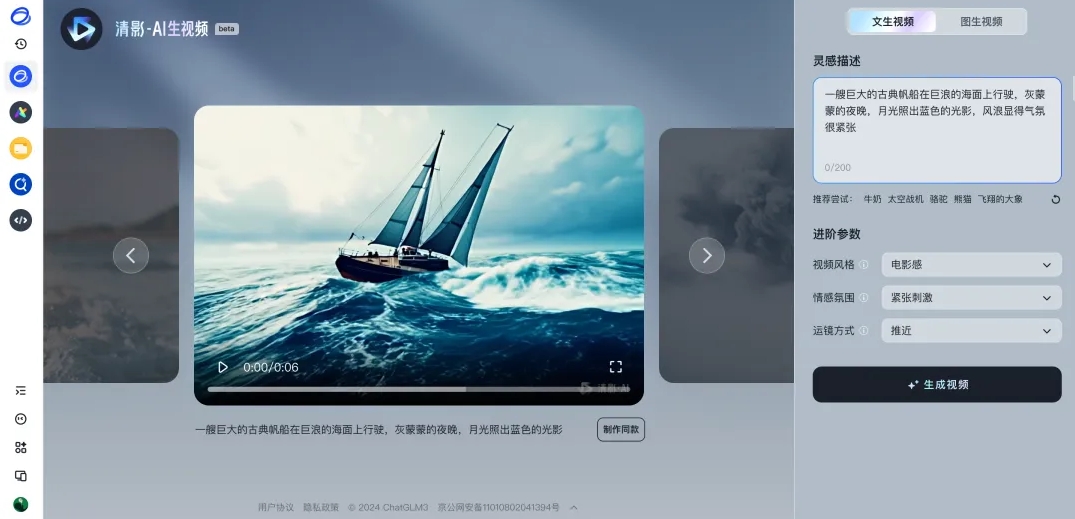
AI Video Generation Tool is an online service that turns images or text into video. You upload photos or type a description, and deep learning models assemble a video from that input. Around the generation itself the site offers basic editing such as cutting and merging, automatic subtitle generation, multi-language support, and cloud storage for finished files. The listing frames it as a way to lower the cost and barrier of video production so ordinary users can make professional-looking clips, and it offers a free trial with pricing on the site.
What you can do with it
- Generate video from uploaded images
- Generate video from a written text description
- Cut and merge clips with the built-in editor
- Generate subtitles automatically from the video content
- Store finished videos in the cloud and share them
Who it is for
- Social media users turning existing photos into short videos
- Bloggers and writers repurposing articles into video form
- Small businesses that need marketing clips without an editor
What to watch out for
Generated video is fast but not precise. Motion can look unnatural, scenes can repeat, and the result rarely matches a specific shot list, so expect to generate several takes and pick the best. Render time depends on server load, and a queue can stretch a job well past what you expect. The free trial is limited and longer use needs a paid plan. Fine creative control is thin compared with a real editor, so anything with strict brand or timing requirements will still need manual finishing. When quality matters, export a small draft first to confirm the result before producing the final file.
FAQ
Does it need editing skills?
No. The listing describes a clean interface aimed at ordinary users producing professional-looking video without prior editing experience.
What inputs does it accept?
Uploaded images for image-to-video, or written text descriptions for text-to-video.
Is there a free option?
A free trial is offered. Full pricing is not listed and should be checked on the site.
Why it is free
What the official page says: free trial
Free limits, trial length and features are decided by the official site and can change at any time.
Product preview
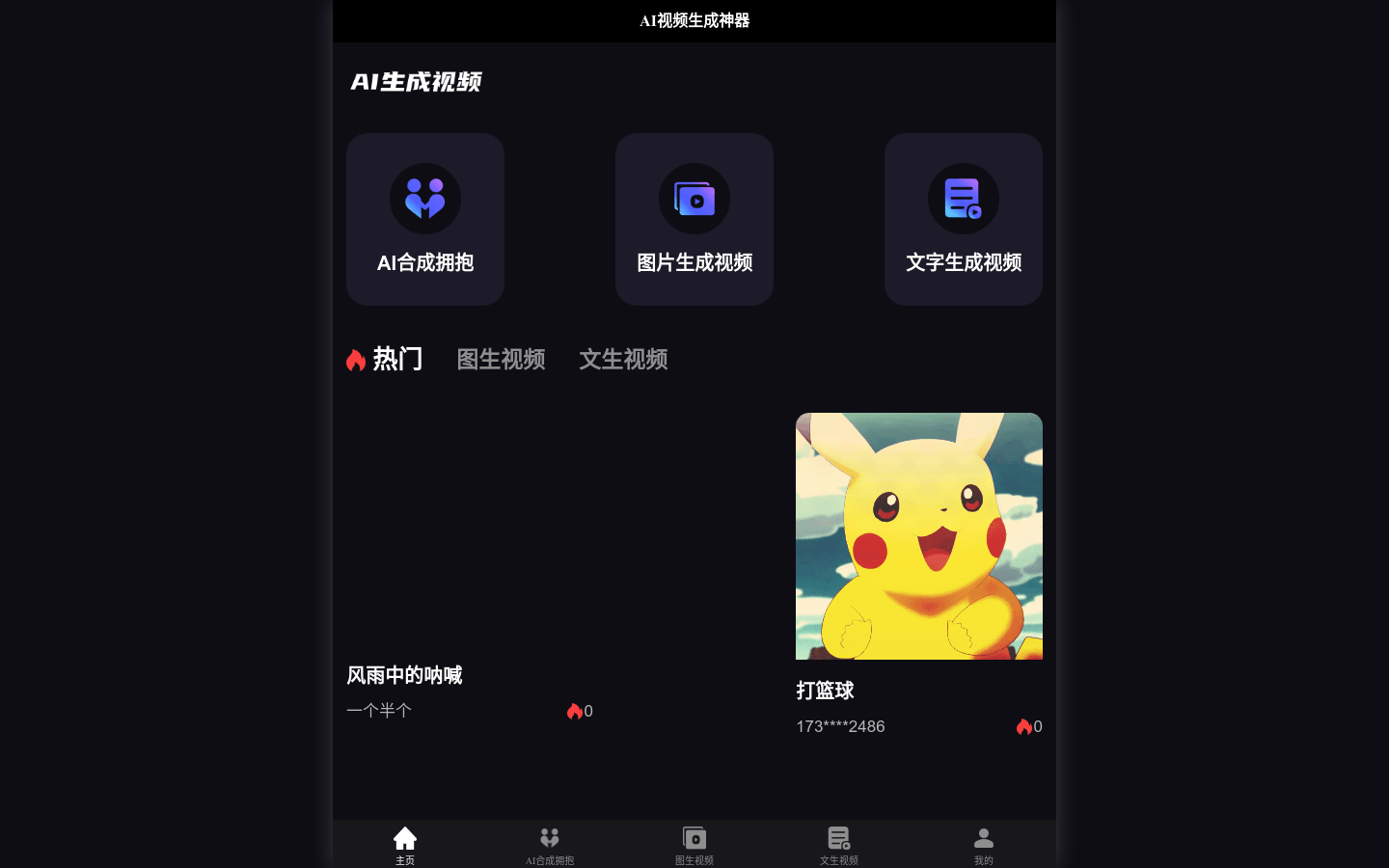
Screenshot archived from the listing page, for preview only.