AI YouTube Description Generator
Free YouTube description generatorSEO-ready descriptions, no login
Highlights
What you can do with it
- Descriptions for newly published videos
- Refreshing the descriptions on older uploads
- Writing copy for a series in one sitting
How to use it
- 1 Open the AI YouTube Description Generator
- 2 Enter the video title
- 3 Paste the script or describe the topic
- 4 Add keywords, choose emoji and tone settings
- 5 Generate, review, and copy into YouTube Studio
Who it is for
Pros
- Free and instant, with no account needed
- Controls for keywords, emojis, and tone
- SEO-oriented structure and length
- Works even when you only have a rough topic
Limitations
- Free terms can change without notice
- Generated copy still needs checking against the actual video
- Generic AI phrasing is a risk on a crowded platform
- Depends on the upstream Tella site staying available
What the AI YouTube Description Generator is
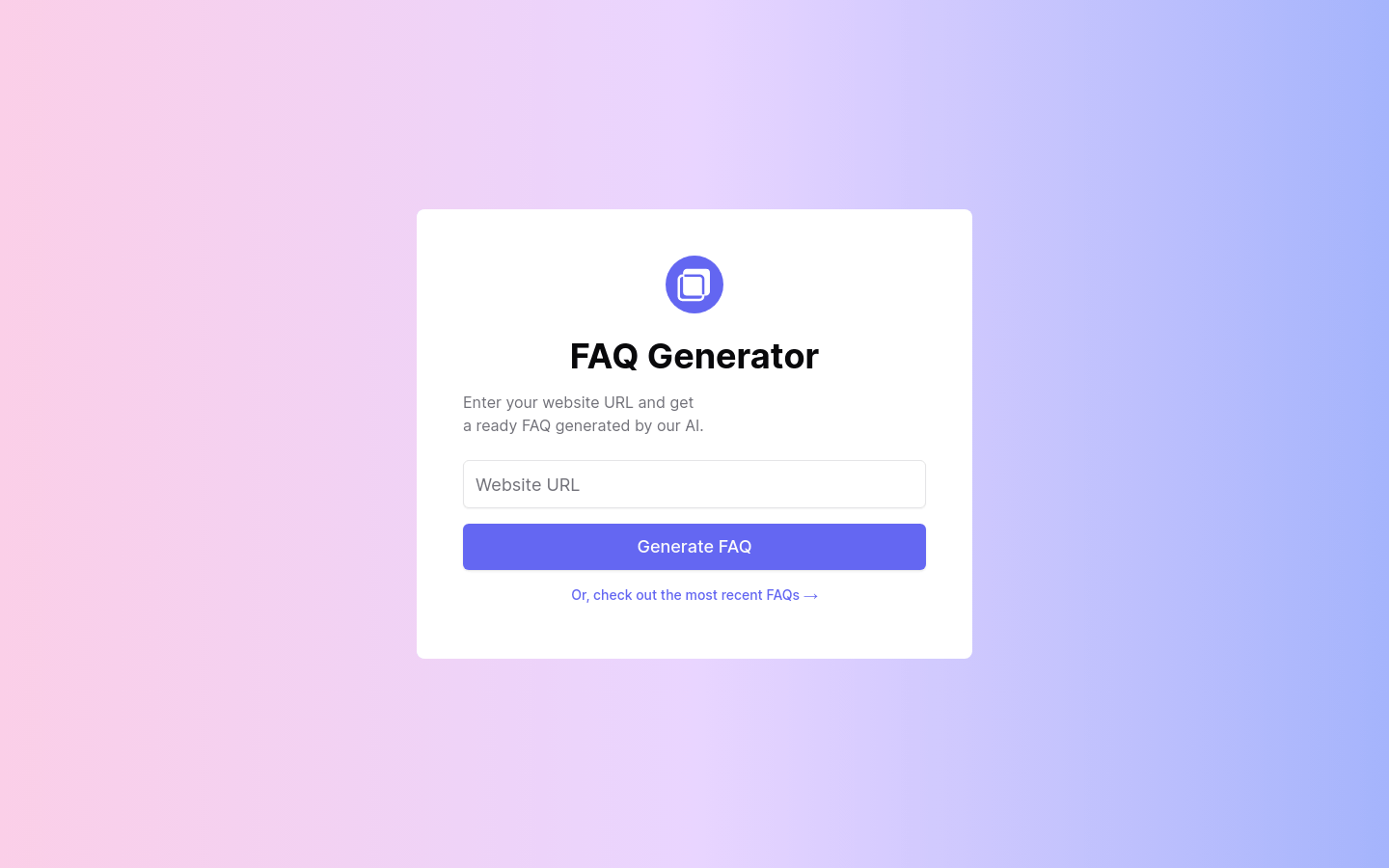
The AI YouTube Description Generator is a single-purpose tool from Tella that writes YouTube video descriptions. You supply a video title and either a script or a general topic, and it returns a description aimed at YouTube search rather than generic marketing copy. You can list keywords you want included, choose whether emojis appear, and select an overall tone so the output matches your channel. The tool is built to make full use of the 5000 character limit YouTube allows, which matters because that space is one of the few places you can put indexable text next to a video. The page states it is free and requires no login.
What you can do with it
- Write a description for a video you are about to publish
- Refresh descriptions on older uploads that were never optimized
- Produce copy for several videos in a series in one sitting
- Keep keyword choices and tone consistent across a channel
Who it is for
YouTubers publishing on a schedule are the obvious audience, since description writing is the step most often skipped when a video goes out late. Creators who care about search visibility benefit from the keyword and length controls. Channel managers handling uploads in bulk can standardize the format instead of writing each one from scratch.
What to watch out for
Free access is advertised rather than guaranteed, and tools like this are frequently folded into a paid product later, so check the page before you build a workflow around it. The generated copy describes what you told it, not what is actually in the video, so a mismatch between description and content is easy to create if you do not review it. Generic phrasing is also a real risk on a platform where many creators use the same models, so edit the output into your own voice before publishing.
FAQ
Is it free and does it need a login?
The page states it is free and no login is required.
Do I need a script?
No. A title plus an overall topic is enough, though a script usually gives a more accurate description.
How long can the description be?
The tool is built to use the full 5000 character limit that YouTube allows.
Can I control keywords and tone?
Yes. You can specify keywords to include, decide on emojis, and pick an overall tone that matches your brand.
Why it is free
What the official page says: 免费
Free limits, trial length and features are decided by the official site and can change at any time.
Product preview
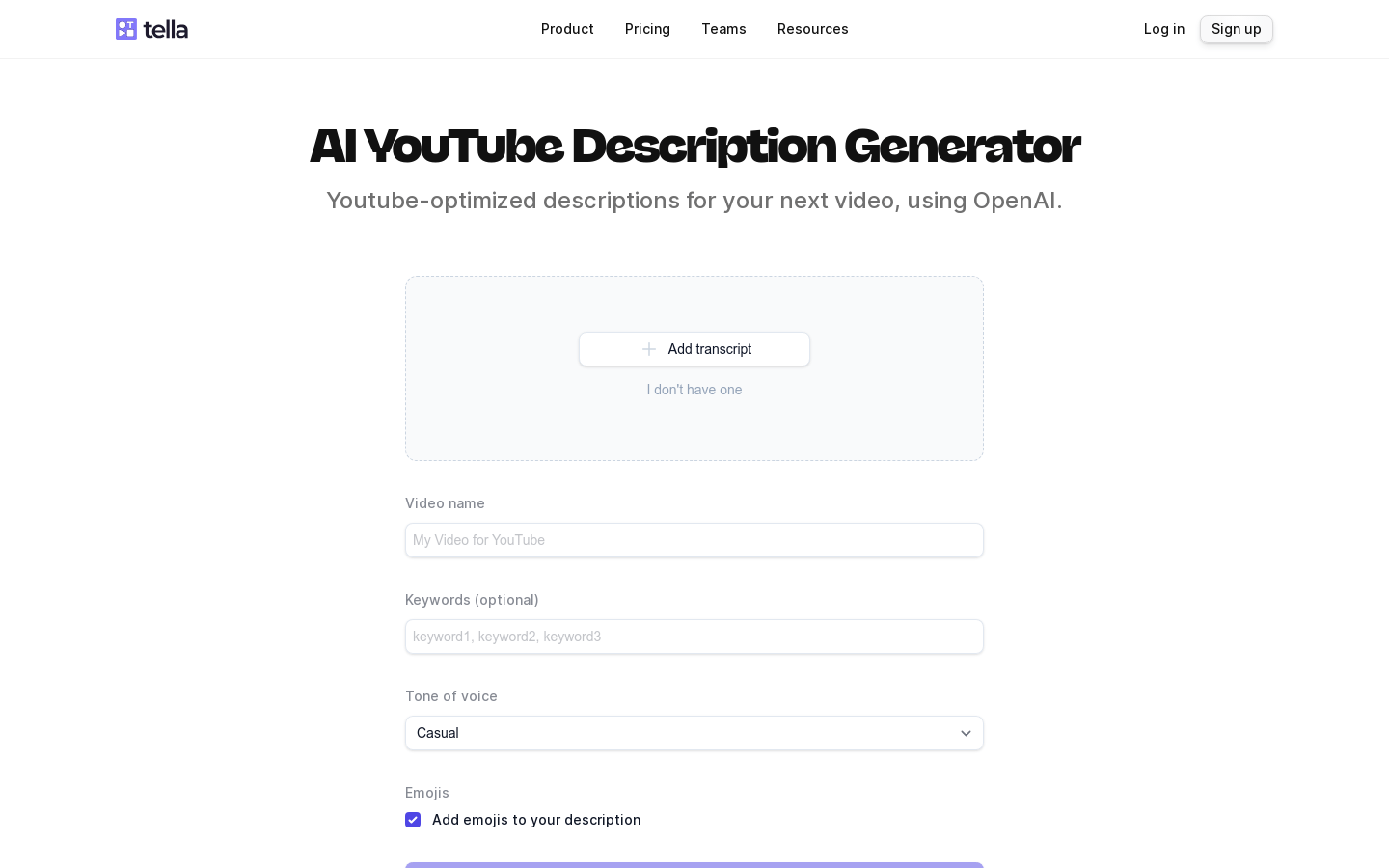
Screenshot archived from the listing page, for preview only.