Artflow
AI creation tool for story videosDesign characters and turn stories into video
Highlights
What you can do with it
- Turn a short story idea into a narrated video
- Design a cast of characters before animating a scene
- Produce visual story content for social channels
How to use it
- 1 Open Artflow and start a new project.
- 2 Design the characters you want in the story.
- 3 Lay out the storyline and scenes.
- 4 Let the AI generate the video.
- 5 Review the output and adjust before exporting.
Who it is for
Pros
- Character and story tools sit in one place
- No animation background needed to start
- Trial available before committing to payment
Limitations
- The full feature set sits behind a paid premium plan
- Generated scenes still need review and editing
- Complex stories may need several attempts to land
What Artflow is
Artflow is an AI creation tool for story videos. Instead of starting from an empty timeline, you begin with the parts of a story: the characters and the plot. You design who appears, build the storyline around them, and then let the system generate video from those choices. The site describes it as turning story ideas into living video creations.
The product is aimed at individual users, creators, and storytellers. A free trial version sits ahead of a paid premium plan, so you can test the workflow before paying. The appeal is that the character and story steps live in the same tool as the generation step, which removes some of the back and forth between separate apps.
What you can do with it
- Design characters and keep them consistent across a project.
- Build a storyline scene by scene before rendering.
-Generate video output from your own story ideas.
- Review and refine the result before you export it.
Who it is for
It suits individual creators making story-driven video, writers who want to see scenes visualized, and storytellers publishing to social platforms. Educators and hobbyists telling short narratives will also find the structure helpful. Professional studios needing frame-accurate control and pipeline integration will find it too limited and should treat it as a sketching tool.
What to watch out for
Full access requires the paid premium plan, and the trial only shows part of the workflow. Generated scenes are a starting point, not a finished film, so expect to review, re-roll, and edit. Long or complex stories often need several attempts before the output matches what you had in mind, and render times can add up across those attempts.
FAQ
What is Artflow for?
Designing characters and storylines, then generating them into video output with AI assistance.
Is there a free version?
Artflow offers a free trial version, with a paid premium plan for fuller access.
Who is it aimed at?
Individual users, creators, and storytellers who want to turn ideas into video without a production team.
Do I need animation skills?
No. The tool handles generation for you, though reviewing and adjusting results still takes your judgement.
Why it is free
What the official page says: free trial
Free limits, trial length and features are decided by the official site and can change at any time.
Product preview
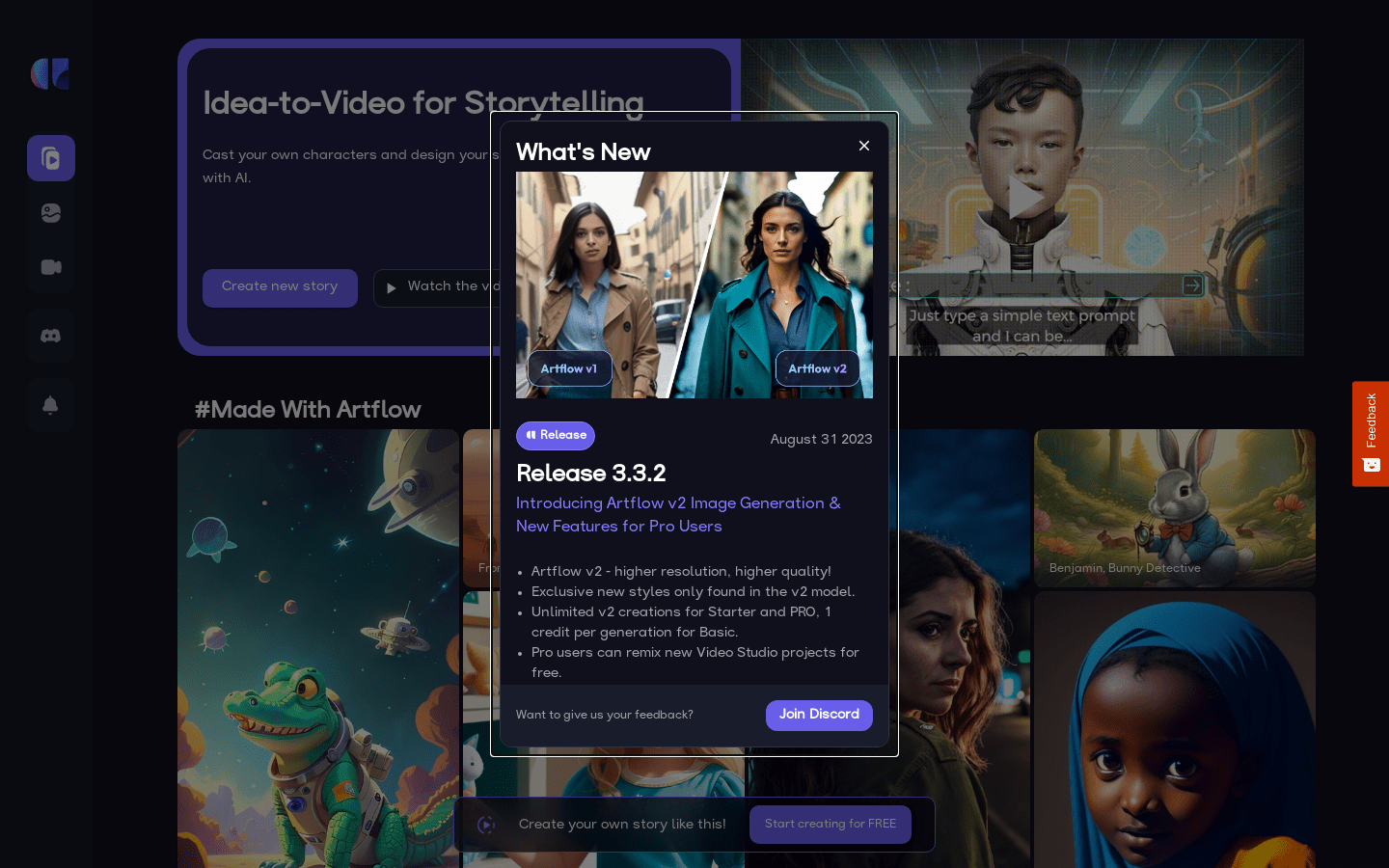
Screenshot archived from the listing page, for preview only.