Bing Translate
Free multilingual text translator with a simple interfaceTranslate text across many languages quickly
Highlights
What you can do with it
- Students translate foreign material for essays
- Business professionals communicate with overseas clients
- Researchers read papers in other languages
How to use it
- 1 Open Bing Translate in your browser.
- 2 Paste or type the text you want translated.
- 3 Pick the source and target languages.
- 4 Read the translation and adjust wording if needed.
Who it is for
Pros
- Supports many languages in one tool
- Simple, easy-to-use interface
- Free version available for everyday use
- Useful for both personal and business translation
Limitations
- Free version is limited and advanced features are paid
- Machine translation may need review for formal use
- Nuance and context can be lost on complex text
- Platform availability and features can change over time
What Bing Translate is
Bing Translate is a multilingual text translation tool. It helps you quickly and accurately translate text across languages, and it is designed to be simple to use. The product offers both free and paid versions, with the paid version adding more advanced features. It targets both individual and business users, so it works for a student reading an article and a professional emailing a client. Because it handles many languages in a clean interface, it covers everyday translation as well as more formal tasks. It is aimed at students, business professionals, and researchers who read across languages.
What you can do with it
- Translate short text instantly across many languages.
- Translate foreign material for essays and study.
- Communicate basic messages with overseas clients.
- Read and understand papers in another language.
Who it is for
- Students translating foreign material for essays.
- Business professionals communicating with overseas clients.
- Researchers reading papers in other languages.
- Anyone who needs quick, everyday text translation.
What to watch out for
The free version is limited, and advanced features require the paid version, and pricing can change over time. Machine translation may need review for formal or sensitive use, and nuance can be lost on complex sentences. For important documents, have a person check the result. As a hosted service, availability and language coverage can change, so confirm current features on the official site before you depend on them. Run one full task end to end first, then expand once you are comfortable with the workflow and the result quality. Behavior may vary across browsers and devices, so test before production use and consult the help docs if errors appear.
FAQ
Is Bing Translate free?
It offers a free version, and a paid version adds more advanced features. Check the official site.
What can I translate?
You can translate text across many languages.
Who is it for?
It targets both individual and business users, including students and professionals.
Is it accurate?
It aims for accurate results, but complex text may need human review.
Why it is free
What the official page says: 免费
Free limits, trial length and features are decided by the official site and can change at any time.
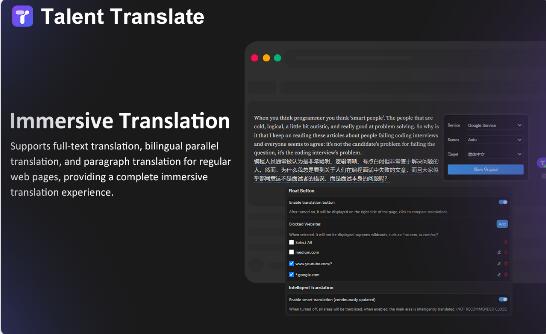
Product preview
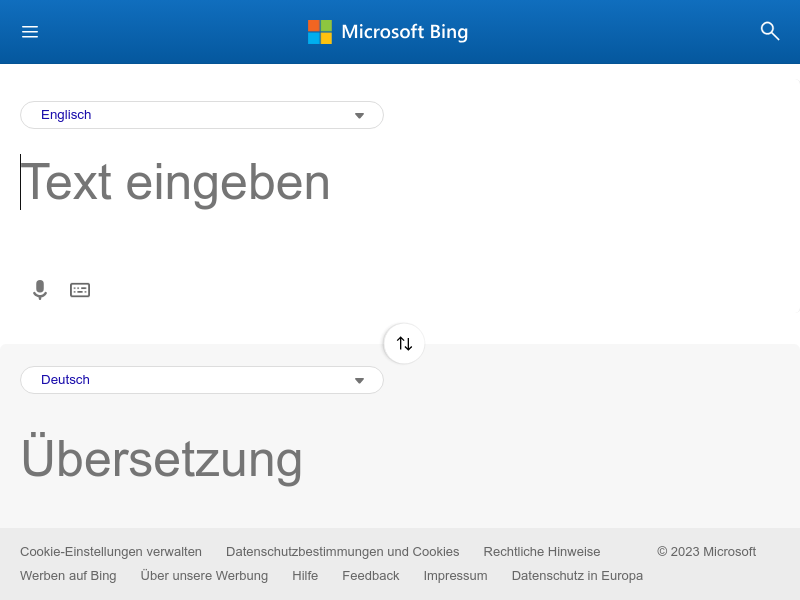
Screenshot archived from the listing page, for preview only.