Quetzal
Fast product internationalization platformShip your product in 20+ languages
Highlights
What you can do with it
- Translate a startup site into several languages in a week
- Localize course content for an international audience
- Manage strings from the editor with the VSCode extension
How to use it
- 1 Register on the Quetzal website
- 2 Install the provided package
- 3 Use the VSCode extension to find user-facing text
- 4 Run the AI translation process
- 5 Review strings in the dashboard and add terminology
Who it is for
Pros
- Free plan until you add a second language
- Fast setup
- Works with common React frameworks
- Automatic detection of new strings
Limitations
- Free plan ends once you add a second language
- Requires developer work to integrate
- Translation quality still needs review
- Paid terms can change
What Quetzal is
Quetzal is an internationalization platform that helps you translate a product into multiple languages. It supports over 20 languages and works with Next.js and React, so it drops into existing projects instead of asking you to rebuild. Setup takes about ten minutes, after which AI combined with your app's context produces translations that read correctly in place rather than word for word. The platform detects new strings on each build, notices the visitor's browser language, and gives you a dashboard for managing every string. A terminology feature keeps product wording consistent, and a generous free plan runs until you add a second language.
What you can do with it
- Translate a product into 20+ languages.
- Integrate with Next.js and React projects.
- Catch new user-facing text on every build.
- Detect the visitor's browser language automatically.
- Manage all strings from a single dashboard.
Who it is for
- Startups entering new markets quickly.
- Development teams shipping multilingual apps.
- Platforms that serve a global audience.
What to watch out for
Integration is developer work, so this is not a no-code tool. AI translation still needs review, especially for UI copy where a wrong word changes the meaning of a button. The free plan ends once you add a second language, which is the moment most teams need to think about cost. Paid terms can change. Start with a small sample to confirm the output meets your expectations before processing the full batch. Free tiers and usage limits can change, so check the current rules on the official page before relying on it long term. Save a backup of the original file before large batch jobs, and keep an exported copy of key results in case the page or service becomes temporarily unavailable.
FAQ
How long does setup take?
About ten minutes to start the translation workflow.
What frameworks are supported?
Next.js and React.
Is there a free plan?
Yes, a generous free plan runs until you add a second language.
Why it is free
What the official page says: free plan
Free limits, trial length and features are decided by the official site and can change at any time.
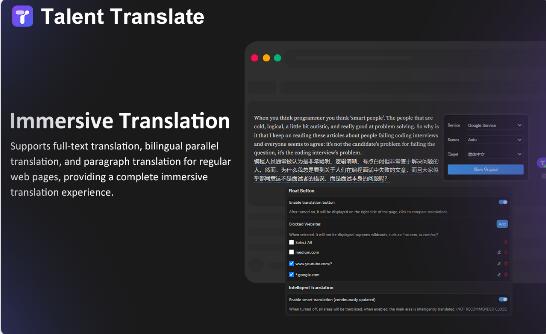
Product preview
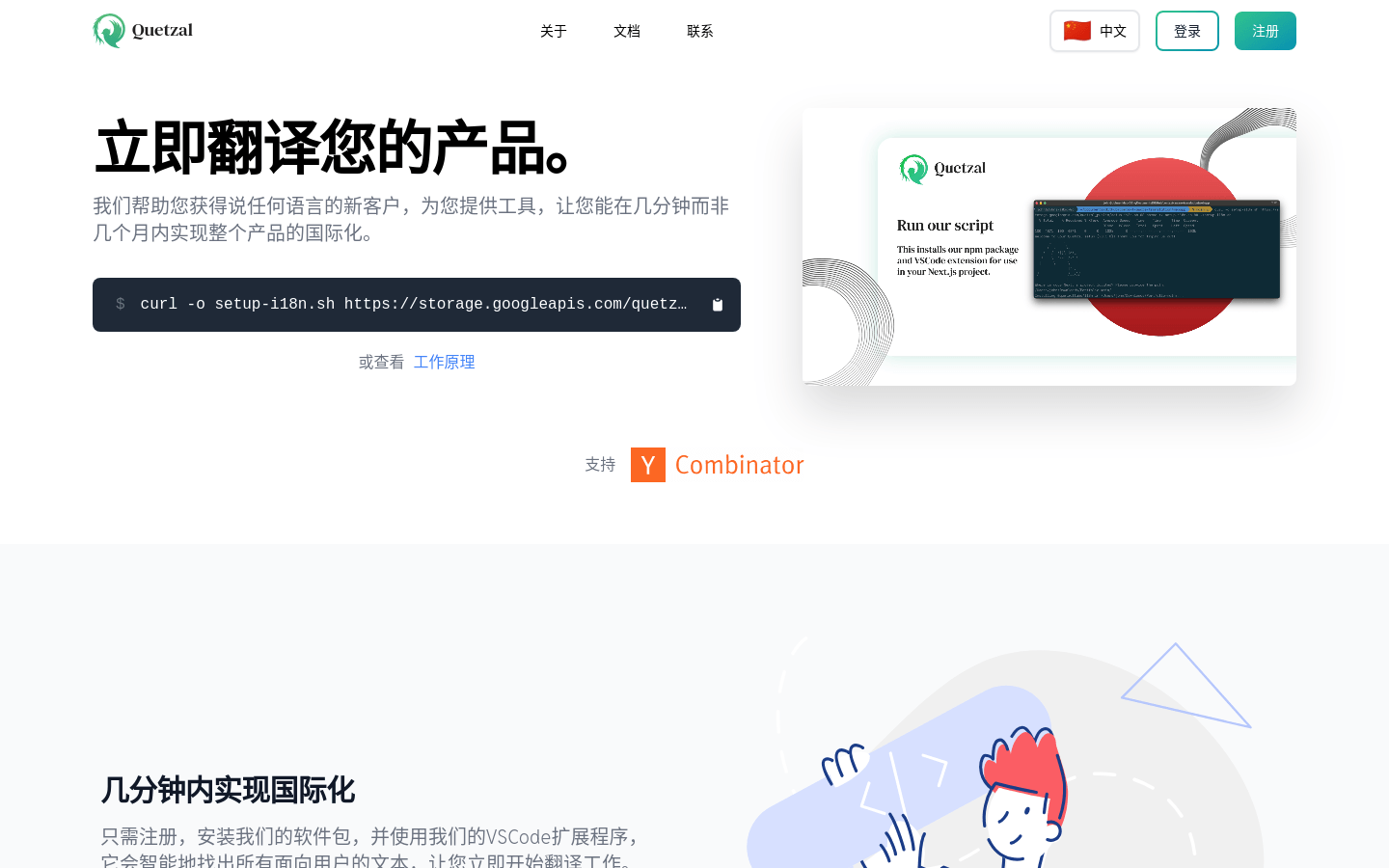
Screenshot archived from the listing page, for preview only.