PDFtoChat
Talk to your PDFs with AIAsk questions and get answers from PDFs
Highlights
What you can do with it
- Students grasp concepts from textbooks faster
- Legal professionals find specific clauses in contracts
- Researchers pull key data from academic papers
How to use it
- 1 Create a free PDFtoChat account
- 2 Upload the PDF file you want to query
- 3 Wait for the AI to analyze the document
- 4 Ask questions about the PDF and review the answers
- 5 Dig deeper or join the open-source community to contribute
Who it is for
Pros
- Free to use with a straightforward workflow
- Open source, so the code is public and community-driven
- Handles complex documents and answers specific questions
Limitations
- Free usage terms may change as the project evolves
- Answer quality depends on the PDF and the underlying AI models
- Requires an account and uploads, so it is not a no-signup tool
What PDFtoChat is
PDFtoChat is a platform that lets you converse with your PDF files. Instead of scrolling through long documents, you upload a PDF and ask questions in plain language, turning a static file into something you can query like a chat. AI analyzes the content and returns the information you need, which speeds up document work. The tool is supported by Together AI and Mixtral, and it is open source, with the source code available on GitHub for anyone to read, review, or contribute to. Key advantages include free usage, an easy workflow, and the ability to handle complex documents. You register for a free account, upload a file, and start asking questions right away.
What you can do with it
- Upload a PDF and ask questions to retrieve specific information.
- Grasp concepts from textbooks and course material faster.
- Find particular clauses in contracts without reading every page.
- Pull key data and figures out of academic papers.
Who it is for
- Students working through textbooks and course material.
- Legal professionals who review contracts and clauses.
- Researchers who extract data from long academic papers.
What to watch out for
Free usage terms may change as the project evolves, so check the current rules before you rely on it for important work. Answer quality depends on the PDF itself and on the underlying AI models, so a poorly scanned or unusual file can give weaker results, and you should verify critical details against the original. You also need to register and upload files, so it is not a no-signup tool, and you should be careful about uploading sensitive or confidential documents. Because the code is open source, developers can inspect and improve it, but that also means features and hosting can shift as contributors come and go.
FAQ
Is PDFtoChat free?
Yes, it offers free usage after you register a free account.
What technology does it use?
It is supported by Together AI and Mixtral, and the code is open source on GitHub.
Who is it for?
It suits students, legal professionals, and researchers who work with PDF documents.
Why it is free
What the official page says: 免费使用免费
Free limits, trial length and features are decided by the official site and can change at any time.
Product preview
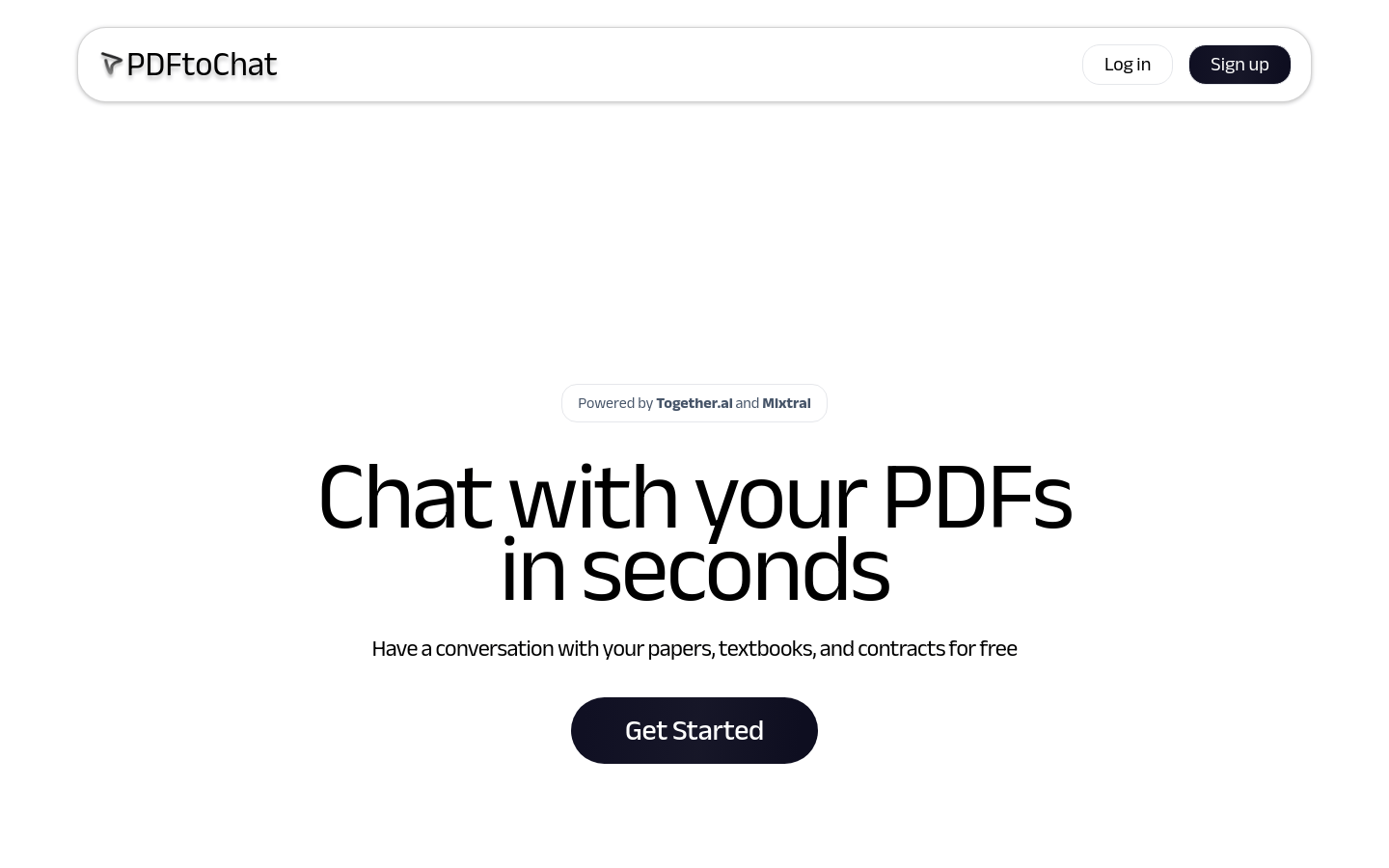
Screenshot archived from the listing page, for preview only.