Originality AI
AI writing assistant with plagiarism checksCount, check, and draft with AI help
Highlights
What you can do with it
- Check originality before publishing an article
- Keep a draft inside a word or character limit
- Organize ideas faster with templates and prompts
How to use it
- 1 Open the Originality AI site and start a new document.
- 2 Write or paste your text into the editor.
- 3 Watch the live word and character count as you go.
- 4 Run the duplicate content and plagiarism check.
- 5 Use the templates and prompts to organize and expand ideas.
Who it is for
Pros
- Counting, checking, and drafting in one tool
- Templates and prompts speed up the blank page
- Free trial to start with
- Helps keep length under control while writing
Limitations
- Free use has limits compared with premium
- Detection is a reference, not proof of originality
- Results still need human judgment
- Premium membership is needed for the fuller feature set
What Originality AI is
Originality AI is an AI writing assistant. It gives real time word and character counts so you can control article length as you write, detects duplicate content and plagiarism to protect originality, and supplies writing templates and prompts to help organize ideas before they turn into paragraphs. Natural language processing and machine learning sit behind those checks. Pricing is flexible: a free trial is available, and premium membership unlocks more features and services. In practice it is a writing companion for people who publish on a schedule and need length control and an originality check in the same window.
What you can do with it
- Watch word and character counts update as you write.
- Run duplicate content and plagiarism checks on a draft.
- Use templates and prompts to structure an article.
- Keep length inside a target while ideas are still moving.
Who it is for
- Writers and editors who publish regularly.
- Content and SEO teams checking work before release.
- Students reviewing their own drafts.
- Publishers screening incoming submissions.
What to watch out for
Free use has limits compared with premium, so check what the trial includes before you rely on it for client work. Detection is a reference rather than proof: a clean result does not guarantee originality, and a flagged passage is not automatically plagiarism, since common phrasing and properly quoted material can both look similar. That means results need human judgment, and they should not be the sole basis for accusing someone or rejecting a submission. Premium membership is needed for the fuller feature set, and pricing can change, so confirm the current terms on the site.
FAQ
Is there a free trial?
Yes, a free trial is offered alongside premium membership.
Can it detect plagiarism?
Duplicate content and plagiarism detection are listed features.
Does it count words?
It provides real time word and character counts.
Who is it for?
Writers, editors, content teams, and anyone who needs to check originality before publishing.
Why it is free
What the official page says: free trial
Free limits, trial length and features are decided by the official site and can change at any time.
Product preview
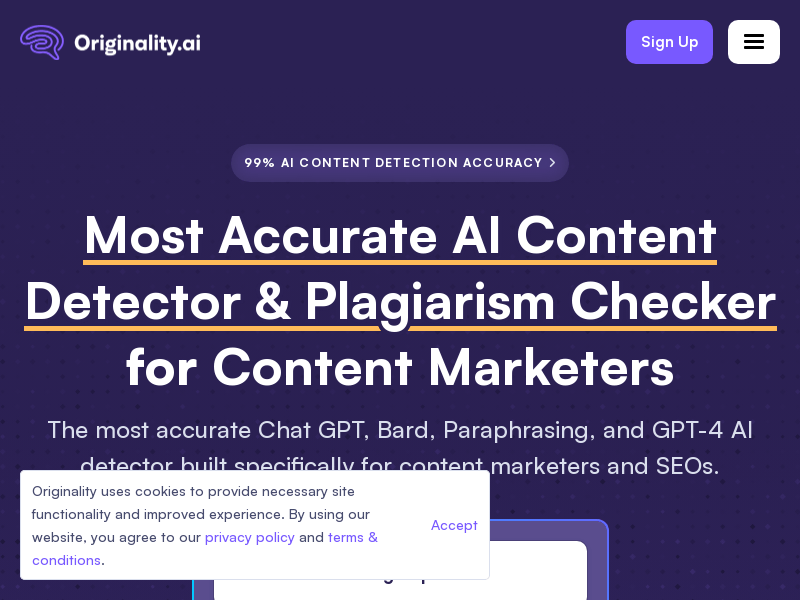
Screenshot archived from the listing page, for preview only.