GRID 2.0
AI office assistantSmart calendar, tasks, and teamwork
Highlights
What you can do with it
- Manage your calendar and daily tasks in one app.
- Keep team files organized with automatic filing.
- Sync work across devices for a small team.
How to use it
- 1 Visit grid.is and choose the free or paid version.
- 2 Set up your calendar and add tasks.
- 3 Upload or connect files for automatic filing.
- 4 Invite teammates to collaborate and sync.
Who it is for
Pros
- Brings calendar, tasks, files, and teamwork together.
- A free version is available to start.
- Multi-device sync and smart reminders save effort.
Limitations
- Feature details are limited, so verify on the official site.
- Advanced features sit behind the paid version.
- Free version and pricing can change over time.
What GRID 2.0 is
GRID 2.0 is an AI-powered office assistant. It offers calendar management, task reminders, file management, and team collaboration, using smart algorithms and speech recognition to deliver efficient office solutions. The listed advantages include smart reminders, automatic filing, multi-device sync, and high security. There are free and paid versions, with the paid version adding more advanced features. The pitch is that it brings common office chores into one place so you spend less time switching between tools. Because it uses speech recognition, you may be able to set reminders and manage your day hands-free. Multi-device sync means your calendar and files can follow you between phone and computer. It is aimed at individuals and businesses that want a smart office assistant.
What you can do with it
- Manage your calendar and set task reminders.
- Organize files with automatic filing.
- Collaborate with a team and sync across devices.
- Use speech recognition to handle office tasks.
- Keep your day organized with smart reminders.
Who it is for
- Individuals who want a smart office assistant.
- Small businesses coordinating tasks and files.
- Teams that need calendar and collaboration in one place.
What to watch out for
The listing for GRID 2.0 is short, so treat the exact tools, limits, and security claims as something to verify on the official site before you rely on them. Advanced features sit behind the paid version, and the free version and pricing can change over time. Because it handles calendars and files, check how it stores and syncs your data, especially for a team. Multi-device sync means your calendar and files can follow you between phone and computer, but confirm which devices are supported. As with any office tool, plan to test it with your real workflow before moving important work onto it.
FAQ
Is GRID 2.0 free?
There are free and paid versions. The paid version adds more advanced features. Check the site for current details.
What does it do?
It is an AI office assistant for calendar management, task reminders, file management, and team collaboration.
Who is it for?
It is aimed at individuals and businesses that want a smart office assistant.
Why it is free
What the official page says: 免费版免费
Free limits, trial length and features are decided by the official site and can change at any time.
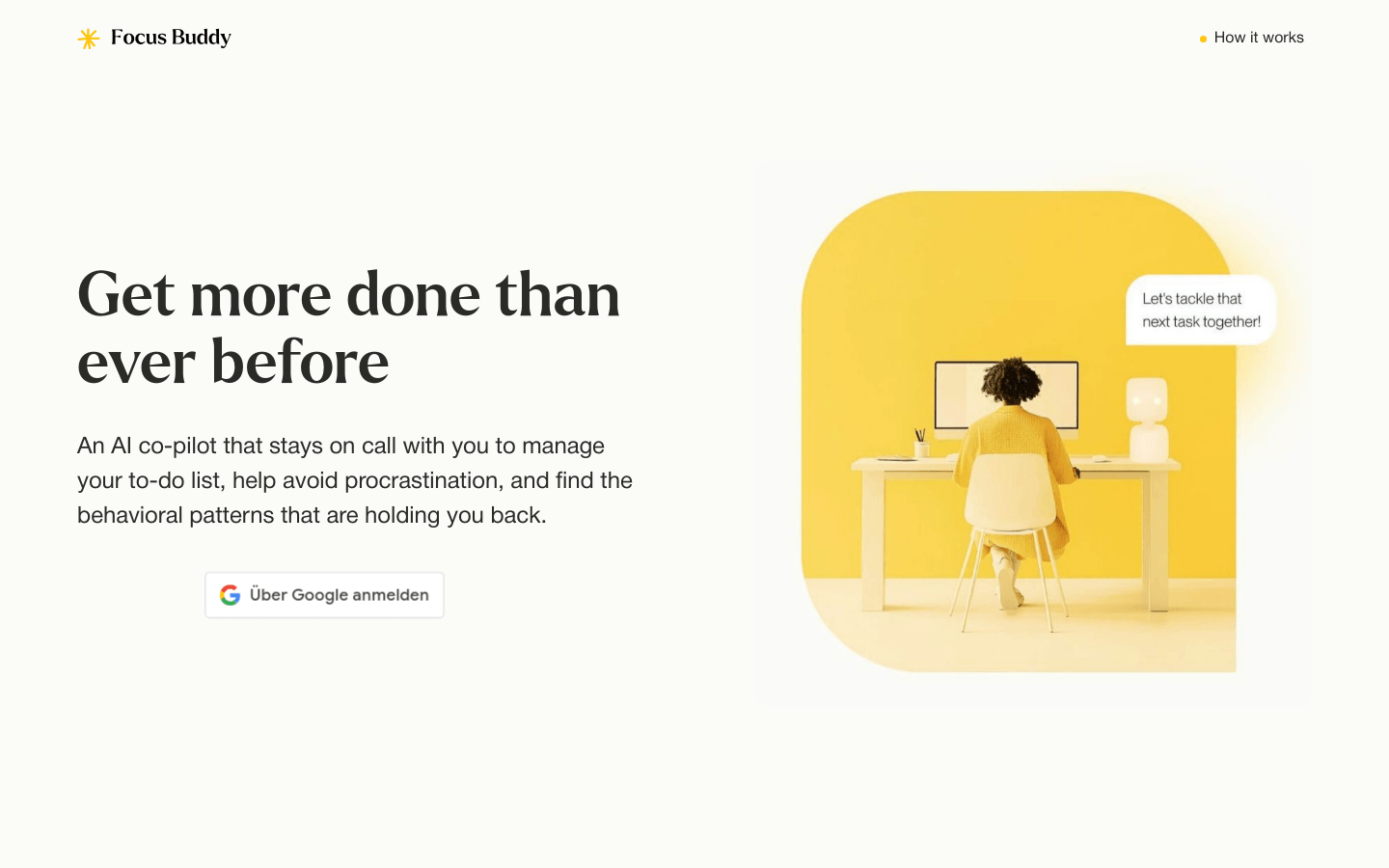
Product preview
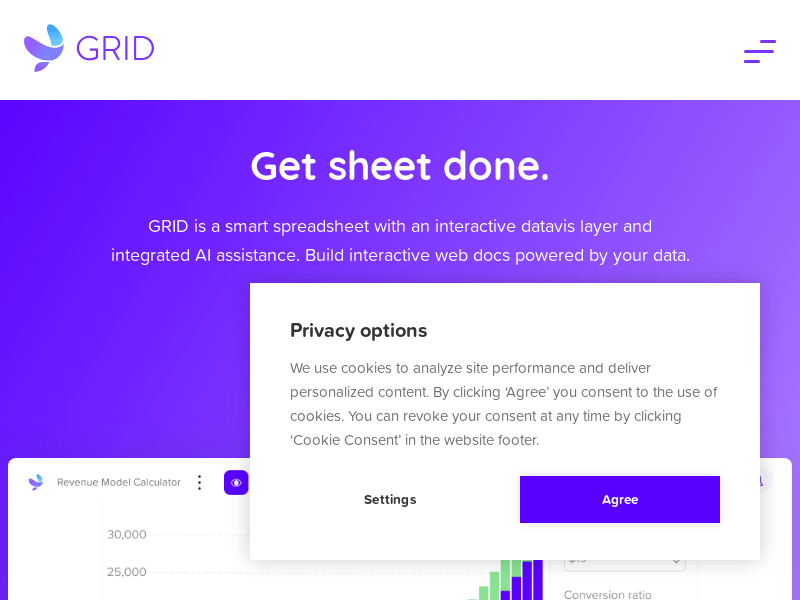
Screenshot archived from the listing page, for preview only.