Zifu AI
AI office assistant for docs and slidesSummarize, write, and build PPT with AI
Highlights
What you can do with it
- Market analysts summarize industry reports quickly
- Project managers build progress report decks
- Administrative assistants standardize document formats
How to use it
- 1 Open the Zifu AI site and sign in.
- 2 Pick the function module you need, such as summarization or PPT.
- 3 Upload the document or enter the information.
- 4 Let the system process it into a summary, deck, or converted file.
- 5 Download the result or use it directly, and contact support for customization.
Who it is for
Pros
- Several office tasks in one platform
- Fast PPT creation from a prompt or file
- Document conversion included
- Free trial to start
Limitations
- Free trial limits, and full pricing is not clear
- Generated decks and summaries need review
- Conversion quality varies with the source format
- Uploading internal documents raises confidentiality questions
What Zifu AI is
Zifu AI is an office assistant platform built around AI. It brings together intelligent dialogue, text summarization, instant AI PPT generation, writing assistance, and document conversion, so document handling, information organizing, and presentation preparation happen in one place instead of across four apps. The examples it gives are concrete: a market analyst summarizing industry reports, a project manager assembling a progress deck, an administrative assistant standardizing internal document formats. A free trial is offered, while full pricing and positioning are still being worked out by the vendor.
What you can do with it
- Chat with the assistant to answer questions or run tasks.
- Summarize long documents into key points.
- Generate presentations quickly from a prompt or a file.
- Convert documents between formats.
Who it is for
- Office workers who handle documents every day.
- Market analysts organizing reports and notes.
- Project managers preparing status decks.
- Administrative staff standardizing internal formats.
What to watch out for
Free trial limits apply and full pricing is not clear, so check the terms before you move real work onto the platform. Generated decks and summaries need review: the AI pulls out what it thinks matters, which is not always what your audience needs, and numbers should be checked against the source document. Conversion quality varies with the source format, so complex layouts or scanned files may come out rough. Uploading internal documents also means sending them to a third party, which matters for confidential material, so read the privacy terms first. When quality matters, export a small draft first to confirm the result before producing the final file. Generated suggestions are for reference only, so verify anything that affects professional judgment or important data.
FAQ
Is there a free trial?
Yes, a free trial is offered.
Can it create PPT files?
Instant AI PPT generation is one of the listed functions.
What can the document conversion do?
It supports conversion between various document formats.
Who is it for?
Office workers, analysts, project managers, and administrative staff.
Why it is free
What the official page says: free trial
Free limits, trial length and features are decided by the official site and can change at any time.
Product preview
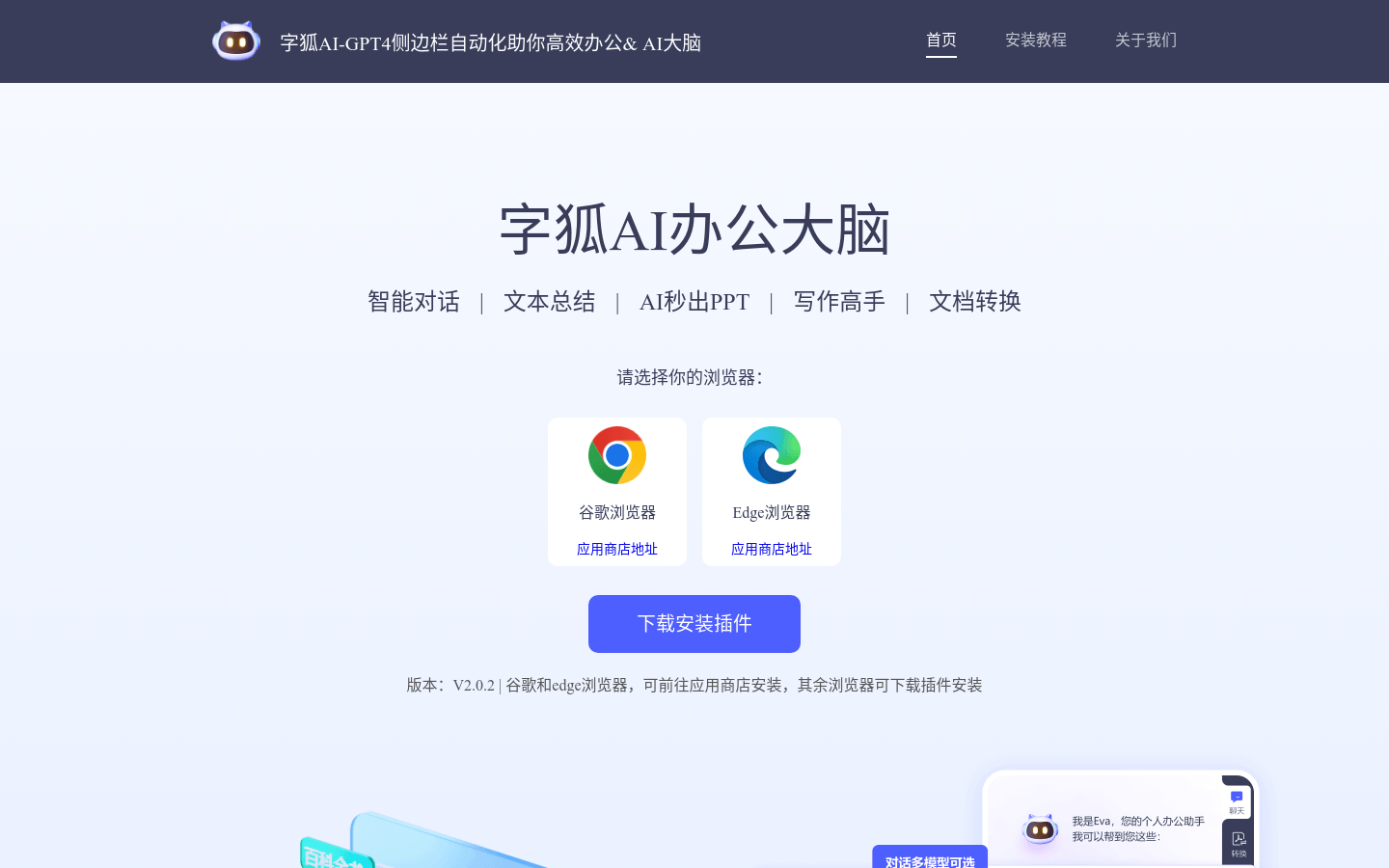
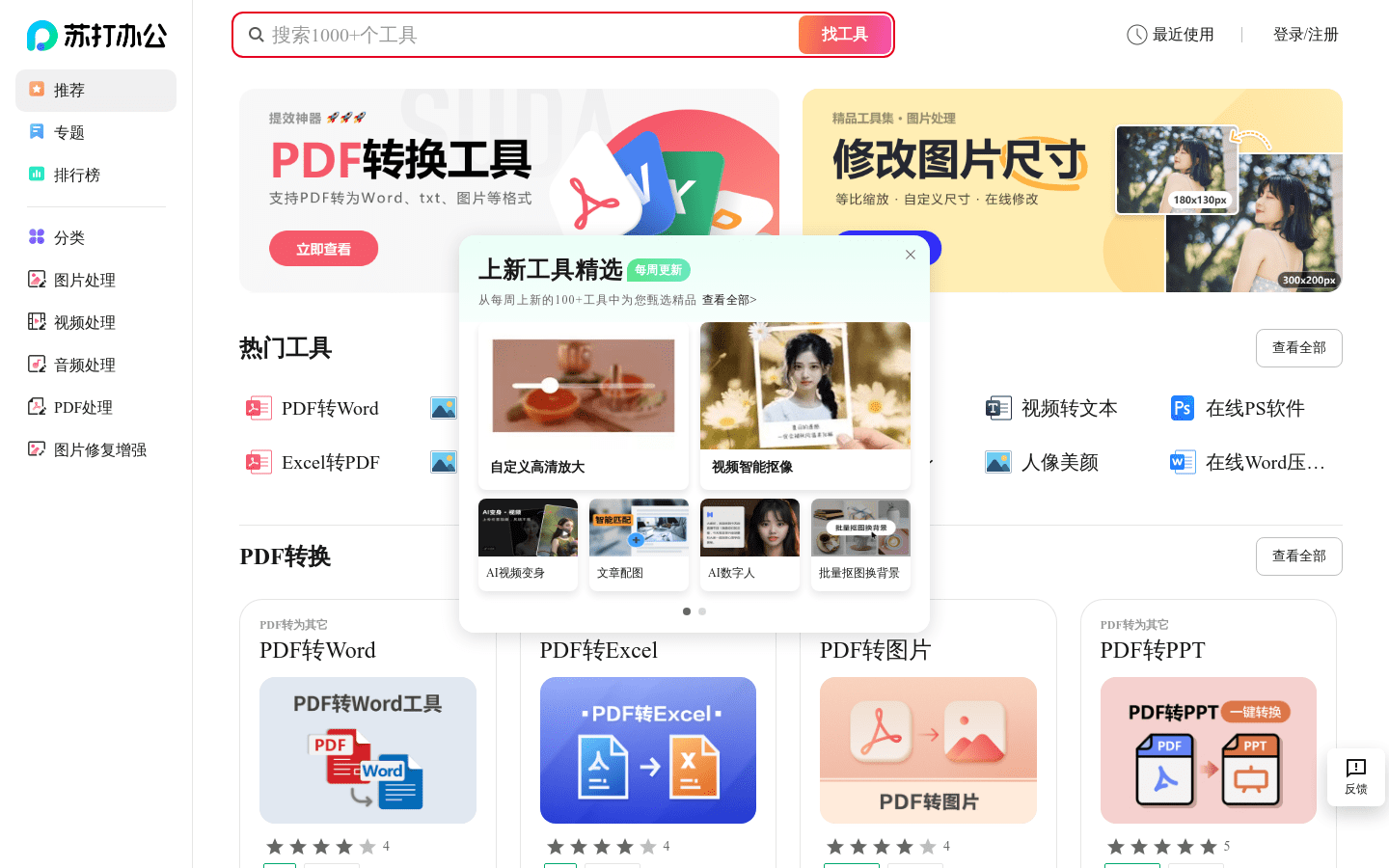
Screenshot archived from the listing page, for preview only.