V7 Go
Generative AI document processing and automationAutomate document, image, and video workflows with AI
Highlights
What you can do with it
- Extracting and structuring data from large document sets
- Processing scanned forms that mix printed and handwritten text
- Building an automated review workflow across files and images
How to use it
- 1 Start the V7 Go free trial from the product site.
- 2 Create a project and choose the document, image, or video workflow.
- 3 Upload the files you want processed.
- 4 Configure recognition and connect any external AI model you need.
- 5 Run the workflow and review the extracted output.
Who it is for
Pros
- A free trial is offered alongside paid versions
- Works across documents, images, and video in one place
- Handles both printed and handwritten text
Limitations
- Accuracy on handwriting and poor scans still needs human review
- Free trial limits and paid pricing need checking on the site
- Setup takes effort, since workflows must be configured per use case
- Best suited to structured business documents rather than free form text
What V7 Go is
V7 Go is a document processing platform built on generative AI. The site describes it as able to rationally handle multi modal data, meaning documents, images, and video in the same workflow, and to deliver high precision automated output. One of its standout claims is text recognition that covers both printed and handwritten material, which matters most when you are dealing with scanned forms and mixed paperwork. It also supports connections to external AI models, so a team can plug in the model they already trust rather than being locked to one. Pricing comes in several tiers, with a free trial available and paid versions for heavier use.
What you can do with it
- Extract and structure information from business documents at volume.
- Read printed and handwritten text from scans and forms.
- Process images and video alongside documents in one workflow.
- Connect external AI models so the pipeline fits your existing stack.
Who it is for
- Operations and back office teams processing high document volumes.
- Financial and insurance groups reviewing files, forms, and risk material.
- Research and biomedical teams working with mixed data types.
What to watch out for
Automated recognition is good but not perfect, and handwriting plus poor quality scans still need a human check before decisions are made on the output. The platform is enterprise oriented, so expect a real setup effort: workflows have to be configured for your document types, and that takes time and testing rather than a few clicks. Free trial limits and paid pricing are not detailed in the source material, so check the current plans before committing. It is strongest on structured business documents, and free form or highly irregular layouts may produce messier results.
FAQ
What kinds of data can V7 Go process?
The site lists documents, images, and video, including both printed and handwritten text recognition.
Who is it aimed at?
Listed audiences include enterprise document processing, financial risk assessment, and biomedical research.
Is there a free trial?
Yes. V7 Go offers a free trial along with paid versions.
Why it is free
What the official page says: free trial
Free limits, trial length and features are decided by the official site and can change at any time.
Product preview
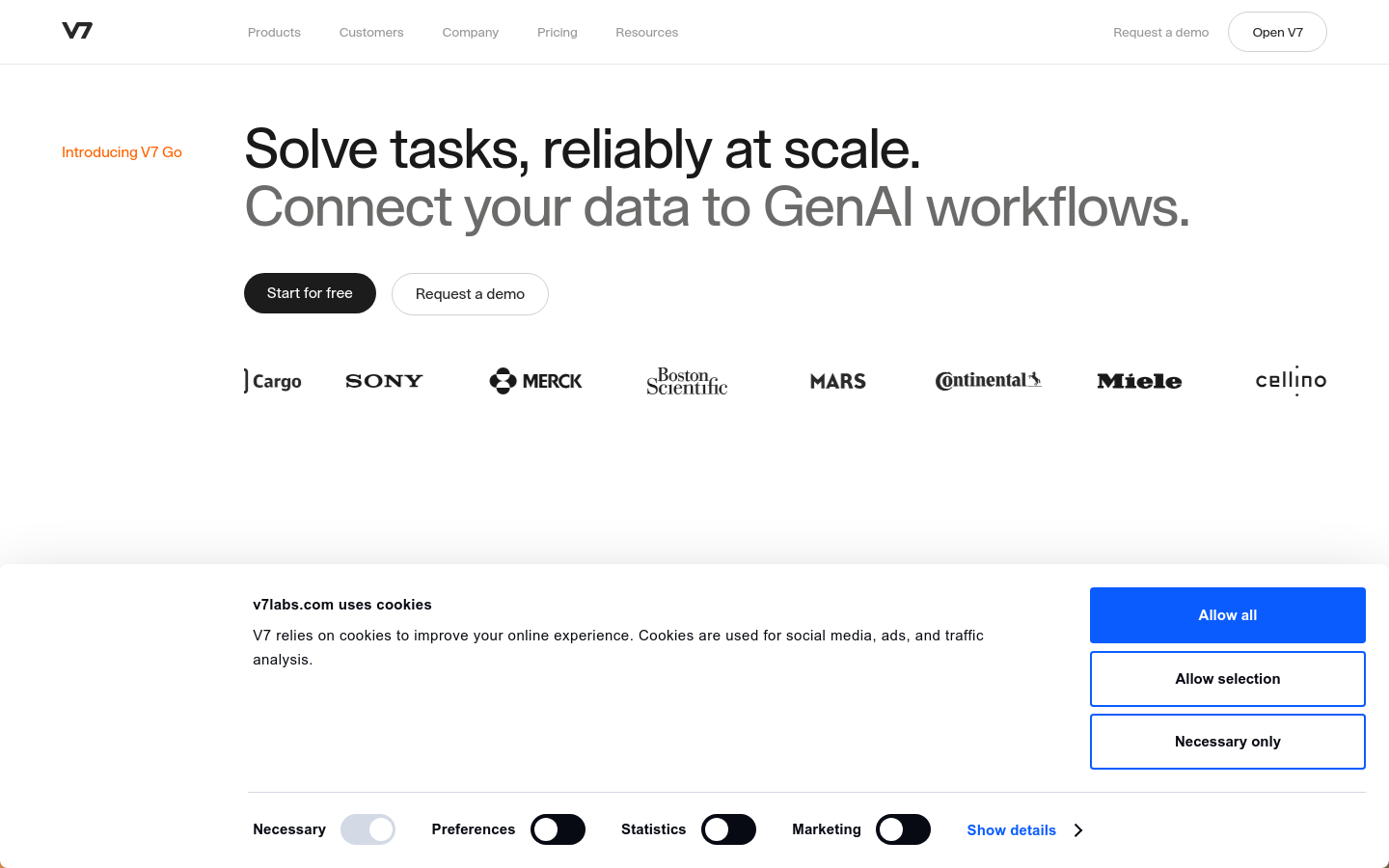
Screenshot archived from the listing page, for preview only.