Inflowave
Agency CRM for multiple clientsRun every client from one workspace
Highlights
What you can do with it
- An agency compared every client's ad spend and cost per result in one table
- A team ran calls, DMs, and email from a single queue and reviewed scripts
- A new client was onboarded by cloning the top client's ads and funnels
- Follow-up logic was described in plain language and built as automation
How to use it
- 1 Sign up with a work email and start the 7-day free trial.
- 2 Create a client workspace and connect the client's ad, messaging, and calling accounts through official APIs.
- 3 Configure the unified inbox, pipeline, call queue, and billing for that client.
- 4 Consolidate ad accounts into the overview and set spend and result metrics.
- 5 Describe landing pages and follow-up logic in natural language and let AI build them.
- 6 Run outreach in the unified queue, then review the analytics view and clone what works.
Who it is for
Pros
- One system per client instead of scattered tools
- AI does real build work on pages and workflows
- Cloning shortens onboarding for new clients
Limitations
- The trial is 7 days and subscription prices are not listed
- Connecting client platforms needs API permissions from each client
- An existing agency must relearn its workflow in a new tool
What Inflowave is
Inflowave is a customer relationship management platform built for agencies. The core idea is that an agency should manage many clients from one system instead of stitching together a CRM, an ad dashboard, a page builder, and a billing tool. Each client gets a workspace with an omnichannel inbox, ad account overview, sales pipeline, call records, billing, landing pages, and workflows. AI agents are positioned as doing real work rather than sitting as an add-on: they build pages and funnels from natural language descriptions and assemble automations from a described follow-up logic. Connections run through official APIs so client accounts stay in the client's name. A 7-day free trial is available, and new agencies can apply for 90 days of the Business plan plus training.
What you can do with it
- Unify calls, DMs, and email in one client-level queue
- Compare every client's ad spend, results, and cost per result
- Build landing pages and funnels by describing them
- Run separate pipelines, calls, and billing per client
- Clone a top client's ads, pages, and workflows to a new client
Who it is for
- Marketing agencies juggling multiple client accounts
- Web and AI agencies that build pages and automations
- New agencies that want a long trial before committing
- Growth and sales teams running outbound across channels
What to watch out for
The trial is 7 days and specific subscription prices are not listed on the page, so budgeting needs a conversation with the vendor, and terms can change. Connecting a client's platforms requires API permissions from that client, which takes time and trust. An agency moving from existing tools should expect a migration period, and cloning a client setup still needs adjustment for differences in brand and offer.
FAQ
Is there a free trial?
Yes, a 7-day free trial, and new agencies can apply for 90 days of the Business plan plus training.
Who owns the connected accounts?
Connections use official APIs and accounts remain owned by the client.
Can I copy a working client setup?
Yes. Ads, funnels, messages, and workflows from a top client can be cloned to a new one.
Why it is free
What the official page says: free trial
Free limits, trial length and features are decided by the official site and can change at any time.
Product preview
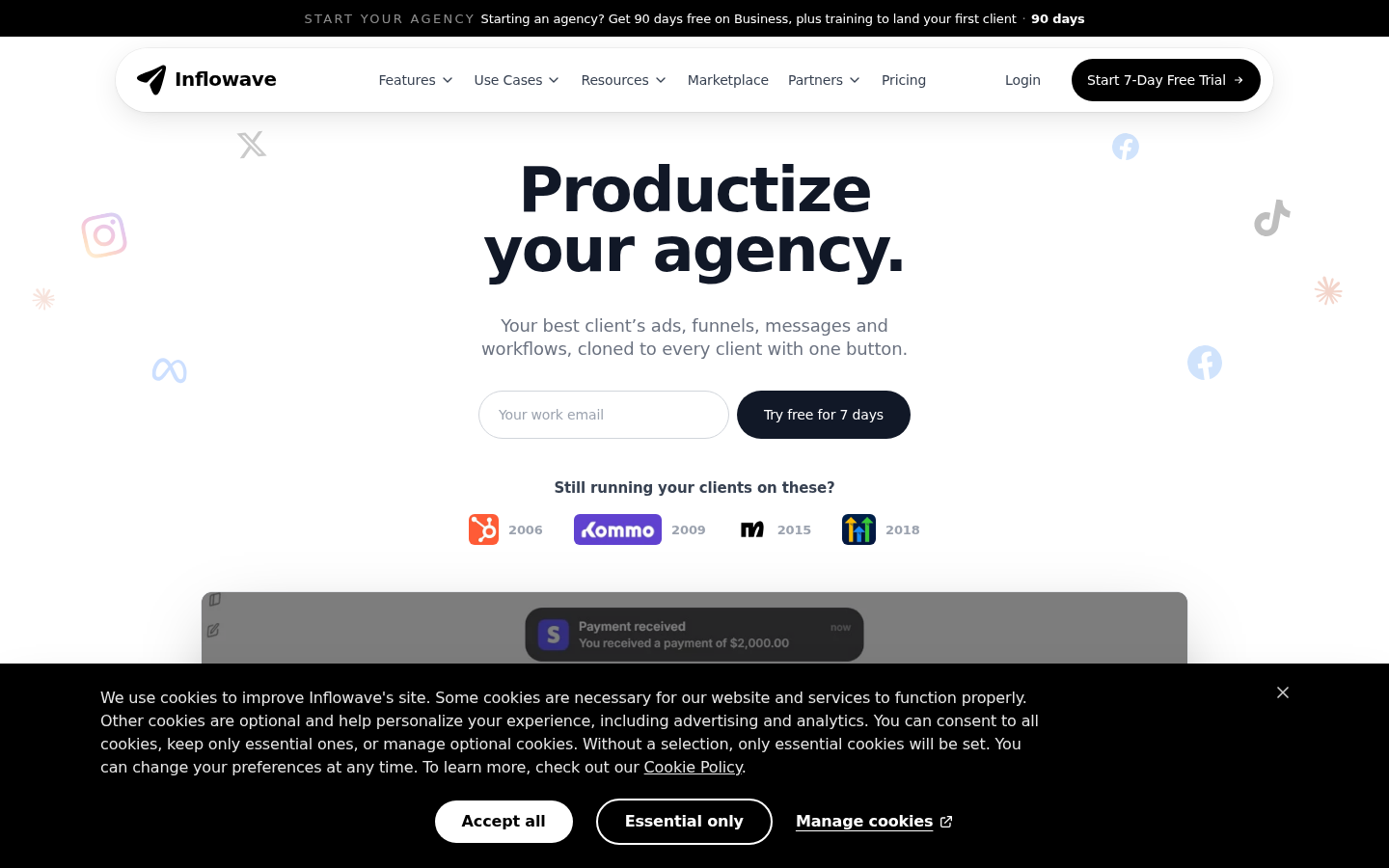
Screenshot archived from the listing page, for preview only.