Jingyi Smart AI Video Generator
Old photos into videosBring old photos to life with AI
Highlights
What you can do with it
- A family turns ancestral photos into a video for a gathering
- A blogger makes funny clips for social media
- A business turns product images into short marketing videos
- Someone preserves old pictures in a shareable format
How to use it
- 1 Visit the Jingyi Smart AI Video Generator site
- 2 Register and log in to start the free trial
- 3 Upload the old photos you want to animate
- 4 Choose video style, music, and other options
- 5 Wait for the AI to generate the video
- 6 Preview it, then download or share if you are happy
Who it is for
Pros
- Simple upload and generate flow
- Templates save time on creative decisions
- Style and music can be personalised
- Free trial lets you test output quality
Limitations
- Free trial limits apply before a paid plan is needed
- Animated results can look uncanny and need review
- Uploading photos of people raises privacy questions
- Output length and resolution limits are not specified
What Jingyi Smart AI Video Generator is
The Jingyi Smart AI Video Generator is a tool that converts static old photos into dynamic videos. The listing describes it as combining deep learning and image processing so that users can bring old pictures to life without editing experience. Beyond simple animation, the feature list includes funny video templates for quick humorous clips, an effect that simulates a hug between people in a photo, and higher quality video options for users who care about how polished the result looks. Personalisation controls let you adjust style, music, and other elements so two people with the same photo get different videos. The material stresses that the interface is friendly and that no professional editing skills are needed, and it offers a free trial after registration.
What you can do with it
- Turn an old photo into a short moving clip.
- Pick from funny templates for light social content.
- Adjust style, music, and other elements to taste.
- Share the finished video with family or use it for promotion.
Who it is for
- Families who want old photographs revived for a gathering.
- Social media creators who post short video regularly.
- Small businesses turning product images into promo clips.
- Anyone preserving family pictures in a shareable format.
What to watch out for
Animated photos of real people can look uncanny, and a result that unsettles viewers is worse than a still image, so preview before sharing. Uploading photographs of other people means handling their images, so get permission from anyone recognisable in the picture and avoid uploading anything sensitive to a service you do not control. The free trial is time or usage limited, so regular use will need a paid plan, and those limits can change. Output length, resolution, and watermark rules are not spelled out in the material, so check the site before you plan a project around a specific format. Finally, a video generated from one photo is a keepsake, not a record of what actually happened.
FAQ
What does this tool do?
It uses AI to turn static old photos into dynamic videos.
Do I need editing skills?
The listing says the interface is friendly and requires no professional video editing skills.
Is there a free trial?
Yes, the material says the product offers a free trial.
Can I use it for business?
The description mentions businesses turning product images into dynamic videos for online marketing.
Why it is free
What the official page says: free trial
Free limits, trial length and features are decided by the official site and can change at any time.
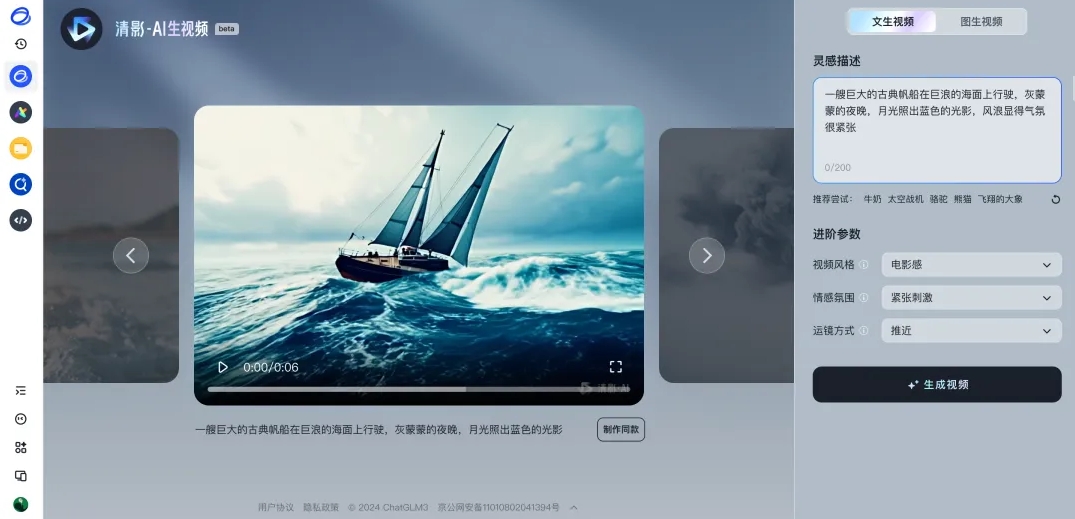
Product preview
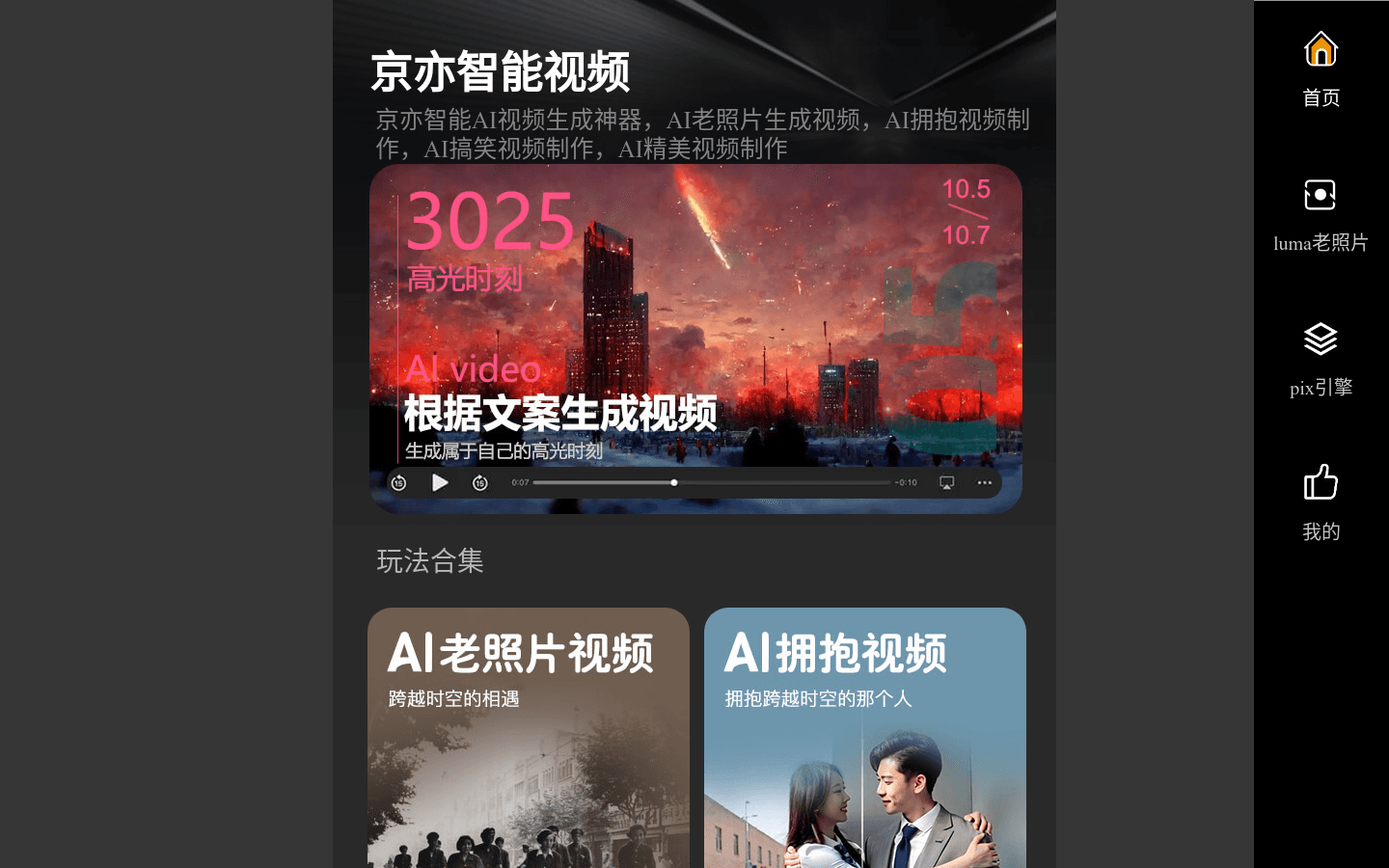
Screenshot archived from the listing page, for preview only.