去去去
Free online tool that removes watermarks from imagesClear watermarks from photos in one click
Highlights
What you can do with it
- Removing a watermark from a personal photo
- Cleaning product manuals and planning documents
- Tidying up questionnaires and review materials
How to use it
- 1 Open the Quququ website in your browser
- 2 Upload the image you want to clean
- 3 Let the AI detect and remove the watermark or object
- 4 Preview the repaired result and download it
Who it is for
Pros
- Runs in the browser with no install
- Handles both photo and document watermarks
- Free to use
Limitations
- Only process images you own or have rights to edit; misuse can break copyright or platform rules
- Results vary on busy or heavily watermarked images
- Free status and upload limits may change over time
What Quququ is
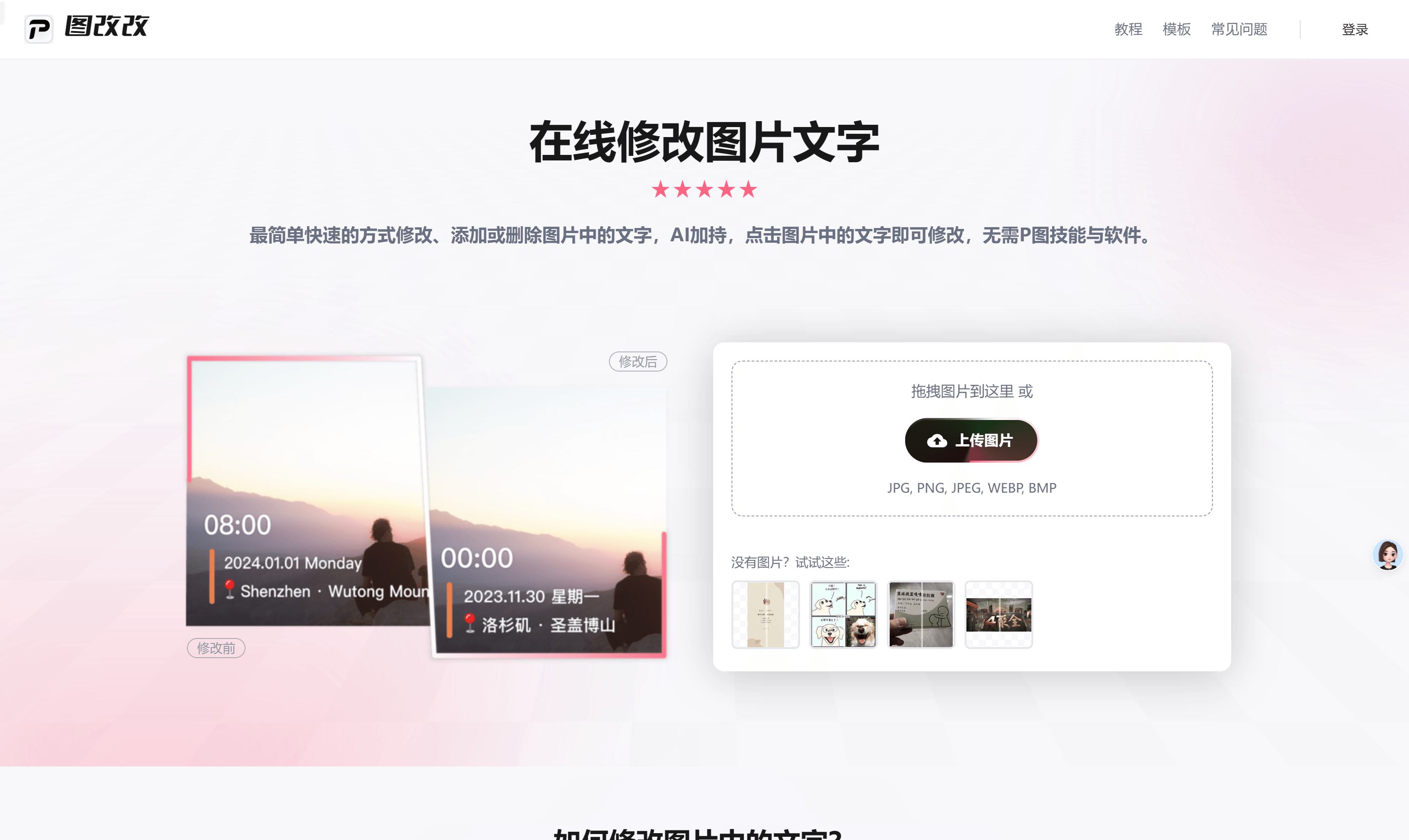
Quququ is a free online watermark removal tool. It uses artificial intelligence to quickly and accurately remove text, logos, and other unwanted objects from images. It works on both regular photos and document images, and it can repair blurry areas so the result looks clean and high-definition. There is nothing to download or install, since everything runs in the browser, and the tool is free to use. It is aimed at everyday cleanup tasks for personal, work, and study files, with a simple upload-and-remove workflow that needs no special skill.
What you can do with it
- Remove watermarks, text, and logos in one click
- Clean up watermarks that sit on document images
- Repair blurry images for a clearer, seamless result
- Process images straight in the browser, no install
Who it is for
- Individuals who want to clean up a personal photo
- Workers tidying product manuals and planning documents
- Students clearing watermarks from questionnaires and materials
- Anyone who needs a quick, no-install cleanup in the browser
What to watch out for
Only process images that you own or have the right to edit. Removing watermarks from content you do not control can breach copyright or a platform's terms, and any consequences of that fall on you, so use the tool responsibly and within the law. Results vary with the source: busy backgrounds or heavy, repeated watermarks can leave artifacts or soft patches that need more work. Because it is a free browser tool, upload limits and available features may change over time, and very large files may be slower to process. Free tiers and usage limits can change, so check the current rules on the official page before relying on it long term.
FAQ
What does Quququ do?
It is a free online tool that uses AI to remove watermarks, text, logos, and other unwanted objects from images, and to repair blurry areas.
Do I need to install anything?
No. It runs in the browser and is free to use, with no download or installation required.
Can I use it on any image?
You should only use it on images you own or have the right to edit. Removing watermarks from content you do not control can violate copyright or platform rules, and any consequences fall on you.
Why it is free
What the official page says: free to use
Free limits, trial length and features are decided by the official site and can change at any time.
Product preview

Screenshot archived from the listing page, for preview only.