KidVoice
AI children voice generator with authorised cloningTurn text into natural kids voices in many languages
Highlights
What you can do with it
- Picture books and bedtime stories turned into audio
- Multi language reading audio for teaching courses
- Character voices for animation, games, and short video
How to use it
- 1 Open the site and register or log in
- 2 Pick a voice tone or upload authorised reference audio
- 3 Enter the text and choose the target language
- 4 Click Generate and preview the result
- 5 Adjust the text or tone if needed, then download
Who it is for
Pros
- Free plan with an initial quota to test the voices
- Wide tone and language coverage in one browser tab
- Preview before download reduces wasted generations
Limitations
- Cloning requires authorised audio; copying a real voice without permission can break laws and platform rules
- Free quota is small, so regular work needs a paid plan
- Generated voices can sound flat on long or unusual text
What KidVoice is
KidVoice is an online platform for generating children voices from text. You type a story, a lesson, or a line of dialogue, pick a tone, and the system returns natural sounding child or teenage speech. The library holds more than 50 tones across ages, genders, and character styles, and it covers over 10 languages, which makes it useful for bilingual teaching material. Everything happens in the browser, so there is no install step, and you can preview audio before you download it. A free plan provides an initial quota, with paid plans adding more generations and character slots.
What you can do with it
- Convert picture book text into audio stories
- Produce reading audio for English, Chinese, and other language lessons
- Generate character voices for animation, games, and short video
- Preview and re-generate until the tone fits the script
Who it is for
- Parents and creators recording children stories at home
- Teachers preparing listening material in more than one language
- Small studios that need quick character voices
- Content creators adding narration to kids focused video
What to watch out for
Voice cloning is the sensitive part. The platform states it only supports cloning from authorised reference audio, and that is the line to respect: recording or cloning a real person, especially a child, without clear permission can break platform rules and local law, and any consequence lands on the user rather than the tool. Keep consent records for every reference file. Beyond that, the free quota is small, output can sound flat on long passages, and the naturalness of a cloned voice depends on how clean the reference recording is.
FAQ
Is voice cloning allowed?
The platform says it only supports cloning with authorised reference audio.
How many voices and languages?
Over 50 child and teen tones and more than 10 languages.
Do I need to install software?
No. It runs in the browser.
Why it is free
What the official page says: free plan
Free limits, trial length and features are decided by the official site and can change at any time.
Product preview
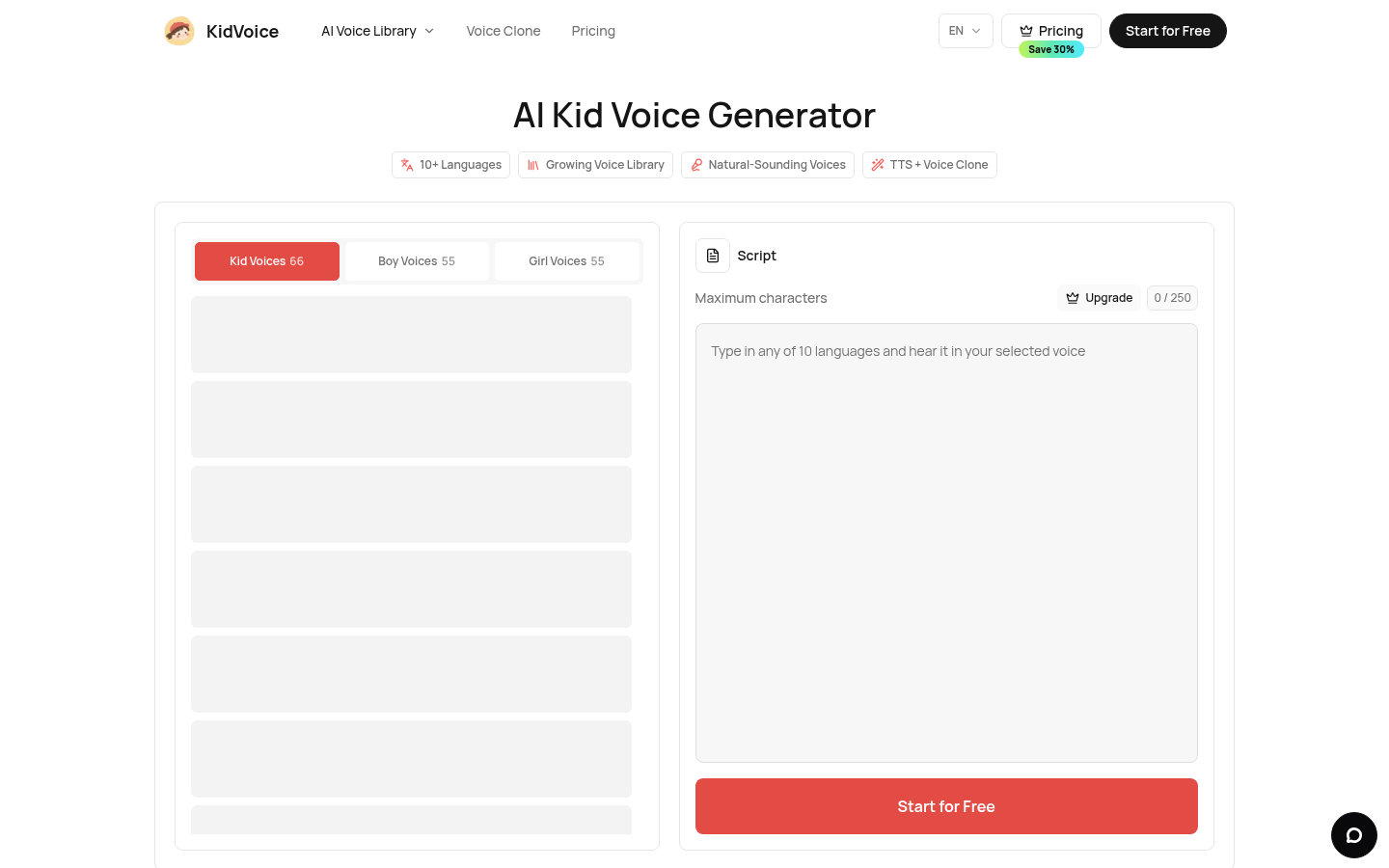
Screenshot archived from the listing page, for preview only.