REECHO 睿声
AI voice cloning platformClone a voice, then dub your script
Highlights
What you can do with it
- Dub a virtual character using a cloned voice sample
- Turn a batch of radio scripts into a full audio segment
- Experiment with voice styles for a personal project
How to use it
- 1 Create an account on the REECHO site
- 2 Upload the voice samples you have the right to use
- 3 Adjust the generation parameters to shape the style
- 4 Paste your text and run text to speech synthesis
- 5 Preview, then publish or share the result
Who it is for
Pros
- Basic voice creation features are free to try
- Cloning and text to speech live in one place
- Style parameters give room to shape the output
Limitations
- Free basic features have limits, and paid access or quotas may change
- Cloning quality depends on the samples and parameters you provide
- Cloning a voice without consent may break laws or platform rules; only use voices you have the right to use, and you carry the consequences
What REECHO is
REECHO is a hyper realistic AI voice cloning platform. You upload voice samples, the system applies deep learning to clone that voice, and the result can be used to generate high quality AI speech. Generation parameters can be adjusted to change the style, which is useful when one voice has to cover different characters. Text to speech synthesis is part of the platform, so a written script can be turned into a finished audio segment. The site describes the service as covering voice creation and voice dubbing, aimed at broad adoption, and says basic functionality is free. Finished voices can be published and shared with others.
What you can do with it
- Upload samples and build a cloned voice for a character or project.
- Adjust parameters to shift tone and style between takes.
- Paste a script and generate a complete audio segment through text to speech.
- Publish and share the AI voice work you produce.
Who it is for
- Creators dubbing characters, short videos, or animations.
- Producers turning written scripts into audio segments.
- Hobbyists experimenting with voice styles for personal projects.
What to watch out for
Free basic functionality has limits, and paid access or usage quotas may change, so check current terms before you plan a project around it. Cloning quality depends on the samples and the parameters you provide, and short or noisy recordings tend to produce flat results. The bigger issue is consent: cloning a real person's voice without permission can break laws and platform rules, and the consequences fall on you. Use only voices you own or have clear written permission to use, and label AI generated audio where the platform expects it.
FAQ
What is REECHO?
It is an AI voice cloning platform that builds voices from uploaded samples and synthesizes speech from text.
Is there a free option?
The platform offers free basic functionality for voice creation and dubbing.
What can I make with it?
Character voiceovers, radio style audio segments, and voice style experiments.
Why it is free
What the official page says: 免费使用免费
Free limits, trial length and features are decided by the official site and can change at any time.
Product preview
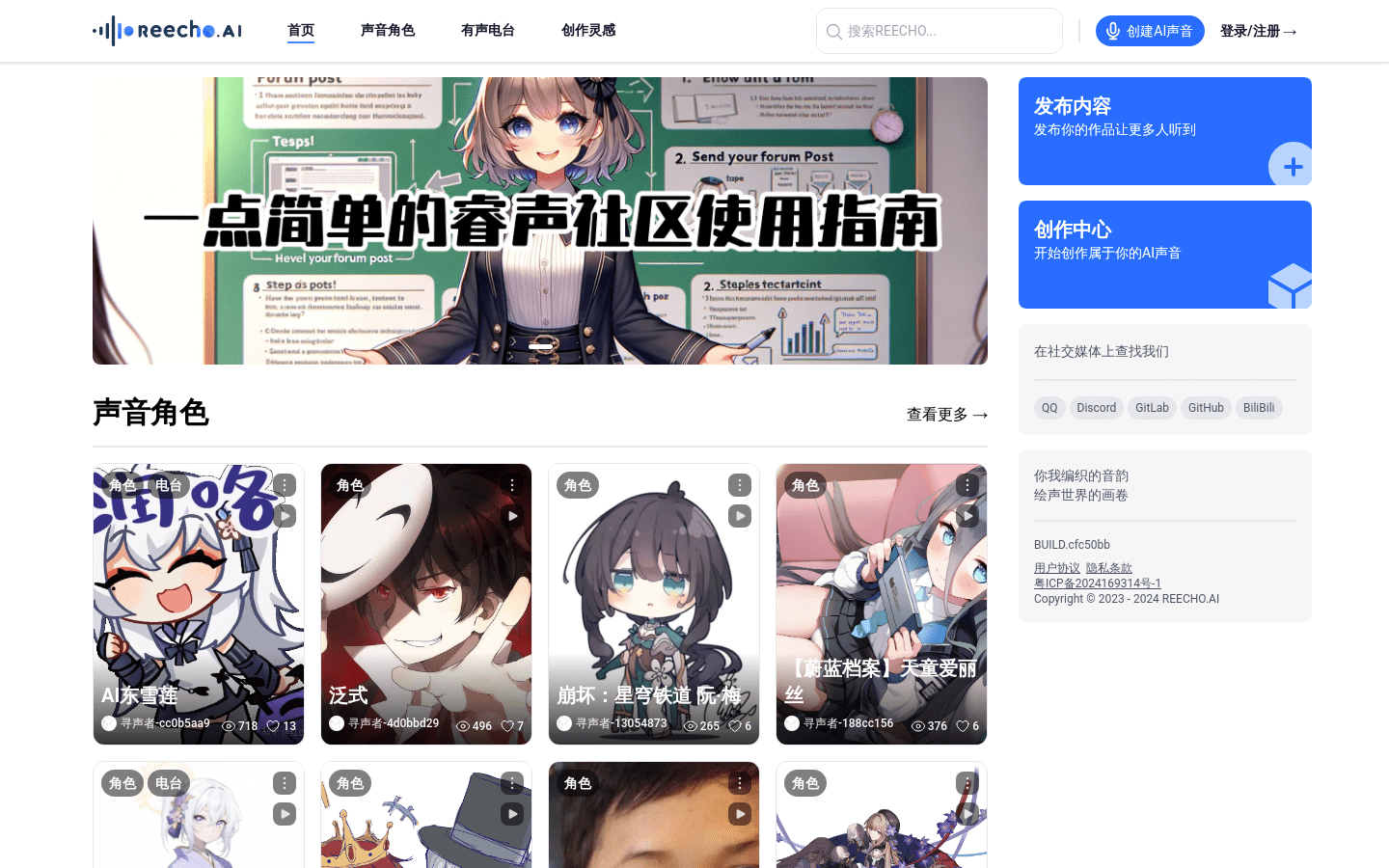
Screenshot archived from the listing page, for preview only.