OnDial
AI voice agent call automationAutomate inbound and outbound phone calls
Highlights
What you can do with it
- A multinational's service desk answers in several languages and cuts response time.
- A sales company screens incoming leads and lifts team efficiency.
- An admin team automates meeting notices and task reminders.
How to use it
- 1 Register on the site and fill in your company details.
- 2 Configure call flows, languages, and qualification rules for your needs.
- 3 Run simulated call tests to check voice interaction and accuracy.
- 4 Connect the platform to your phone system and start handling calls.
- 5 Monitor performance and update the voice library and rules over time.
Who it is for
Pros
- Handles high call volume without adding headcount
- Multilingual support widens who you can serve
- Lead screening and scheduling save staff time
- Free trial available to test call quality
Limitations
- Automated outbound calling can breach telemarketing and consent rules, so any regulatory breach is your responsibility
- Pricing is a broad 0 to 999 US dollar range, so confirm actual costs
- Voice bots can frustrate callers if flows are poorly designed
- Setup and tuning take time to sound natural and accurate
What OnDial is
OnDial is an enterprise platform for AI voice agents and automated phone calls. It answers and places calls, talks to customers in multiple languages, screens incoming leads to see who is worth a follow-up, and books appointments without manual back-and-forth. It can also send routine business messages and reminders so staff spend less time on repetitive calls. The pitch is lower operating cost and higher customer satisfaction from consistent, always-on phone handling. Pricing is listed as a range from 0 to 999 US dollars, with a free trial and paid models available.
What you can do with it
- Automate inbound and outbound calls with preset flows and voice interaction.
- Serve customers in multiple languages to widen your reach.
- Screen and qualify incoming leads before they reach your team.
- Schedule appointments automatically and send routine notifications and reminders.
Who it is for
- Enterprise customer service teams that handle large call volumes.
- Sales teams that want inbound leads screened before handoff.
- Administrative teams that need meeting notices and reminders automated.
What to watch out for
Automated outbound calling can breach telemarketing, consent, and do-not-call rules, and any regulatory breach is your responsibility, so check the law in your region before launching campaigns. Pricing is shown only as a broad 0 to 999 US dollar range, so confirm actual costs for your usage. Poorly designed voice flows can frustrate callers, so plan and test carefully. Setup and tuning take time before calls sound natural and accurate. Generated suggestions are for reference only, so verify anything that affects professional judgment or important data. Start with a small sample to confirm the output meets your expectations before processing the full batch.
FAQ
What does OnDial do?
It provides AI voice agents that automate inbound and outbound business calls.
Does it support multiple languages?
Yes. It can communicate with customers in multiple languages.
Is there a free trial?
Yes. The page lists a free trial, with pricing shown as a range from 0 to 999 US dollars.
Who is it for?
It targets customer service, sales, and administrative teams in enterprises.
Why it is free
What the official page says: free trial
Free limits, trial length and features are decided by the official site and can change at any time.
Product preview
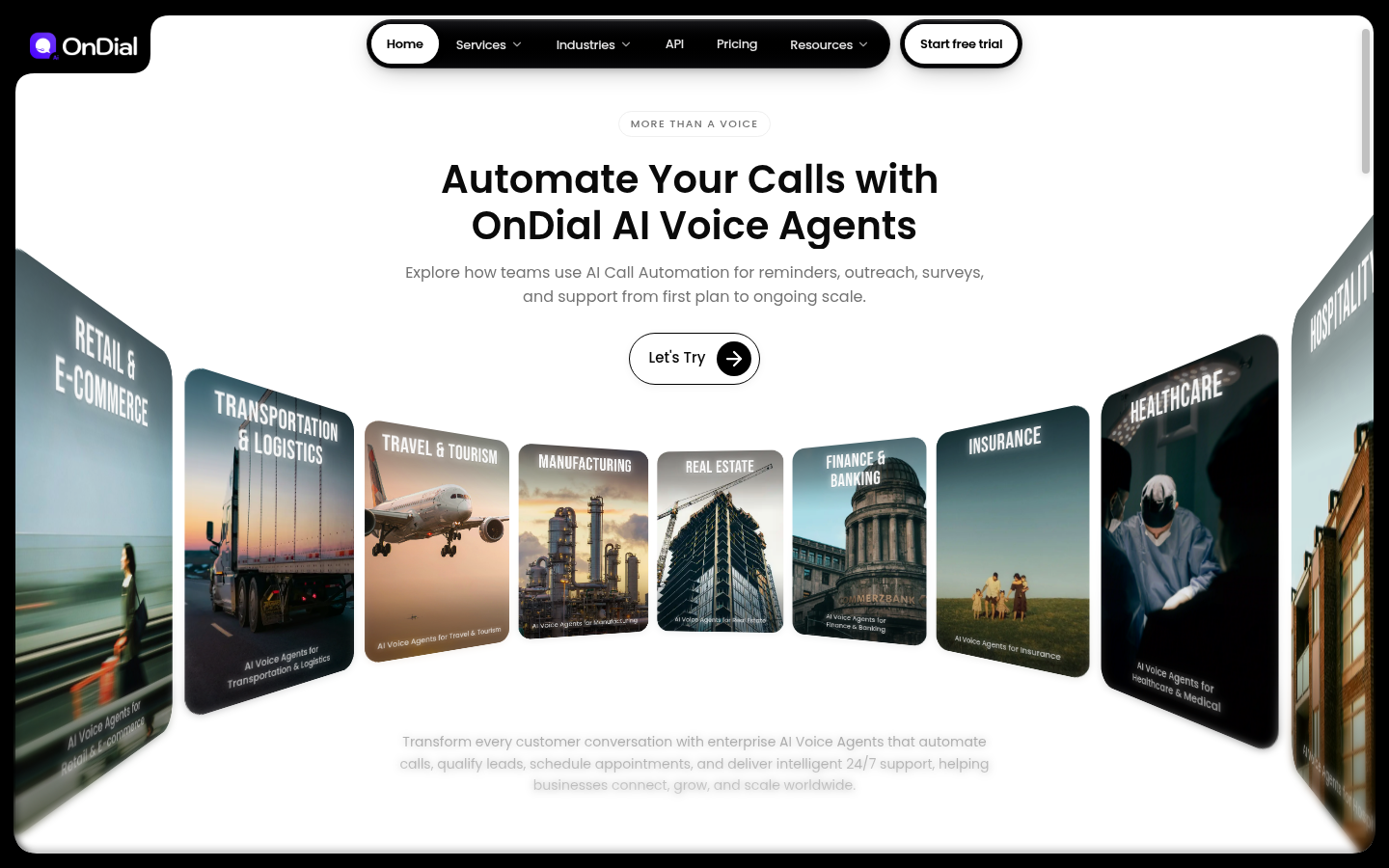
Screenshot archived from the listing page, for preview only.