Qrype
Turns paper menus into scannable multilingual digital menusOne QR code, thirty languages, thirty-day free trial
Highlights
What you can do with it
- A Roman restaurant converted its classic menu for international diners
- A bar designed a custom menu and updated cocktail prices in real time
- A plant-themed restaurant translated its menu to attract international tourists
How to use it
- 1 Open the Qrype site and start the thirty-day free trial
- 2 Upload your menu as a photo, PDF, or Excel file
- 3 Customize the template, colors, and fonts
- 4 Choose a QR code design, print it, and place it on tables
- 5 Translate into thirty languages and update prices in real time
Who it is for
Pros
- Fast digitization from a photo or file
- Thirty languages help international guests
- Thirty-day free trial with no credit card
Limitations
- After the trial it moves to a subscription, and pricing can change
- Automatic translation may need review for accuracy
- Guests still need a phone and signal to scan the code
What Qrype is
Qrype is a SaaS product for the food and beverage and hotel industries. Its core job is to turn a paper menu into a digital one that guests scan with a phone. You upload the menu as a photo, PDF, or Excel file, and the page says it converts in seconds. You then get a printable QR code in one of ten styles, and the menu can be translated into thirty languages so every guest reads it in their own tongue. Templates, colors, and fonts let the menu match the room, and prices and dishes can be updated in real time. A thirty-day free trial is offered with no credit card.
What you can do with it
- Digitize a paper menu from a photo, PDF, or Excel file.
- Generate and print a QR code in one of ten styles.
- Translate the menu into thirty languages automatically.
- Update prices and dishes in real time and add allergen labels and dietary filters.
Who it is for
- Restaurant operators who want to cut printing costs and update menus fast.
- Hotel food and beverage teams adding a contactless guest experience.
- Cafes and bars that want a menu style that matches their space.
What to watch out for
After the thirty-day trial it becomes a paid subscription, and pricing or discount terms can change. Automatic translation across thirty languages should be reviewed by a person before it goes on tables, since errors on a menu are costly. Guests still need a phone and a connection to scan, so keep a paper backup for busy or low-signal moments, and confirm the QR code works before you print a full run.
FAQ
Is Qrype free?
It offers a thirty-day free trial with no credit card, then a monthly or annual subscription.
What menu formats can I upload?
Photo, PDF, or Excel files.
How many languages does it support?
Thirty languages, applied automatically to the menu.
Can I update prices later?
Yes. Prices and dish information can be edited in real time.
Why it is free
What the official page says: free trial
Free limits, trial length and features are decided by the official site and can change at any time.
Product preview
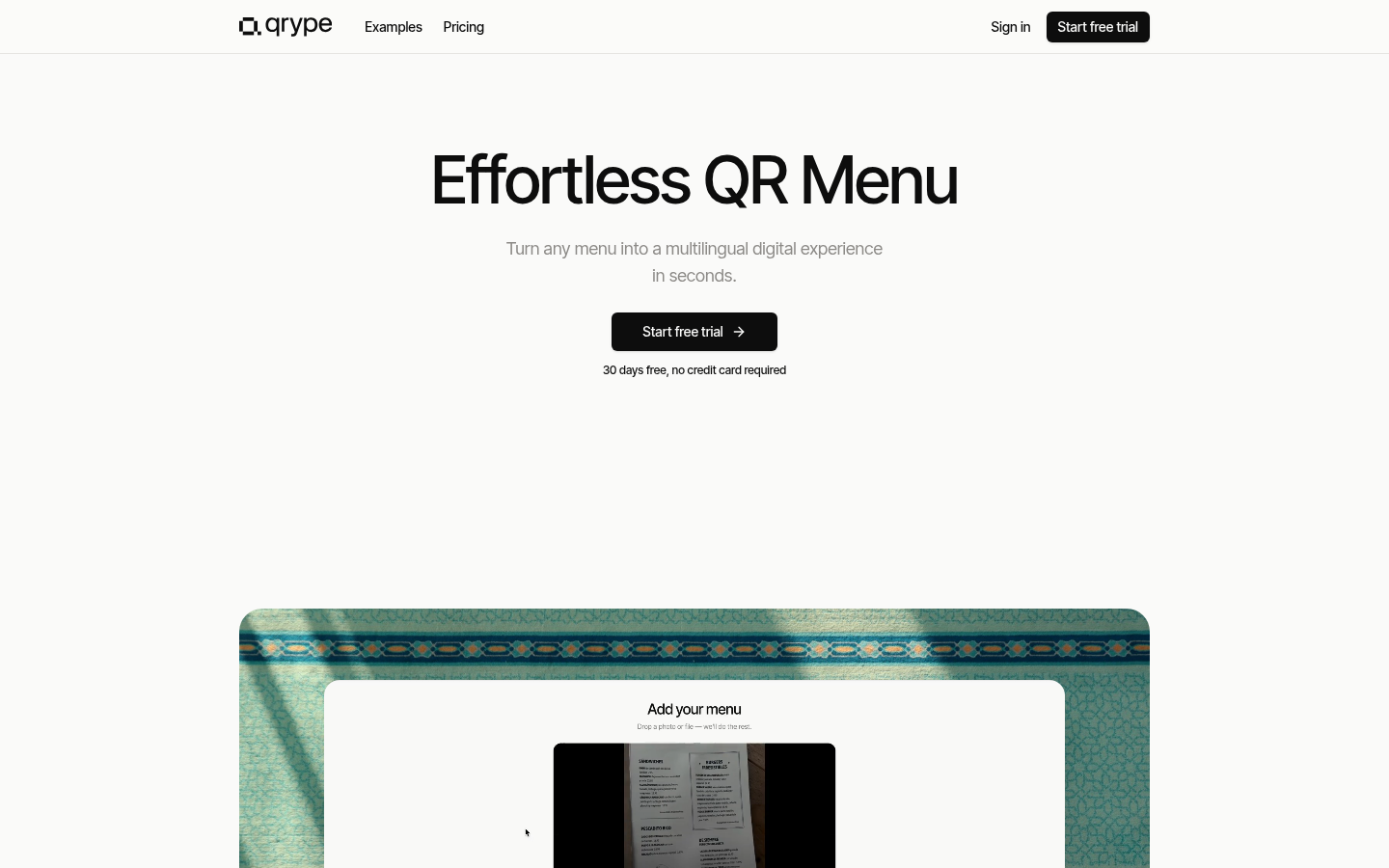
Screenshot archived from the listing page, for preview only.