Meitu AI PPT
Free AI tool that builds a whole PPT from one sentence.Generate a full presentation from a single line of text.
Highlights
What you can do with it
- Draft a presentation from a title or topic.
- Expand slides with follow-up instructions.
- Share or export a deck for a meeting.
How to use it
- 1 Open Meitu AI PPT in your browser.
- 2 Type the title or a one-line description.
- 3 Let the AI generate the outline and slides.
- 4 Adjust text, colors, fonts, and images.
- 5 Export as PPT, PNG, or PDF, or share online.
Who it is for
Pros
- Very fast from prompt to full deck.
- Lots of editable materials and styles.
- Free and exports to common formats.
Limitations
- AI content may need fact and tone edits.
- Free access and features can change.
- Design control is limited to provided assets.
What Meitu AI PPT is
Meitu AI PPT is a free online AI presentation tool from Meitu Design Studio. It is built around one idea: type a sentence and get a complete slide deck. The tool auto-generates a title, outline, content, and images from your input, and you can ask it to add more content with follow-up instructions. It provides materials, atmosphere decorations, and backgrounds you can adjust, and you can change colors and fonts on top of the AI base. You can share and present the deck online, and export to formats such as PPT, PNG, and PDF. It is made for anyone who needs a fast first draft.
What you can do with it
- Generate a full deck from a title or one-line prompt.
- Expand slides with extra instructions.
- Adjust colors, fonts, images, and decorations.
- Export to PPT, PNG, or PDF, or present online.
Who it is for
- People who need a fast first-draft deck.
- Students and staff making quick presentations.
- Anyone who wants AI help with slide layout.
What to watch out for
The AI writes the first draft, so check facts, tone, and wording before you present, since generated content can be off. Design choices are limited to the provided materials and styles, which may not fit a strict brand. The tool is presented as free, but access and features can change over time. Export formats and sharing options may also shift, so confirm the current list before you rely on a specific one for a deadline. When quality matters, export a small draft first to confirm the result before producing the final file. Generated suggestions are for reference only, so verify anything that affects professional judgment or important data.
FAQ
How fast can it make a PPT?
The site markets generating a deck in about 10 seconds from a sentence.
What formats can I export?
It supports PPT, PNG, PDF, and other formats.
Can I edit the AI output?
Yes, you can adjust materials, colors, fonts, and add content.
Why it is free
What the official page says: 免费
Free limits, trial length and features are decided by the official site and can change at any time.
Product preview
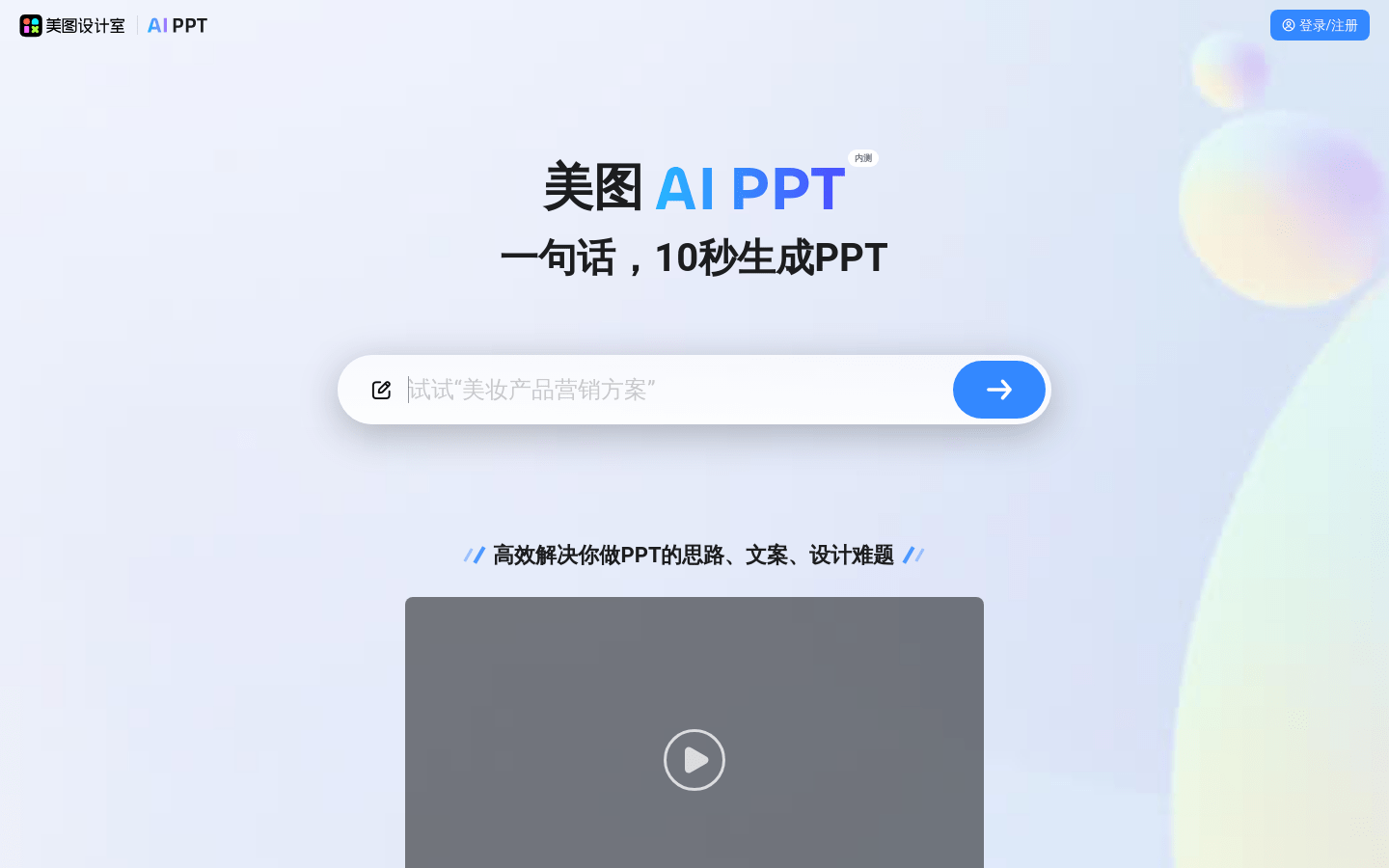
Screenshot archived from the listing page, for preview only.