Tango AI
AI client engagement for agenciesQuotes, invoices, and payments automated
Highlights
What you can do with it
- Collect client requirements with AI
- Send a proposal-ready quote fast
- Automate invoicing and chase cash flow
How to use it
- 1 Create your Tango account
- 2 Use AI to gather client information
- 3 Build and send a proposal-ready quote
- 4 Automate invoices and set payment terms
Who it is for
Pros
- Free access to start per the listing
- Cuts the quote-to-invoice workload
- Aimed at agency workflows
Limitations
- Free scope and paid limits are not detailed
- Depends on clients accepting digital quotes
- Automation still needs human review on terms
What Tango is
Tango is an AI supertool designed to help freelancers and agencies work more efficiently with clients. It gathers information with AI, delivers customized, proposal-ready quotes, helps sell optional services, manages project changes, and automates invoices and payment terms to improve cash flow. The listing says it is trusted by global design, development, and creative agencies, and describes free access to start. It is built for creative professionals who spend too much time turning client conversations into quotes, change orders, and invoices, and who want that admin work off their plate.
What you can do with it
- Gather client information with AI
- Send customized, proposal-ready quotes
- Sell optional services and manage changes
- Automate invoices and set payment terms
Who it is for
- Freelancers handling client paperwork
- Design, development, and creative agencies
- Teams that quote and invoice on every project
What to watch out for
The free scope and paid limits are not detailed in the listing, so confirm current plans on the official site before you rely on it. Automation speeds up paperwork, but the terms themselves still need human review, especially for change orders and payment conditions. It depends on clients being comfortable with digital quotes and invoices, which is common in creative work but not universal. Check how it fits your existing contracts and accounting before moving your whole workflow onto it. When quality matters, export a small draft first to confirm the result before producing the final file. Generated suggestions are for reference only, so verify anything that affects professional judgment or important data. Start with a small sample to confirm the output meets your expectations before processing the full batch.
FAQ
Who is Tango for?
Freelancers and agencies, especially creative, design, and development teams.
What does it automate?
Information gathering, proposal-ready quotes, optional service sales, project changes, invoices, and payment terms.
Is it free to start?
The listing describes free access to start, with paid options for more.
Why it is free
What the official page says: for free
Free limits, trial length and features are decided by the official site and can change at any time.
Product preview
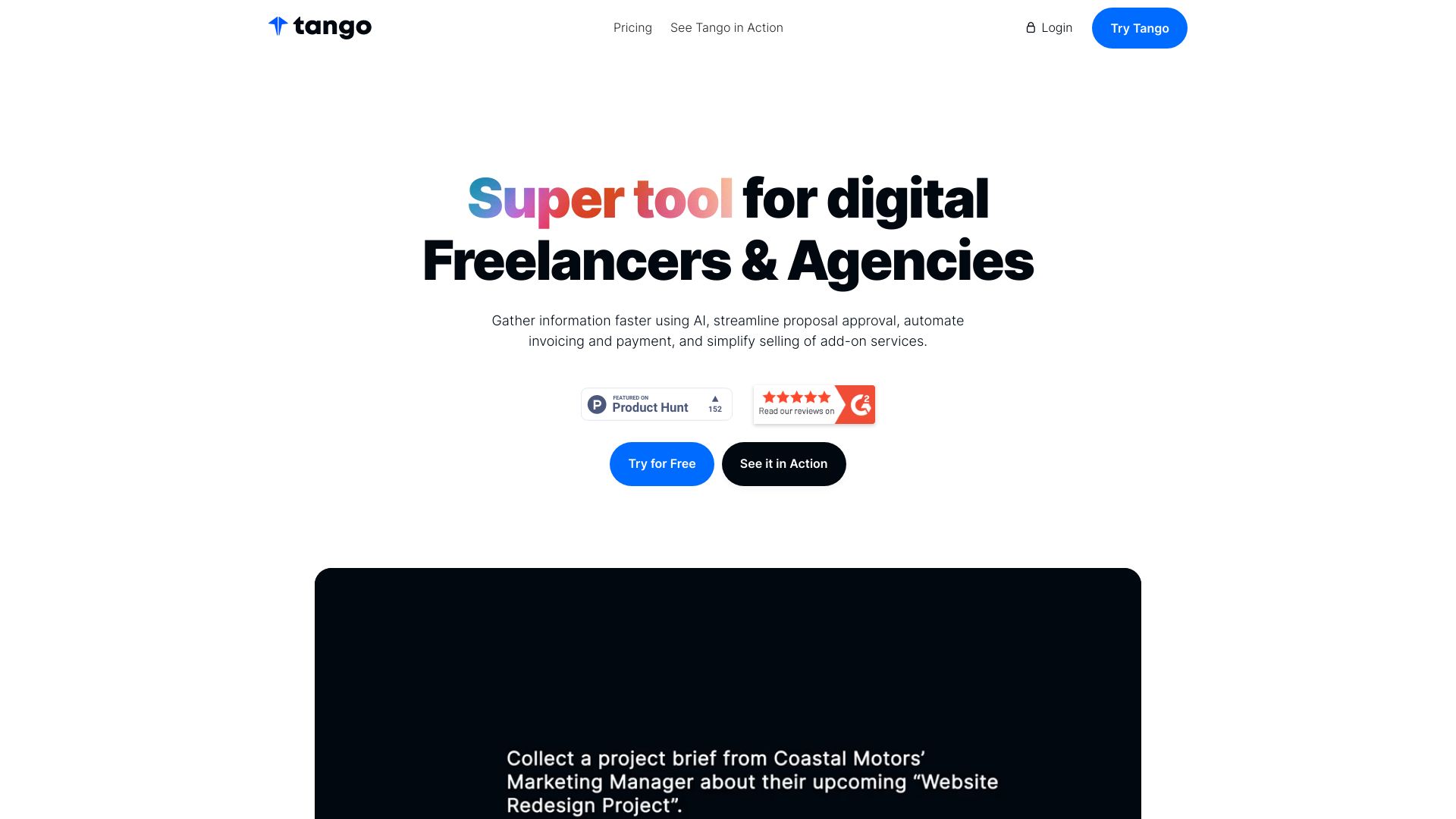
Screenshot archived from the listing page, for preview only.