Text2Audio
Free online text to speechTurn text into natural speech
Highlights
What you can do with it
- Creating voiceover drafts for videos
- Turning study notes into audio
- Generating quick speech for projects
How to use it
- 1 Open Text2Audio in your browser
- 2 Paste the text you want spoken
- 3 Pick a language and voice
- 4 Adjust the speech speed
- 5 Generate and download the audio
Who it is for
Pros
- Free and browser-based
- Simple paste and generate flow
- Speed and language controls
- No software installation
Limitations
- Free tools can change or add limits
- Voice quality may vary by language
- No mention of commercial licensing
- Depends on the website staying online
What Text2Audio is
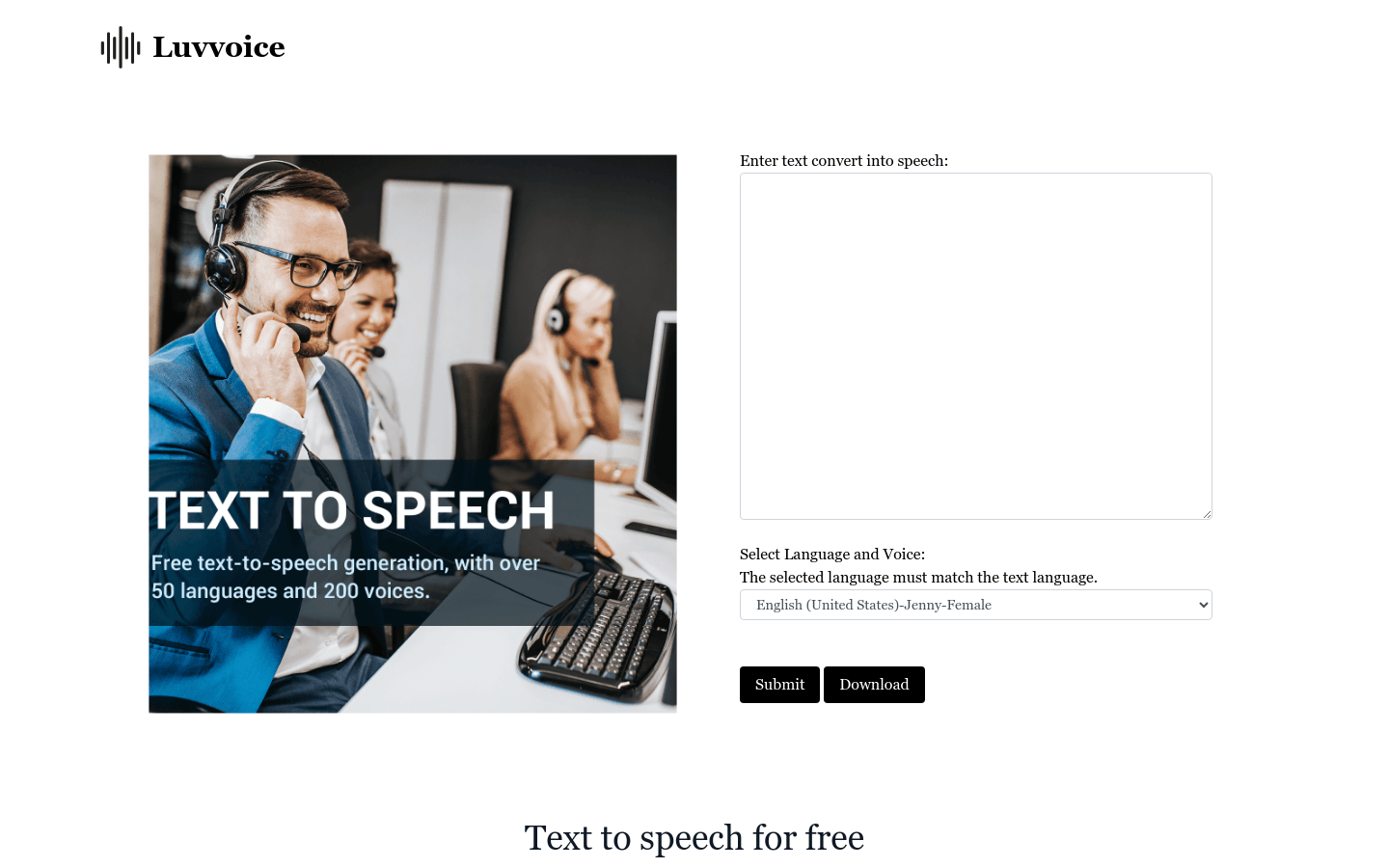
Text2Audio is a free online tool that turns written text into spoken audio. You paste text into the page, choose a voice and language, adjust the speed if needed, and the tool produces an audio file you can download. The voices are described as natural and realistic, and the service supports multiple languages, which makes it useful for more than one audience. Because everything runs in the browser, there is no software to install and no account setup mentioned. It is a straightforward option for anyone who needs text read aloud.
What you can do with it
- Convert text into speech audio
- Pick from multiple languages and voices
- Adjust how fast the speech plays
- Download the generated audio
- Create voiceover drafts without recording
Who it is for
- Creators who need quick voiceover drafts
- Students who want notes turned into audio
- Anyone who prefers listening over reading
What to watch out for
Free online tools can change their limits or features at any time, so it is wise not to depend on one service for critical work. Voice quality varies by language, and some voices may sound more robotic than others. The description does not mention commercial licensing, so if you plan to use the audio in paid products or advertisements, confirm the terms on the site first. Since it is a web service, it also depends on the website staying available, and a browser-based tool needs a stable internet connection to work. Features and interface details may change between versions, so review the latest notes on the page before you start. For team use, agree on naming and editing conventions in advance to avoid version conflicts or duplicated work.
FAQ
Is Text2Audio free?
Yes, it is described as a free online text-to-speech tool.
Does it support other languages?
Yes, multi-language support is listed.
Can I change the speed?
Yes, speech speed is adjustable.
Do I need to install anything?
No, it runs in the browser.
Why it is free
What the official page says: 免费
Free limits, trial length and features are decided by the official site and can change at any time.
Product preview
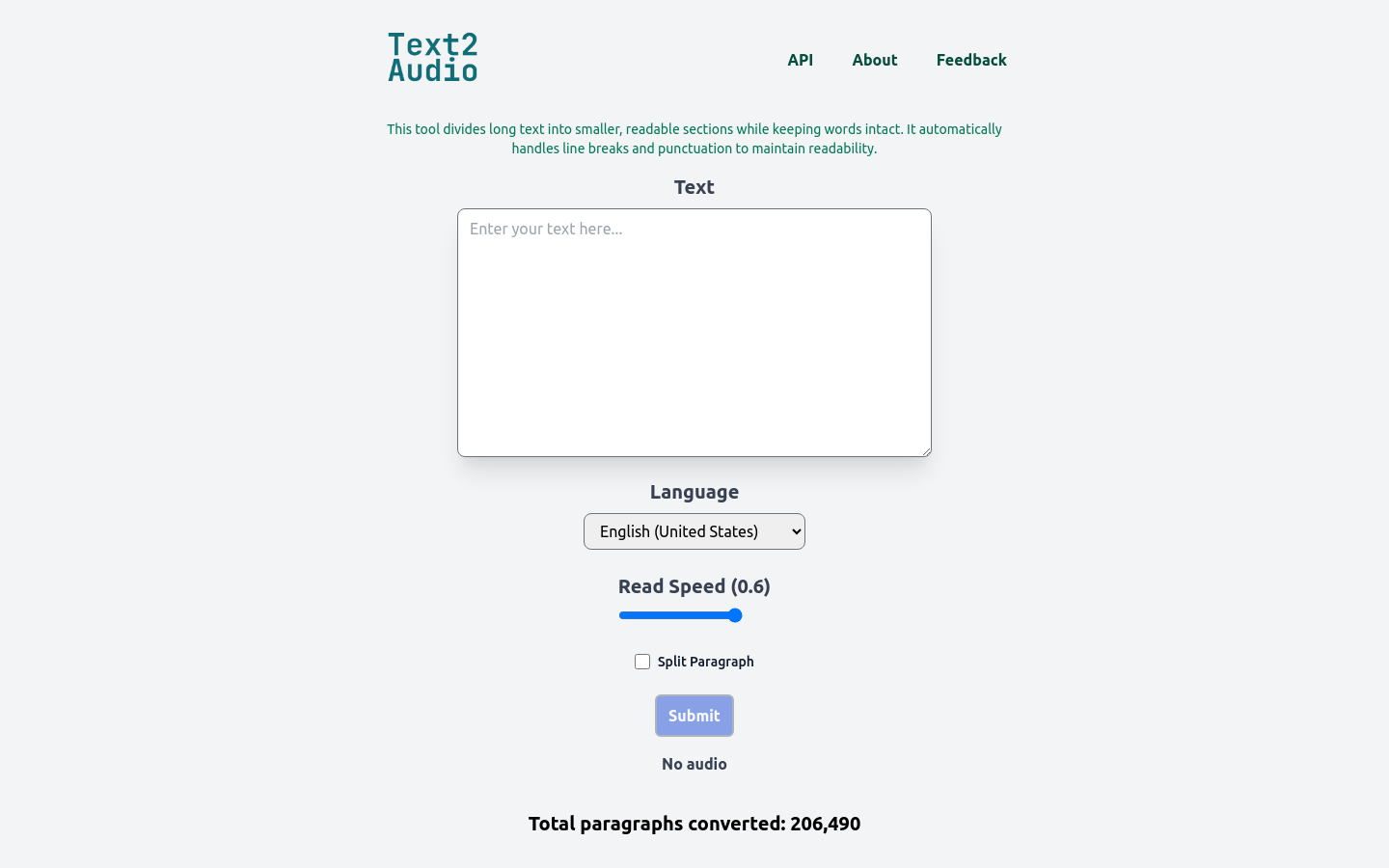
Screenshot archived from the listing page, for preview only.