Spline
Free real-time collaborative 3D design tool in the browserDesign 3D scenes together, right in your browser
Highlights
What you can do with it
- Prototyping interactive 3D web pages
- Team review and editing of a shared 3D scene
- Creating animations for a product or landing page
How to use it
- 1 Open the Spline site in your browser
- 2 Create a new project or open a shared scene
- 3 Model or import objects and add materials
- 4 Animate, add physics, and set interactive controls
- 5 Invite collaborators, then export or publish to the web
Who it is for
Pros
- Free to start with no install required
- Real-time collaboration in one file
- Modeling, animation, and interaction in one tool
Limitations
- Advanced features may require a paid plan
- Heavy scenes can strain browser performance
- There is a learning curve for 3D newcomers
What Spline is
Spline is a 3D design tool that runs in the browser and supports real-time collaboration. It covers modeling, animation, texturing, physics simulation, and game controls, so you can build interactive web experiences without installing heavy desktop software. The site describes it as suitable for both team collaboration and individual creation, with basic use free and full pricing details on the official site. It appeals to designers who want to prototype 3D web content quickly and to teams that need several people editing and reviewing the same scene at once. Because everything runs in the browser, performance still depends on your machine and connection.
What you can do with it
- Model, animate, and texture 3D objects in the browser
- Collaborate on the same scene in real time
- Add physics and interactive controls for web experiences
- Export or publish scenes for use on a website
Who it is for
- 3D designers building interactive web content
- Web developers who want 3D without heavy tooling
- Design teams that need shared review and editing
What to watch out for
Advanced features may sit behind a paid plan, so check the official pricing before you commit a project. Heavy scenes with lots of geometry can strain a browser, and a weak connection makes collaboration harder. If you are new to 3D, expect a learning curve before scenes come together quickly. Generated suggestions are for reference only, so verify anything that affects professional judgment or important data. Start with a small sample to confirm the output meets your expectations before processing the full batch. Start with a small sample to confirm the output meets your expectations before processing the full batch.
FAQ
Is Spline free?
The site describes it as free 3D design software, with pricing details on the official site.
Does it need installation?
No, it runs in the browser and supports real-time collaboration.
What can I build with it?
Interactive web experiences with 3D modeling, animation, texturing, and physics.
Is it good for teams?
Yes, it is built for real-time collaboration as well as individual creation.
Why it is free
What the official page says: 免费
Free limits, trial length and features are decided by the official site and can change at any time.
Product preview
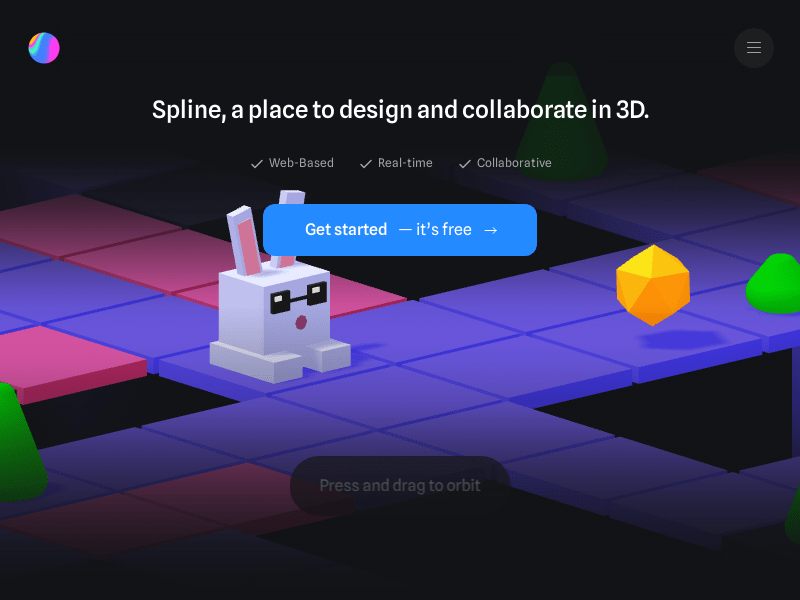
Screenshot archived from the listing page, for preview only.