TTSFree
Free online text-to-speech tool140+ languages, download as MP3
Highlights
What you can do with it
- Turn a written article into speech for an audiobook
- Convert English text into audio for listening practice
- Read web pages aloud for visually impaired users
How to use it
- 1 Open ttsfree.com in your browser
- 2 Type or paste the text you want to convert
- 3 Choose the language and a voice
- 4 Adjust speed and pitch and add music if you want
- 5 Convert, preview, then download the MP3
Who it is for
Pros
- Very wide language coverage
- Free to use with no install
- Downloadable MP3 for offline use
Limitations
- Free status may change over time
- Voice quality varies by language
- Long texts can take time to process
- Not a substitute for a professional voice actor
What TTSFree is
TTSFree is a free online text-to-speech tool that uses AI to turn written text into natural-sounding speech. It supports more than 140 languages, which makes it useful for a global audience, and it offers several AI voices such as the AI 1 and AI 2 series so you can pick a sound that suits your project. You can adjust the speed and pitch of the speech, add background music from a library or from Soundcloud, and download the finished audio as an MP3 file for offline use or sharing.
What you can do with it
- Convert text into speech in over 140 languages
- Choose from several AI voices and adjust speed and pitch
- Add background music to the generated speech
- Download the result as an MP3 file
- Turn articles, lessons, or web pages into listenable audio
Who it is for
Content creators who want an audio version of an article or audiobook, language learners who want to turn text into listening practice, and visually impaired users who need web content read aloud all benefit from TTSFree. It is aimed at everyday users rather than studios, so it suits quick personal projects. Anyone who needs a fast, free way to hear text will find it straightforward.
What to watch out for
TTSFree is free to use now, but free terms can change, so check the site before you build a workflow around it. Voice quality varies by language, and some voices sound more natural than others, so test a few before you record a long piece. Very long texts can take time to process. It is a convenient tool for everyday audio, but it is not a substitute for a professional voice actor when you need a specific performance.
FAQ
Is TTSFree free?
Yes, it is a free online text-to-speech tool.
How many languages are supported?
More than 140 languages.
Can I download the audio?
Yes, you can save the converted speech as an MP3 file.
Can I add background music?
Yes, from the built-in library or via Soundcloud.
Why it is free
What the official page says: for free
Free limits, trial length and features are decided by the official site and can change at any time.
Product preview
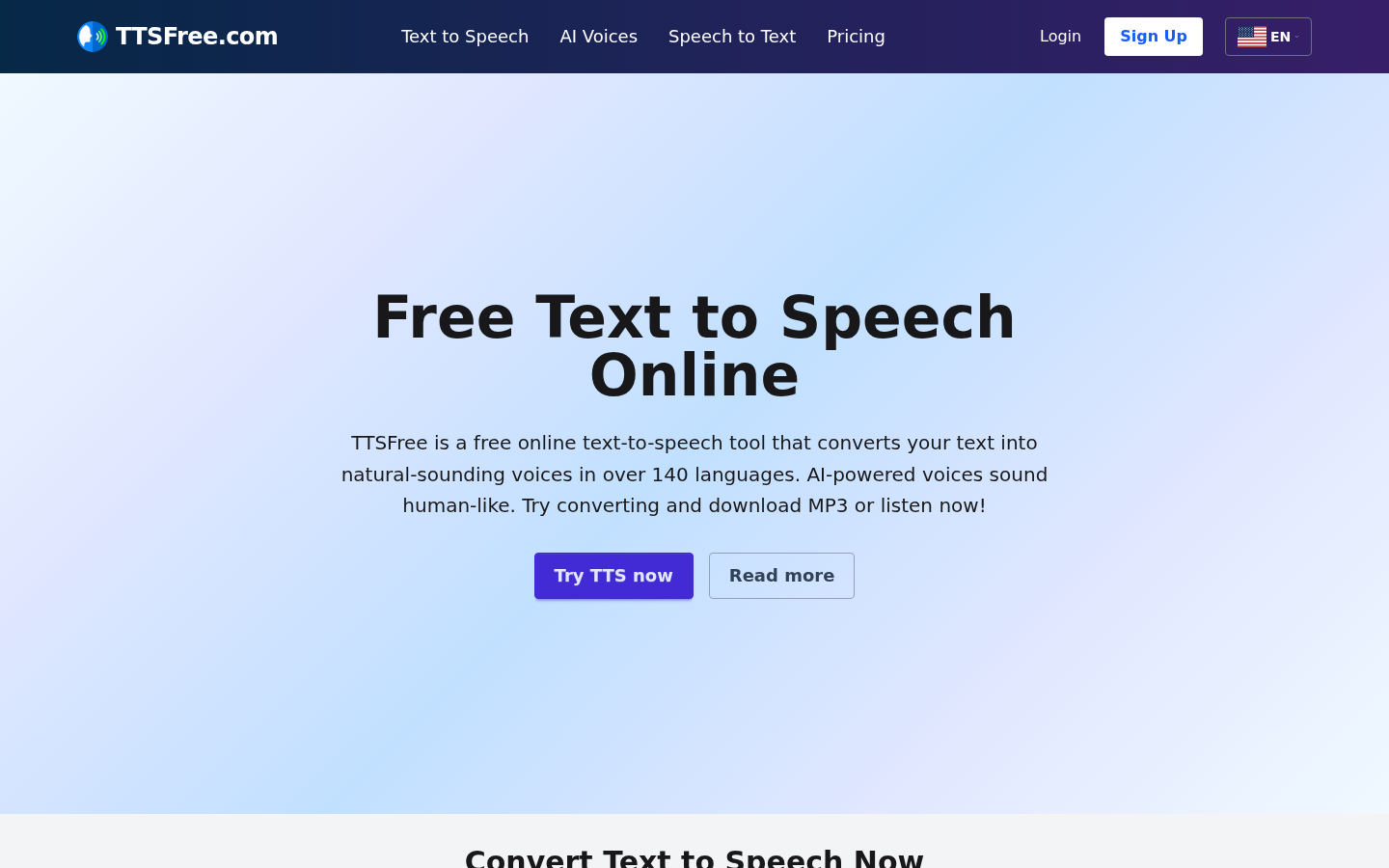
Screenshot archived from the listing page, for preview only.