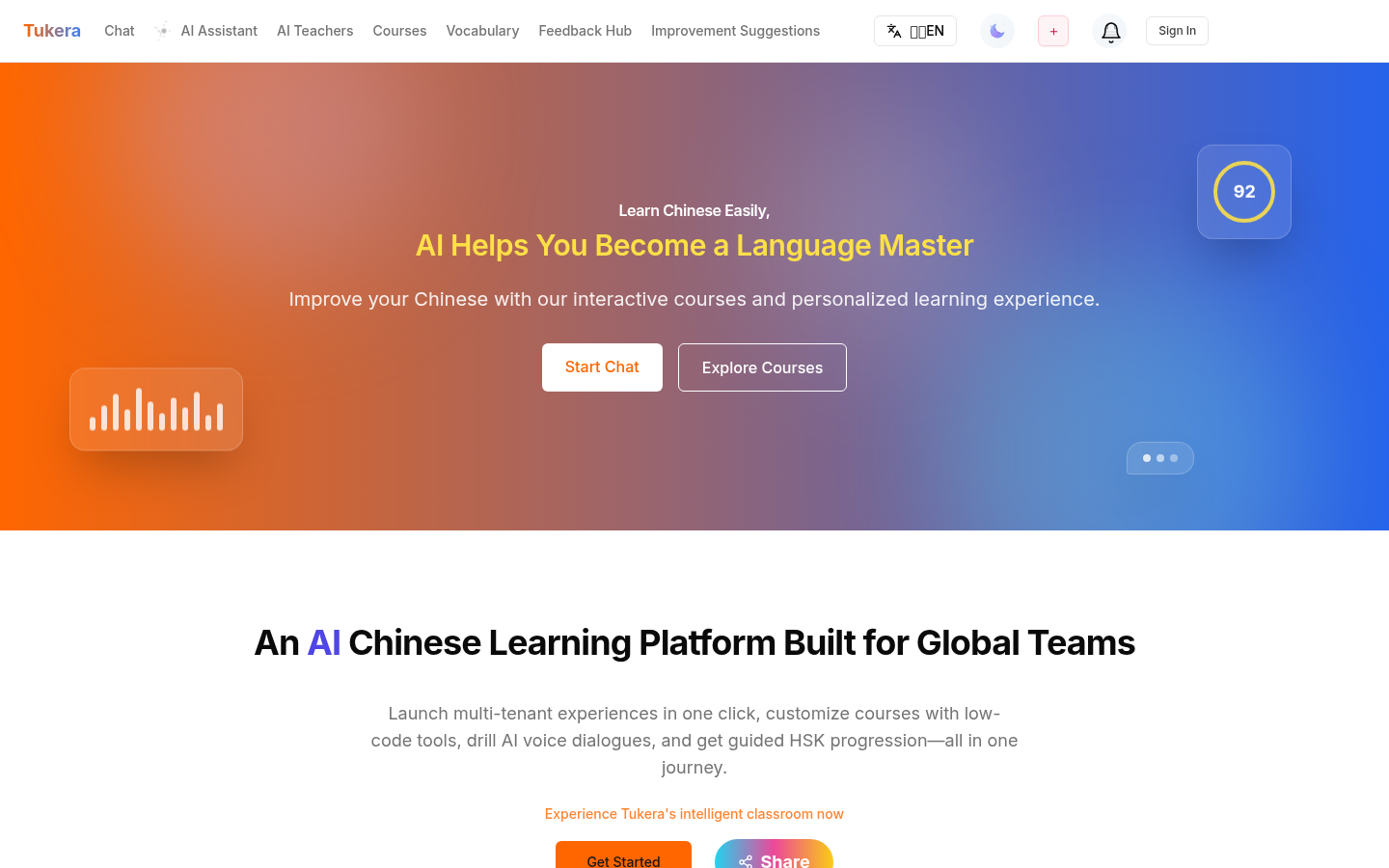
TTSMaker
Free online text-to-speech toolText into natural speech, downloadable
Highlights
What you can do with it
- Listen to an article or ebook instead of reading it
- Generate a voiceover file for a video or presentation
- Produce audio for personal or commercial projects
How to use it
- 1 Open TTSMaker in your browser
- 2 Paste or type the text you want converted
- 3 Choose a language and voice style
- 4 Generate the speech
- 5 Download the result as MP3 or WAV
Who it is for
Pros
- Free to use according to the product listing
- Several languages and voice styles to choose from
- MP3 and WAV downloads work in most editors
- Listed as usable for personal and commercial projects
Limitations
- Voice quality and coverage vary by language
- Free online services can change terms or add limits
- Long text still needs to be split into manageable chunks
What TTSMaker is
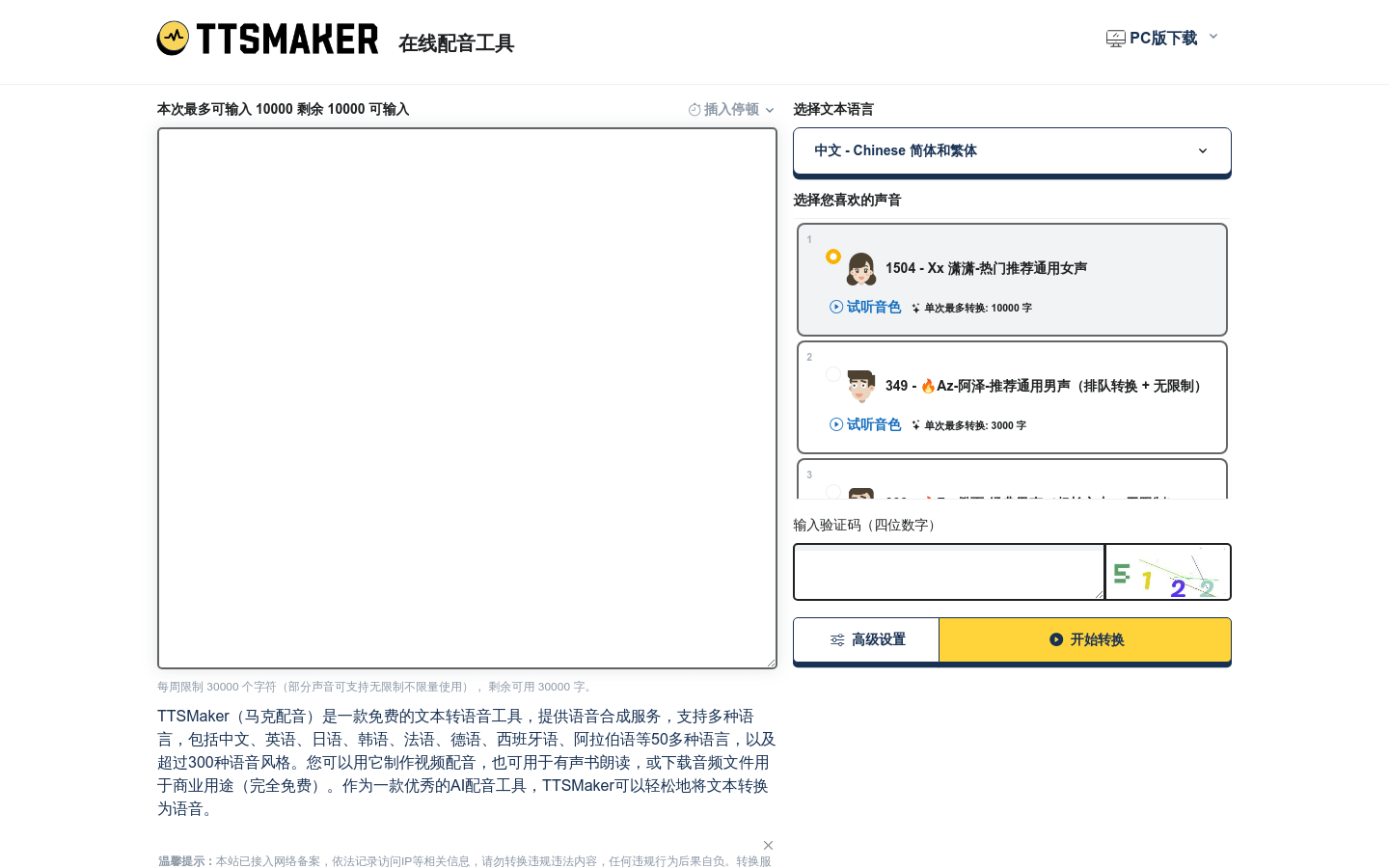
TTSMaker is a free online text-to-speech tool. You give it text and it returns speech, with no installation and no local model to manage. The voice output is described as natural and fluent, and the service supports multiple languages and voice styles, so the same passage can sound different depending on the voice you pick. Files come back as downloadable MP3 and WAV, which is the practical detail that makes the output useful outside the browser, since both formats import cleanly into standard audio and video editors.
What you can do with it
- Convert written text into spoken audio
- Switch between languages and voice styles for different purposes
- Download MP3 or WAV files for use elsewhere
- Read articles, documents, and ebooks by listening instead
Who it is for
- Readers who would rather listen to long text than read it
- Video and podcast creators who need a quick voiceover track
- Anyone building audio for personal or commercial projects
What to watch out for
Coverage is uneven across languages: a widely supported language will have more voice options and better results than a less common one, so test before you commit to a long recording. Very long documents also need to be broken into sections, both for generation and for later editing. Because it is a free online service, terms, quotas, and voice libraries can change, and the commercial use statement should be checked against the current licence before you rely on it for client work. Start with a small sample to confirm the output meets your expectations before processing the full batch. Free tiers and usage limits can change, so check the current rules on the official page before relying on it long term.
FAQ
Is TTSMaker free?
It is described as a free online text-to-speech tool. Check the site for current usage limits.
What formats can I download?
MP3 and WAV files.
Can I use the audio commercially?
The service states that its output is suitable for personal and commercial use. Review the current terms for your specific case.
Why it is free
What the official page says: 免费
Free limits, trial length and features are decided by the official site and can change at any time.
Product preview
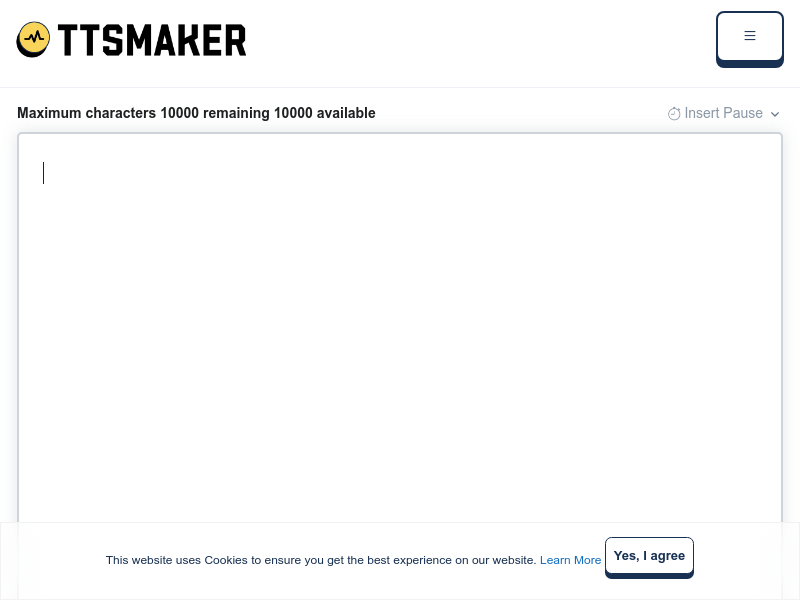
Screenshot archived from the listing page, for preview only.