vocalove
AI voice cloning from a short recordingRecord 30 seconds, then read any text in that voice
Highlights
What you can do with it
- A family makes a memorial video using a cloned voice of a relative
- A parent records a bedtime story in their own voice for later playback
- A content creator clones a unique voice to narrate an audiobook
How to use it
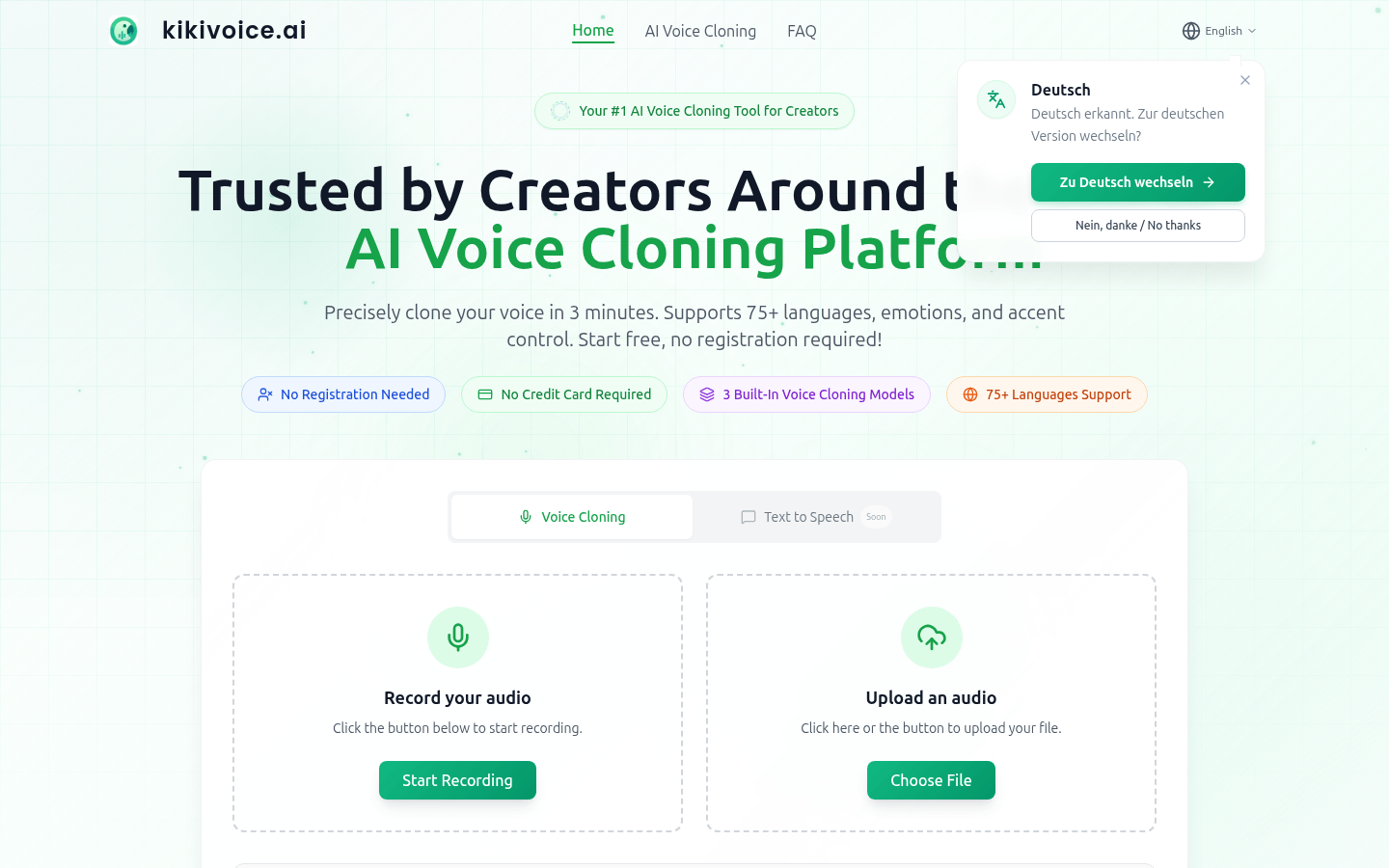
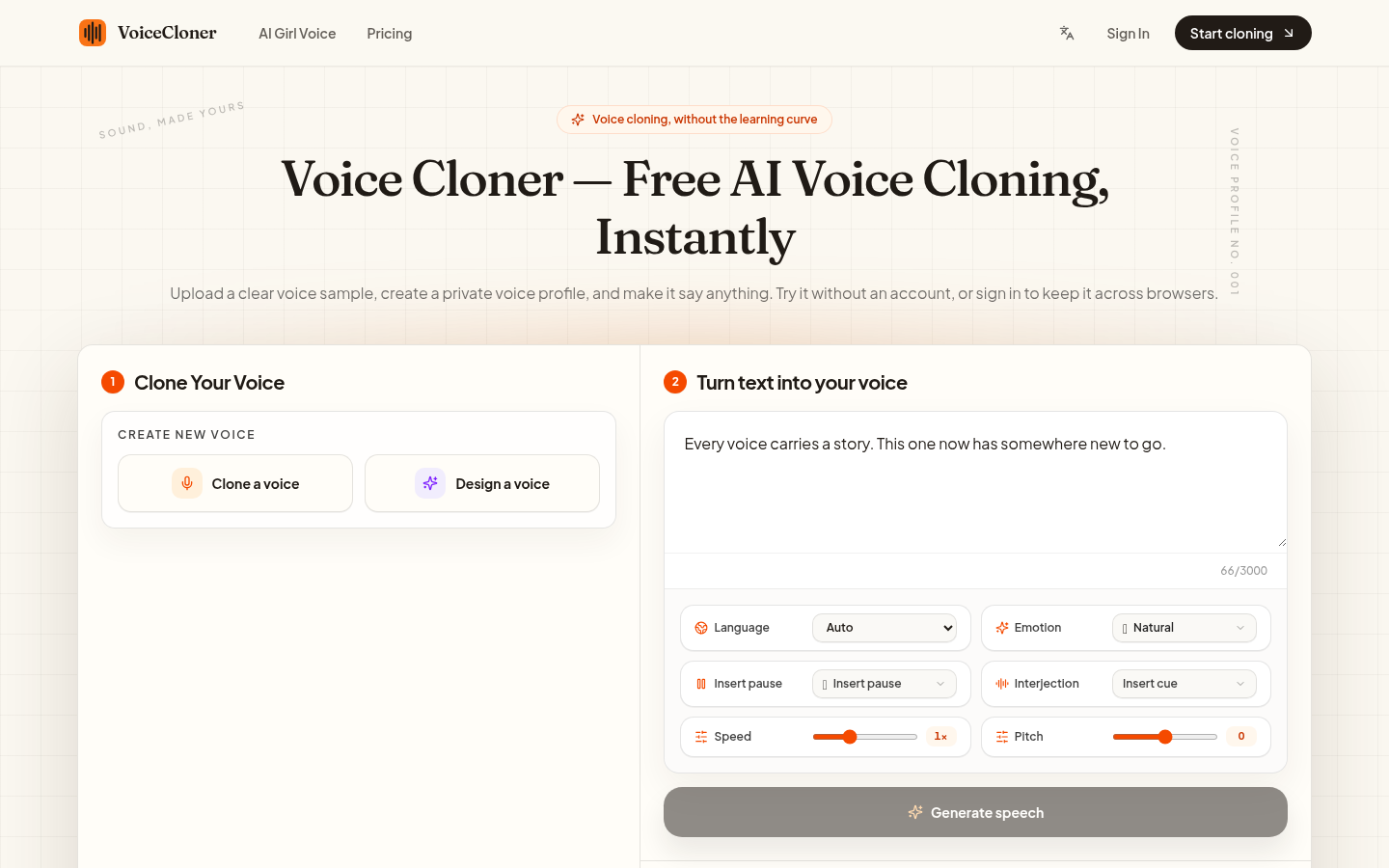
- 1 Choose a built-in voice preset for a quick preview, or start a clone by recording in the browser or uploading a sample
- 2 Type the text you want converted into voice
- 3 Click generate, wait for the output, which may take 1 to 3 minutes for cloning
- 4 Optionally add a portrait to produce a talking video
- 5 Download or share the finished voice or video
Who it is for
Pros
- A 30-second recording is enough to clone a voice
- Free trial needs no credit card, and a free account adds trial credits
- Credits are one-time purchases that do not expire, with no subscription
- Output covers both audio and simple talking video with a portrait
Limitations
- Cloning someone's voice needs their explicit permission, and using a voice without authorization can break laws and platform rules
- The free trial is limited, and paid features such as watermark-free export sit behind credit packs
- Cloning mode can take 1 to 3 minutes per job, so long scripts are slow
- The site is young, so stability and policy details may change more often than established services
What Vocalove is
Vocalove is an AI voice cloning website. You record up to 30 seconds in the browser or upload a voice sample, type the text you want spoken, and it generates audio that keeps the rhythm, timbre, and accent of the source voice, which is what separates it from ordinary text-to-speech. Built-in presets are available if you would rather not clone anything. A free trial needs no credit card, and creating a free account adds trial credits, while paid access uses one-time credit packs that do not expire and unlock watermark-free high-definition export and longer jobs.
What you can do with it
- Clone a voice from a 30-second recording or an uploaded sample
- Turn typed text into speech that carries the original voice's character
- Add a portrait to generate a simple talking video
- Preview built-in voices first if you want output without cloning
Who it is for
- Families making memorial videos or preserving a relative's voice
- Parents who want bedtime stories recorded in their own voice
- Content creators and event organizers needing personalized narration
What to watch out for
Only clone voices you own or have explicit permission to use. Cloning someone's voice without authorization can break laws and platform rules, and the consequences are yours. The free trial is limited, and features such as watermark-free export sit behind credit packs, so plan the budget accordingly. Cloning jobs can take 1 to 3 minutes, which makes long scripts slow. This is a young service, so availability, credits, and policies may change more often than with established providers. For best results, start with a small test file and review the output carefully before working on anything important.
FAQ
Is Vocalove free to try?
There is a free trial that needs no credit card, and creating a free account adds extra trial credits.
How much audio do I need to clone a voice?
A browser recording of up to 30 seconds, or an uploaded voice sample, is enough.
How does payment work?
Paid access uses one-time credit packs. Credits never expire and there are no subscription fees.
Can I clone any voice?
No. You should only clone voices you own or have explicit permission to use. Cloning a voice without authorization can violate laws and platform rules, and the consequences fall on you.
Why it is free
What the official page says: free trialfree account
Free limits, trial length and features are decided by the official site and can change at any time.
Product preview
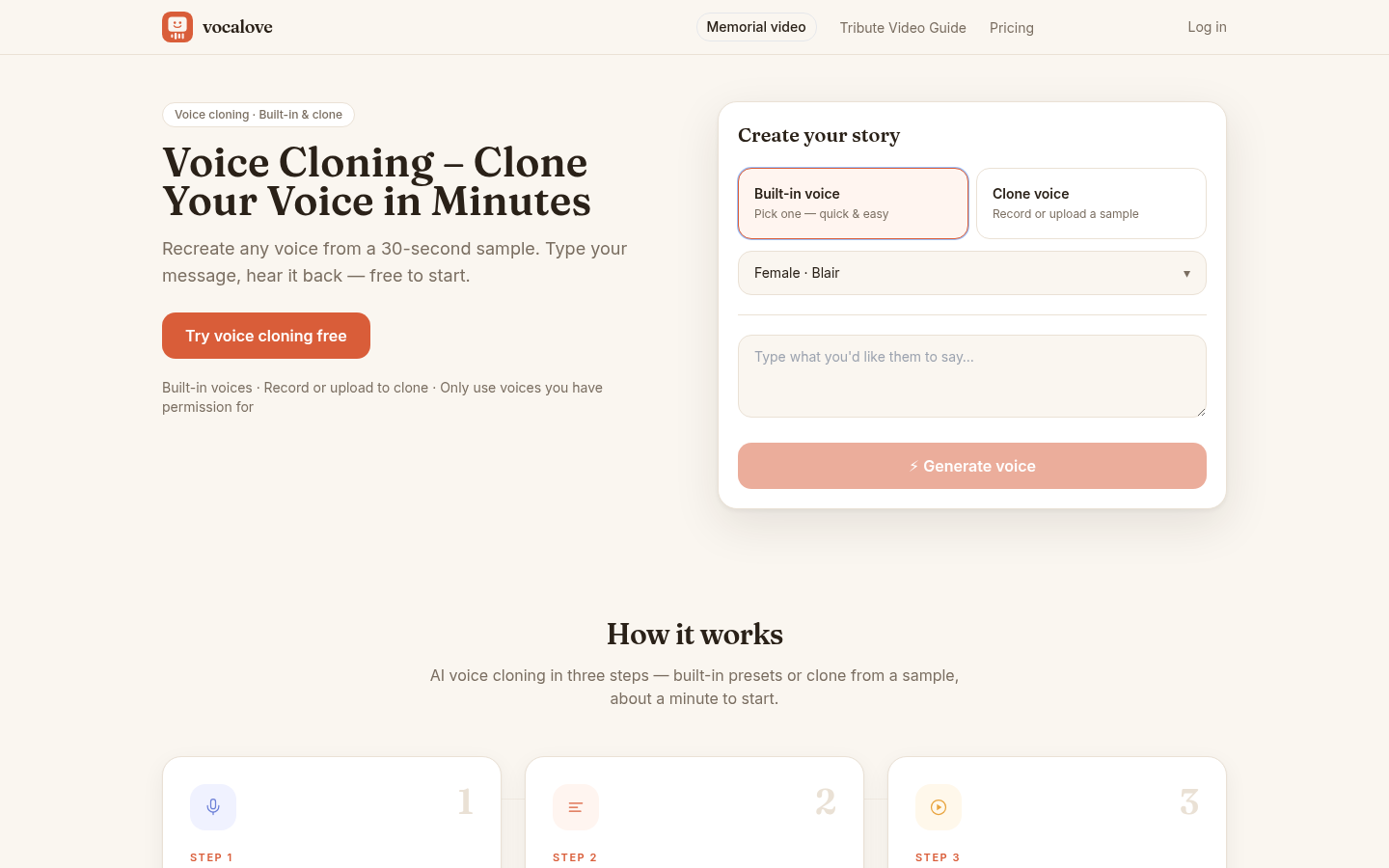
Screenshot archived from the listing page, for preview only.