Voiceley
AI voice cloning and voice generationClone a voice and generate speech from text
Highlights
What you can do with it
- An audiobook creator cloned a voice to record a novel
- A tech company generated a professional voiceover for a product video
- A teacher turned courseware text into audio for review
How to use it
- 1 Visit Voiceley and register or log in
- 2 Upload a voice sample for cloning, or enter text to generate speech
- 3 Pick a suitable voice model and preview the effect
- 4 Click generate and wait for processing
- 5 Download the voice file for your use case
Who it is for
Pros
- Free monthly quota to try the basics
- Wide range of voice models to choose from
- Simple interface for quick starts
- Both cloning and text to speech in one place
Limitations
- Voice cloning can be misused, so only clone voices you have the right to use, and misuse may violate platform rules or laws, with consequences borne by the user
- Free quota is limited and paid packages cost more
- Cloned voices may not be a perfect match
- Quality depends on the sample and the model chosen
What Voiceley is
Voiceley is a product focused on AI voice cloning. It lets users upload a voice sample and clone a highly similar voice, and it can also generate natural speech from text using a range of voice models. The platform provides many models across different genders, ages, and accents, and a free monthly usage quota so you can try the basics without paying, with paid packages for heavier use. It has a simple, intuitive interface that does not require professional skills. Important caution: voice cloning can be misused, so only clone voices you have the right to use, and be aware that misuse may violate platform rules or laws, with consequences borne by the user. It is positioned for users with voice cloning and generation needs.
What you can do with it
- Clone a voice from an uploaded sample
- Generate natural speech from typed text
- Choose from many voice models across genders, ages, and accents
- Preview a voice before you generate the final file
- Download the audio for your project
Who it is for
- Content creators such as audiobook and video voice work
- Marketers producing ad and promo voiceovers
- Educators adding voice to teaching materials
What to watch out for
Voice cloning can be misused, so only clone voices you have the right to use, and be aware that misuse may violate platform rules or laws, with consequences borne by the user. The free quota is limited, and heavier use needs paid packages. Cloned voices may not be a perfect match to the original, and quality depends on the sample and the model you pick. Review the output before you publish it anywhere.
FAQ
Is Voiceley free?
It provides a free monthly usage quota, with paid packages for heavier use.
What can it do?
It can clone a voice from a sample and generate speech from text using various voice models.
Is voice cloning safe to use?
Only clone voices you have the right to use. Misuse may violate platform rules or laws, and consequences are borne by the user.
Why it is free
What the official page says: for free
Free limits, trial length and features are decided by the official site and can change at any time.
Product preview
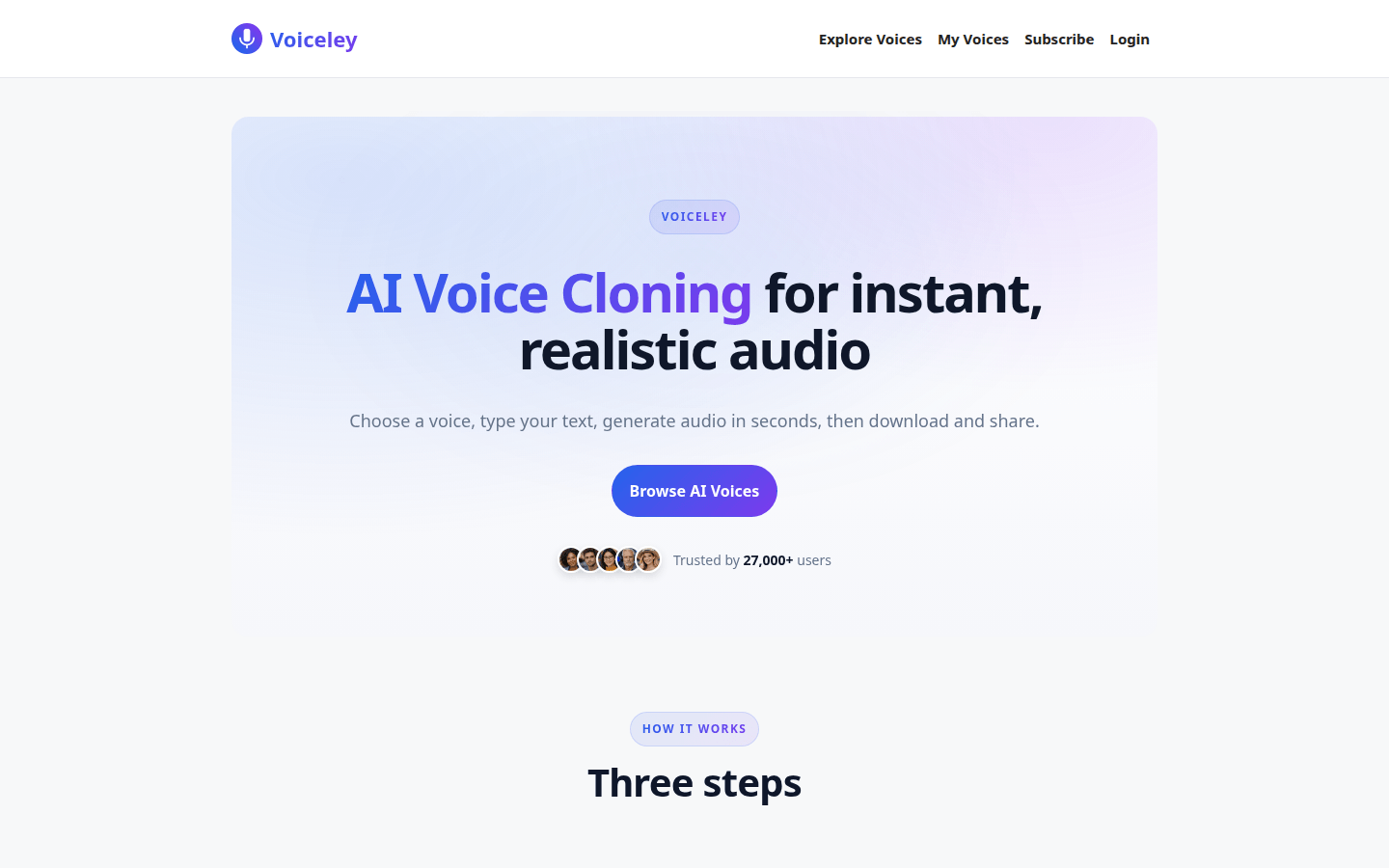
Screenshot archived from the listing page, for preview only.