Voicemod
Free real-time voice changerChange your voice live in games and streams
Highlights
What you can do with it
- Change your voice live during a stream
- Add in-game voice effects while playing
- Edit recorded video with voice changing effects
How to use it
- 1 Install Voicemod on Windows or macOS
- 2 Select a voice or sound effect
- 3 Set it as your microphone input
- 4 Use it in a game or streaming app
Who it is for
Pros
- Free real-time voice changing
- Works with many games and streaming tools
- Custom sound effects
- Also usable for recorded video editing
Limitations
- Free status and feature set can change over time
- Real-time changing needs a capable computer and correct audio setup
- Integration depends on each game or app supporting it
- Voice quality depends on your microphone and settings
What Voicemod is
Voicemod is a free real-time voice changer and soundboard for Windows and macOS. It lets you transform your voice to sound like a robot, demon, squirrel, woman, man, or anything you can imagine. It works with all your favorite games and integrates with tools such as Elgato Stream Deck, Streamlabs OBS, Twitch, TikTok Live Studio, Audacity, Gamecaster, and Omegle. You can use real-time voice changing for your next livestream, create Voice Skins and Voice Avatars for metaverse platforms in seconds, or edit your videos after recording with voice changing effects.
What you can do with it
- Change your voice in real time during calls, games, or streams
- Use custom sound effects from the soundboard
- Create Voice Skins and Voice Avatars
- Add voice effects to recorded video
- Connect with streaming and recording software
Who it is for
- Streamers and live broadcasters
- Gamers who want in-game voice effects
- Video creators adding voice effects after recording
- Anyone who wants a fun voice for online chat
What to watch out for
The free status and feature set can change over time, so check the current offer before you build a setup around it. Real-time voice changing needs a capable computer and correct audio routing, and setup can take some trial and error. Integration depends on each game or app supporting an external microphone, so not every program works the same way. Voice quality also depends on your microphone and settings, so results vary from user to user. Free tiers and usage limits can change, so check the current rules on the official page before relying on it long term.
FAQ
Is Voicemod free?
It is described as a free real-time voice changer and soundboard for Windows and macOS.
What can it do?
Change your voice in real time, add sound effects, and create Voice Skins and Avatars.
Which apps does it work with?
Elgato Stream Deck, Streamlabs OBS, Twitch, TikTok Live Studio, Audacity, and others.
Can I use it for recorded video?
Yes, you can edit videos after recording with voice changing effects.
Why it is free
What the official page says: 免费
Free limits, trial length and features are decided by the official site and can change at any time.
Product preview
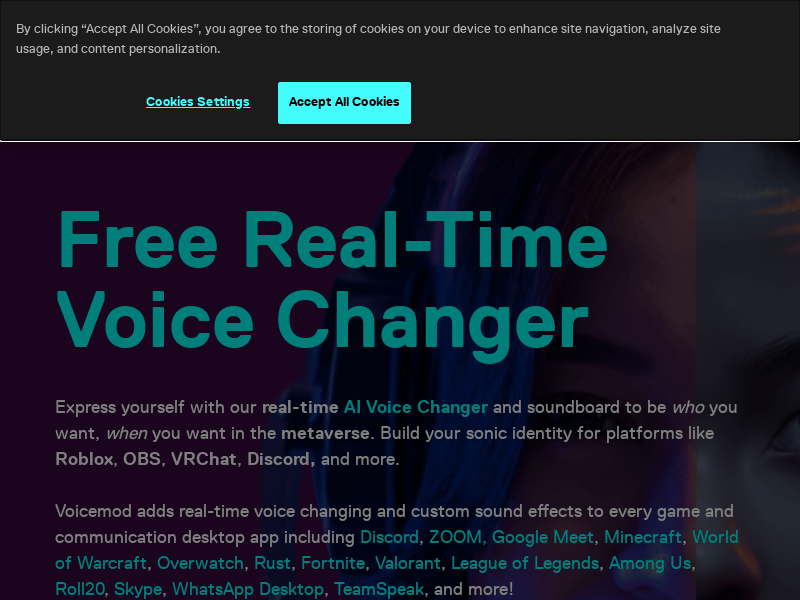
Screenshot archived from the listing page, for preview only.