AI PDF Translator
Free online PDF translator that keeps layoutTranslate PDFs online and keep the original layout
Highlights
What you can do with it
- A procurement manager reading a German supplier contract with clause numbers and penalty tables intact
- A graduate student converting a Portuguese thesis into English with consistent page numbers
- A freelance translator starting edits from the bilingual output
How to use it
- 1 Upload the PDF and select the source and target languages.
- 2 Specify a page range if you only need part of the document.
- 3 Review the original and translated pages side by side.
- 4 Download the bilingual version or the purely translated PDF.
Who it is for
Pros
- Layout elements such as tables and headings are restored accurately
- The bilingual view makes paragraph level review easy
- Free to use, with multi language and partial page support
Limitations
- Long documents still take time because each page is rebuilt
- Translation accuracy varies by language pair and document complexity
- The service is free now, but free access rules may change over time
What AI PDF Translator is
AI PDF Translator is an online and free PDF translation tool. Its purpose is to solve the problem that traditional translation methods cannot retain the original layout of a PDF. When you upload a file, the tool reads the layout of the document page by page, including elements such as tables, columns, and headings, then performs the translation and places the translated content back accurately. The result restores the page structure, format, and reading order of the original document. It supports translation in up to 20 languages, including Spanish, German, Hindi, and Chinese, and it lets you translate only a selected page range when a document is long. After each translation task, you can download a bilingual version for review or a purely translated version for sending. The product is free to use and is positioned as a convenient and fast PDF translation solution for many scenarios. The product background is to meet the need for efficient and accurate PDF translation across work, study, and official paperwork.
What you can do with it
- Translate a PDF while keeping tables, columns, and headings in place
- Compare the original and translated pages side by side in the browser
- Hover over a paragraph to check its position in the source text
- Download a bilingual PDF for review or a purely translated PDF for sending
Who it is for
- Business people such as purchasing managers handling supplier agreements
- Academic researchers reading papers with citations, footnotes, and chart numbers
- Immigrants and anyone dealing with official documents from different countries
What to watch out for
Long documents still take time because the system rebuilds each page before translating, so a big file will not finish instantly. Translation accuracy varies by language pair and by how complex the document is, so contracts and official papers should be checked by a person before you rely on them. The service is free to use right now, but free access rules may change over time, and any sensitive document should be handled with care. For official use, keep the bilingual version so you can show the source text next to the translation.
FAQ
Does the translation keep the original layout?
Yes. The tool reads each page, including tables, columns, and headings, and places the translated text back accurately.
How many languages are supported?
It provides translation in up to 20 languages, including Spanish, German, Hindi, and Chinese.
Can I translate only part of a PDF?
Yes. You can select a specific page range instead of translating the entire document.
Why it is free
What the official page says: for freefree to use
Free limits, trial length and features are decided by the official site and can change at any time.
Product preview
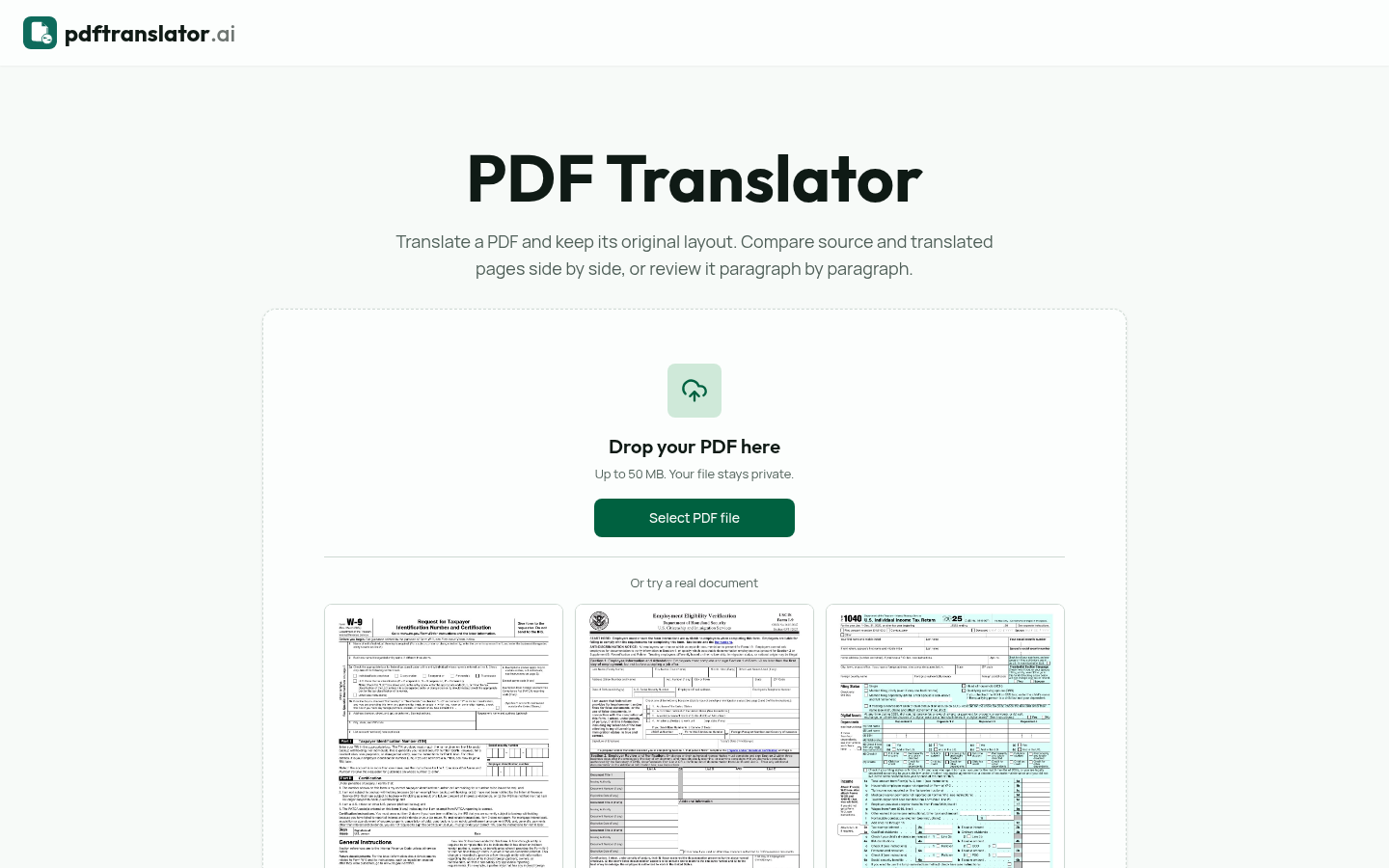
Screenshot archived from the listing page, for preview only.