Cleanup Pictures By Pixelcut
Free tool to erase unwanted objects from photosRemove objects, text, and blemishes in seconds
Highlights
What you can do with it
- Remove people to get a clean landscape photo
- Erase text watermarks for a cleaner image
- Clear blemishes for smoother skin
How to use it
- 1 Open the Cleanup Pictures tool.
- 2 Upload the photo you want to edit.
- 3 Brush over the object, text, or blemish.
- 4 Let the AI remove it and download the result.
Who it is for
Pros
- Free to use with no technical skills
- Removes objects, text, people, and blemishes
- Fast, browser-based workflow
- Simple brush-and-erase interface
Limitations
- Free use may be limited and terms can change
- Complex removals may need touch-ups
- Results depend on the source image
- Depends on the vendor platform staying available
What Cleanup Pictures by Pixelcut is
Cleanup Pictures by Pixelcut is a free online tool for removing unwanted objects from photos. You upload an image, erase what you do not want, and get a clean result in seconds, with no technical skills required. It can remove text, people, blemishes, and more, which makes it useful for both creative cleanup and small retouching jobs. It suits personal users, photography enthusiasts, and social media users who want polished images. Because it runs in the browser, there is nothing heavy to install. Results depend on the image, and complex edits may need touch-ups, so treat it as a quick fix rather than a full editor.
What you can do with it
- Remove unwanted objects from a photo.
- Erase text and watermarks for a cleaner look.
- Clear blemishes for smoother skin.
- Get a clean result in seconds without technical skills.
Who it is for
- Personal users cleaning up everyday photos.
- Photography enthusiasts refining shots.
- Social media users polishing images before posting.
- Anyone who needs quick object removal without software.
What to watch out for
Free use may be limited, and terms can change over time, so confirm current limits on the official site. Complex removals may need touch-ups, and results depend heavily on the source image, so a busy background can make clean removal harder. As a hosted tool, availability can vary. Keep your original photos safe, and do not rely on it for edits where precision matters, such as documents or images you plan to publish professionally. Name and archive exported files consistently so you can find and reuse them, and keep a backup copy of key data.
FAQ
Is it free?
Yes. It is described as a free online tool. Confirm current limits on the official site.
What can I remove?
You can remove unwanted objects, text, people, and blemishes from photos.
Do I need skills?
No technical skills are required. You upload, erase, and get a clean result.
Who is it for?
It suits personal users, photography enthusiasts, and social media users.
Why it is free
What the official page says: 免费
Free limits, trial length and features are decided by the official site and can change at any time.
Product preview
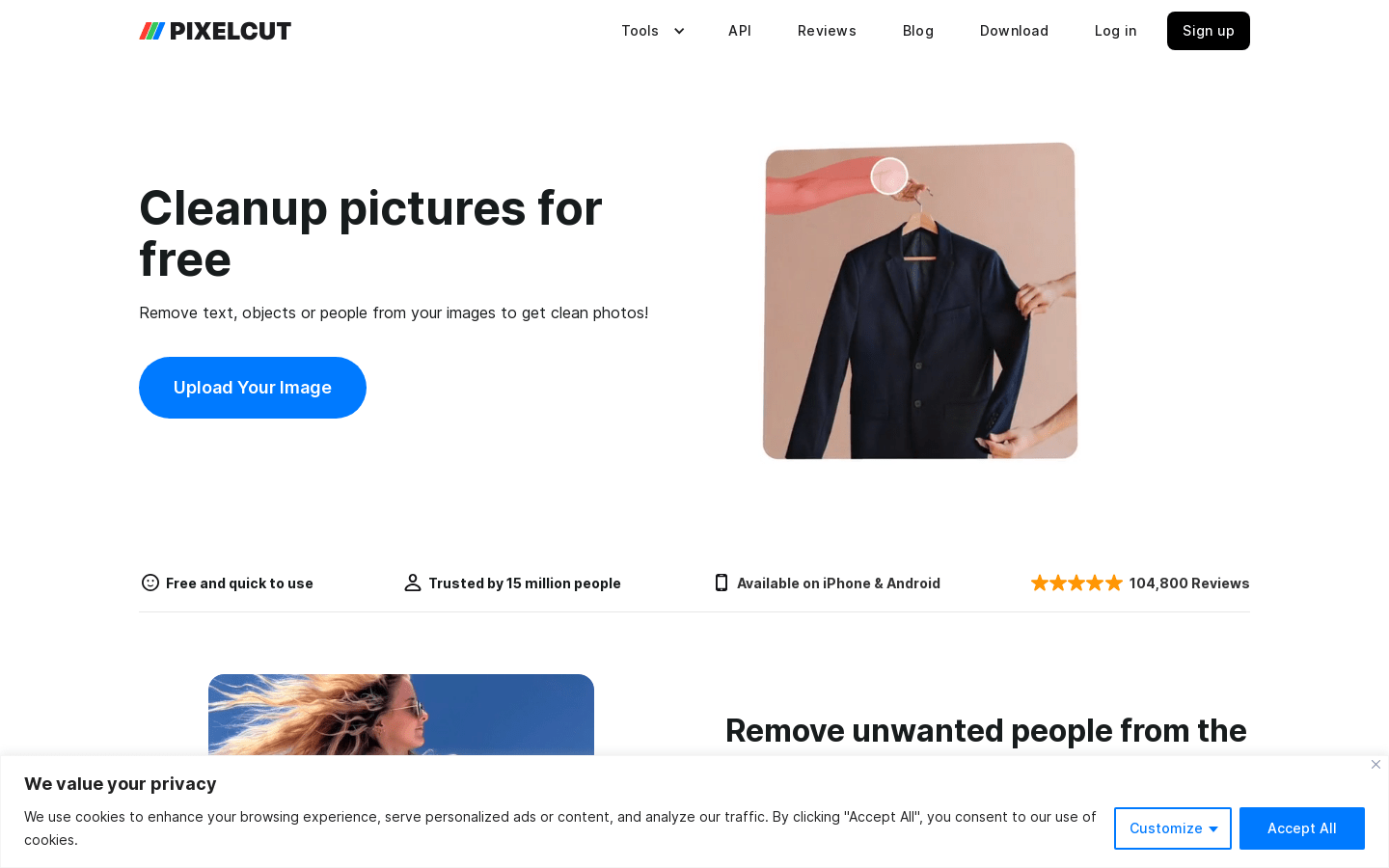
Screenshot archived from the listing page, for preview only.