Clone Anyone's Voice in Seconds with AI
AI voice cloning for audio contentClone a voice and reuse it on any audio
Highlights
What you can do with it
- A creator voices over a video without booking a studio
- A non-native speaker improves pronunciation on a recording
- An author produces an audiobook narration track
How to use it
- 1 Sign up for a free account on the website.
- 2 Provide a voice sample to clone.
- 3 Apply the cloned voice to the audio content you want to produce.
- 4 Export the result and use it where you have the right to do so.
Who it is for
Pros
- Removes the need for a recording studio session
- Fast turnaround compared with booking talent
- Can raise the consistency of audio across a channel
- Free signup with a refund window stated
Limitations
- Cloning a voice without consent can be unlawful and may break platform rules, and the consequences sit with you
- Likely to be flagged as synthetic or impersonation content on major platforms
- Quality depends heavily on the sample you supply
- Free signup does not mean free unlimited use
What Clone Anyone's Voice in Seconds with AI is
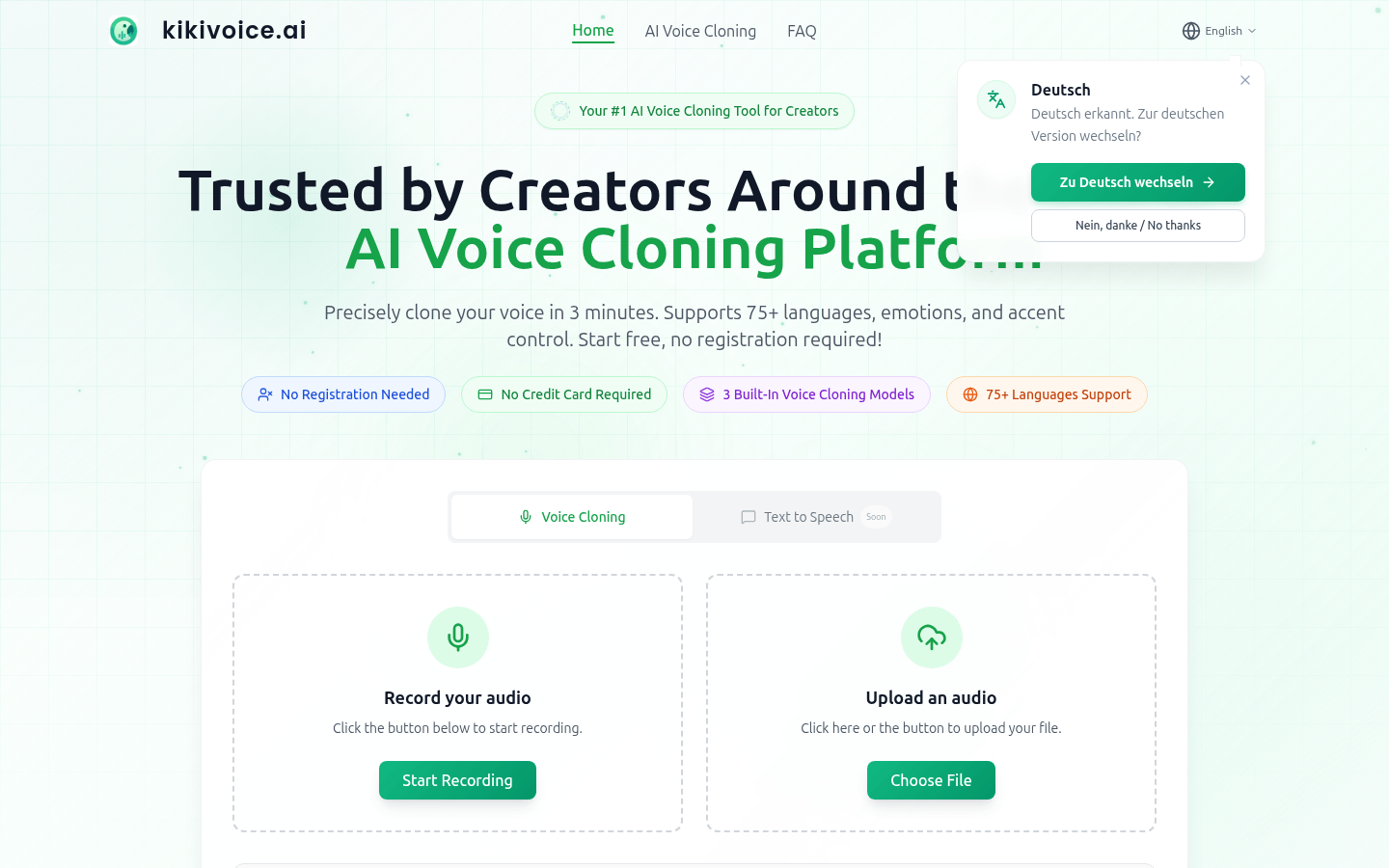
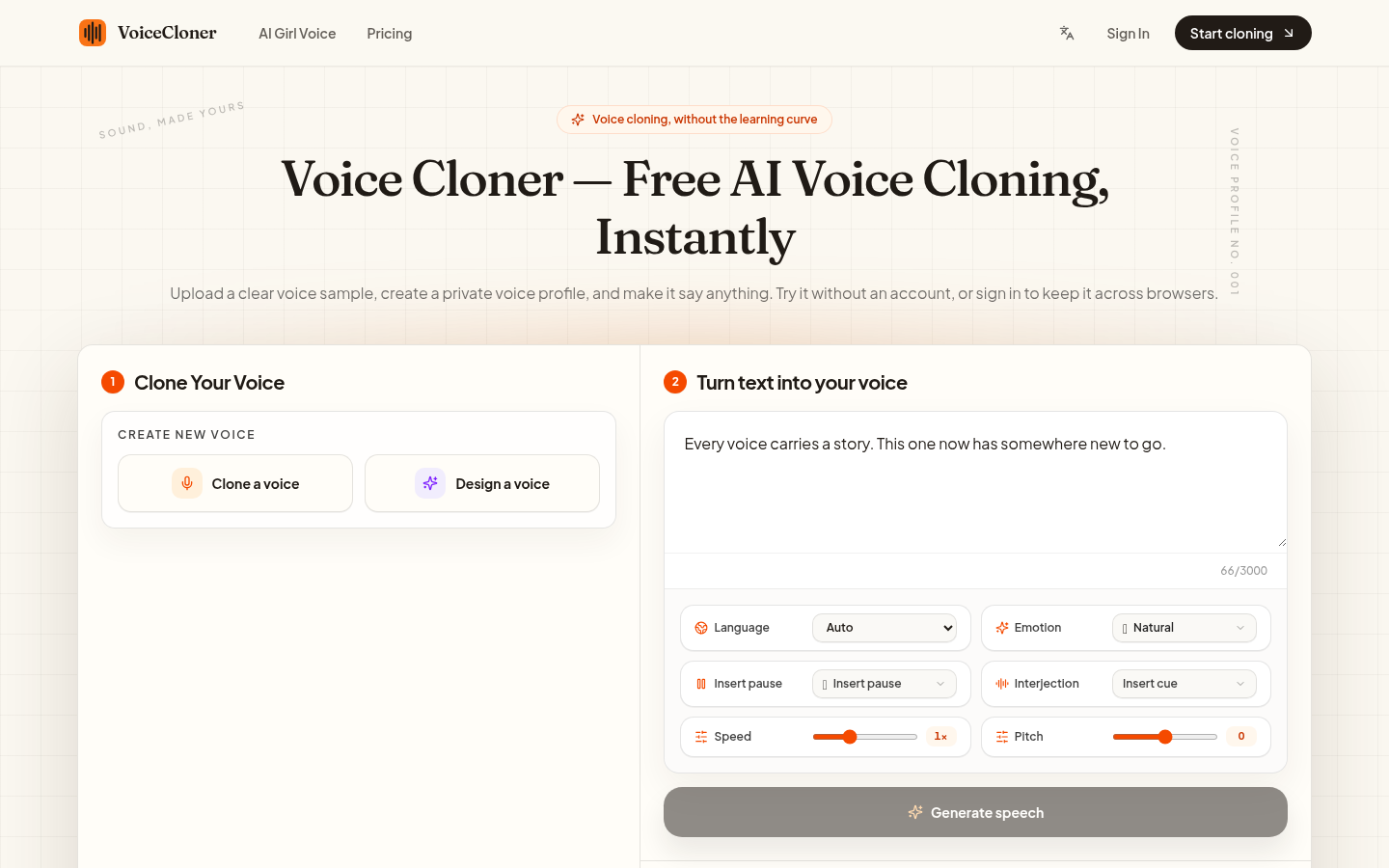
This service clones a voice from a sample and applies the result to audio content. The pitch is straightforward: record or upload a voice, let the tool copy it, then use that voice for voice-over on speeches, social channels, and audiobooks. It is also aimed at non-native English speakers who want a cleaner pronunciation on their recordings. The listing says you can sign up for free and mentions a 72-hour full refund guarantee. Full usage limits are not described.
What you can do with it
- Clone a voice in seconds from a provided sample
- Apply the cloned voice to your own audio content
- Produce voice-over for videos, social posts, and audiobooks
- Improve pronunciation on a recording without a studio session
Who it is for
- Content creators who need voice-over without booking talent
- Non-native speakers working on clearer pronunciation
- Authors and small publishers producing narration tracks
What to watch out for
Voice cloning is one of the easiest AI tools to misuse. Only clone a voice you own or have explicit permission to use. Copying a real person's voice without consent can be unlawful, can break the rules of the platforms you publish on, and can be treated as impersonation or synthetic media. Any penalty, takedown, or legal exposure sits with the person who published the audio, not with the tool. Disclosure rules for synthetic voice are tightening, and free signup does not mean unlimited free use. Treat consent and labelling as part of the job, not an afterthought. For team use, agree on naming and editing conventions in advance to avoid version conflicts or duplicated work.
FAQ
Can I clone any voice I want?
You should only clone a voice you own or have clear permission to use. Cloning someone else's voice without consent can break the law and platform rules, and any consequence falls on you.
Is it free?
Signup is described as free, and a 72-hour full refund guarantee is mentioned. Ongoing usage terms and limits are not detailed in the listing.
What is it used for?
Voice-over for speeches, social media channels, and audiobooks, plus improving English pronunciation for non-native speakers.
Why it is free
What the official page says: for free
Free limits, trial length and features are decided by the official site and can change at any time.
Product preview
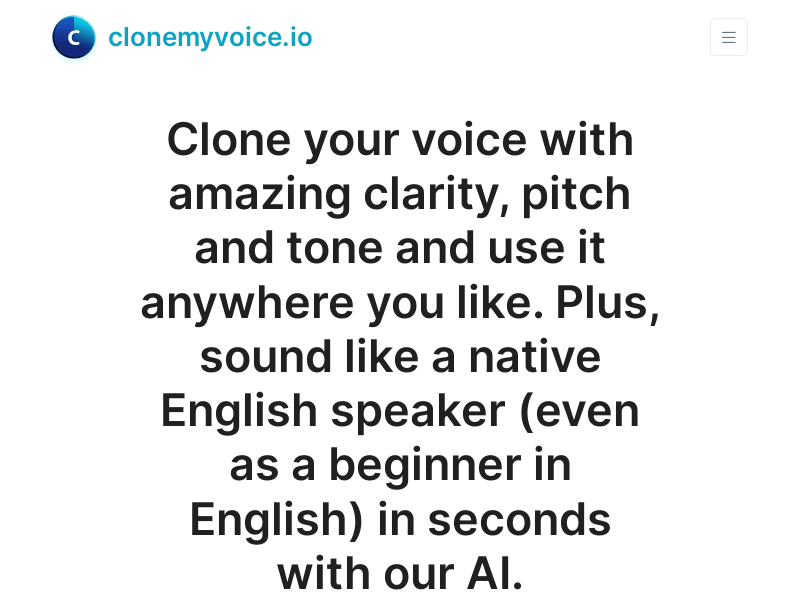
Screenshot archived from the listing page, for preview only.