DesignerBot by Beautiful.ai
AI presentation makerMake polished presentations fast
Highlights
What you can do with it
- Build a business or sales deck from plain content
- Draft a class or training presentation quickly
- Create branded slides with custom themes and animations
How to use it
- 1 Open the Beautiful.ai presentation maker page.
- 2 Add your content or start from the AI presentation tool.
- 3 Choose a smart slide template for each section.
- 4 Edit slides, swap in media, and adjust the theme.
- 5 Customize the design to match your brand, then share.
Who it is for
Pros
- Free to use, so you can try it before paying
- Smart templates handle layout decisions
- Large free media library for slide content
Limitations
- Free rules and feature limits may change
- Template driven layouts can feel constrained
- Advanced features may sit behind paid plans
What DesignerBot by Beautiful.ai is
DesignerBot by Beautiful.ai is a presentation making tool with design AI built in, and it is presented as free to use. The core idea is simple: you add your content, and the tool arranges it into slides that look designed rather than typed. Hundreds of smart slide templates do the heavy lifting, while editable controls and customizable themes let you adjust the result. Eye catching animations are included, and a media library with millions of free photos, videos, and icons helps fill slides without hunting for assets. Because layout decisions are handled by the templates, you can produce a presentation without learning advanced design techniques.
What you can do with it
- Turn plain content into a structured presentation in minutes
- Start even faster with the AI presentation creation tool that drafts a full deck
- Apply smart templates, themes, and animations to each slide
- Add free photos, videos, and icons from the built in media library
Who it is for
- Marketing and sales teams that need decks on a regular basis
- Startup founders pitching ideas without a designer on staff
- Teachers and trainers preparing lesson or workshop material
What to watch out for
Free presentation tools often keep advanced features behind paid plans, so check what stays free before you rely on it for important work. Template driven layouts are fast, but they can feel constrained when a slide needs an unusual structure, and forcing content into the wrong template makes a deck worse, not better. Because the AI builds layouts from your content, the quality of the first draft depends on how well organized that content is. Review every slide before presenting, since automated layout is not a substitute for checking your message and numbers.
FAQ
Is DesignerBot by Beautiful.ai free?
The tool is described as a free presentation making tool, with AI design features available as you build.
Do I need design experience?
No. Smart slide templates and editable controls handle the layout so you do not need advanced design skills.
Can I customize the slides?
Yes. Slides stay editable, themes are customizable, and you can adjust designs to match your brand.
Why it is free
What the official page says: 免费
Free limits, trial length and features are decided by the official site and can change at any time.
Product preview
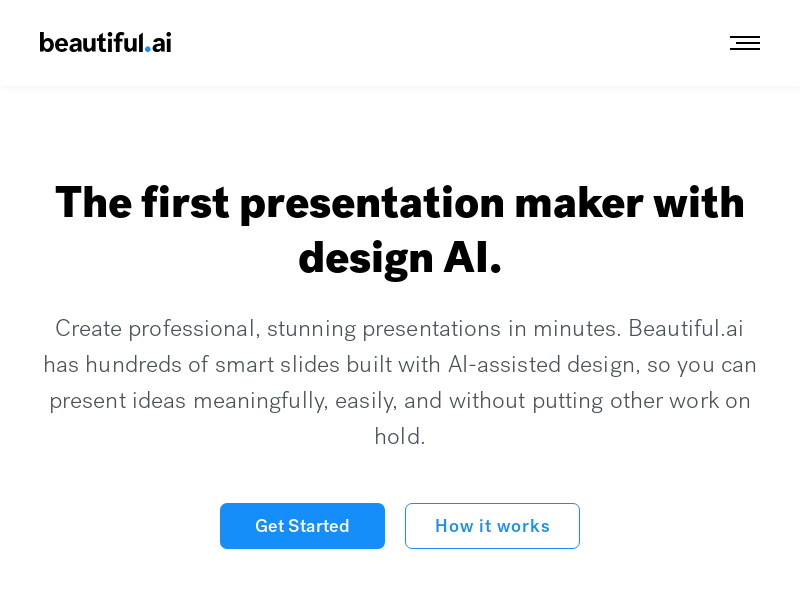
Screenshot archived from the listing page, for preview only.