Doc Translator
AI document translator50+ file types, 150+ languages
Highlights
What you can do with it
- A student translating an academic paper
- A multinational team localizing a business report
- A freelancer translating client contracts
How to use it
- 1 Open the Doc Translator website
- 2 Choose source and target languages
- 3 Upload your file
- 4 Wait for translation while formatting is kept
- 5 Download the translated document
Who it is for
Pros
- No account needed to try it
- Formatting stays intact after translation
- Broad file and language coverage
Limitations
- The free trial limits volume before payment
- Complex layouts may still need manual fixes
- Accuracy varies by language pair and file type
What Doc Translator is
Doc Translator is a document translation tool based on AI technology. It handles the common pain of cross-language documents: layouts break, fonts shift, and tables turn into mush. This tool aims to keep the original structure, fonts, tables, images, and layout while translating the text into more than 150 languages. The system understands context, tone, and professional terms so the result reads naturally rather than word by word. You can try it for free without registering an account or providing payment details, which makes it easy to test before you need it for real work.
What you can do with it
- Translate PDF, Word, PowerPoint, Excel, EPUB, subtitle, and image files
- Work across 150+ languages with automatic detection
- Keep the original layout, fonts, tables, and structure
- Download a finished document that looks like the original
Who it is for
- Students reading academic papers in another language
- Global teams distributing reports to different regions
- Freelancers handling contracts and client documents
What to watch out for
The free trial limits how much you can translate before you need to pay, so plan large jobs accordingly. Very complex layouts, unusual fonts, or scanned pages can still need manual cleanup after translation. Accuracy varies by language pair and by how technical the text is, so have a native speaker check anything important such as contracts or medical documents. Features and interface details may change between versions, so review the latest notes on the page before you start. For team use, agree on naming and editing conventions in advance to avoid version conflicts or duplicated work. When quality matters, export a small draft first to confirm the result before producing the final file.
FAQ
Do I need to register?
No, you can try the product for free without registering an account or providing credit card information.
What files are supported?
Over 50 formats, including PDF, Word, PowerPoint, Excel, EPUB, subtitle files, and various image formats.
How many languages?
More than 150 languages, with automatic source language detection.
Why it is free
What the official page says: free trial
Free limits, trial length and features are decided by the official site and can change at any time.
Product preview
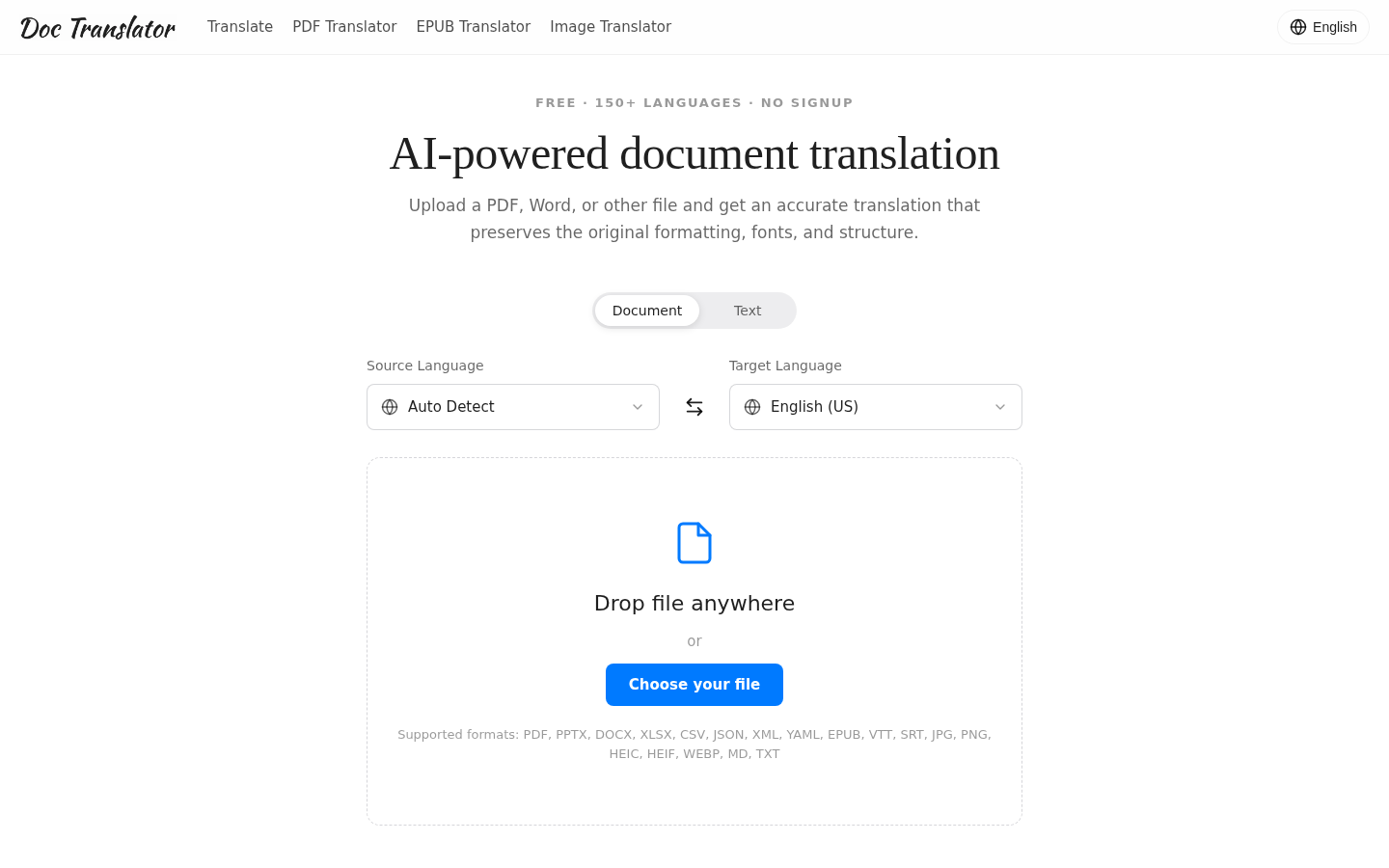
Screenshot archived from the listing page, for preview only.