FreeTTS
Free online text-to-speech toolTurn text into natural speech, free
Highlights
What you can do with it
- Add voiceover to videos and presentations
- Create audio versions of written content
- Generate narration for any project
How to use it
- 1 Open FreeTTS in your browser
- 2 Paste or type the text you want spoken
- 3 Pick a voice and language
- 4 Add SSML tags if you need custom pauses or format
- 5 Generate and download the audio file
Who it is for
Pros
- Completely free with commercial use allowed
- Broad language coverage
- SSML gives control over pauses and format
- Natural-sounding voice output
Limitations
- Free rules may change over time
- Quality and voices depend on the upstream service
- Needs an internet connection to run in the browser
What FreeTTS is
FreeTTS is a free online tool for converting text to speech. It supports nearly all languages and creates high-quality audio files with natural-sounding voices that can fit into any project. The product also supports SSML, which lets you customize audio details such as pauses and the audio format. FreeTTS is completely free and, importantly, it can be used for commercial purposes, so the audio you make is not limited to personal use. You work directly in the browser, which means there is nothing to install before you start generating speech.
What you can do with it
- Convert written text into spoken audio online
- Choose from natural-sounding voices across many languages
- Fine-tune pauses and format with SSML tags
- Produce narration or voiceover for any kind of project
- Download the resulting audio file for reuse
Who it is for
- Creators who need quick voiceovers for video or slides
- Developers prototyping speech features in an app
- Writers and educators making audio versions of content
- Anyone who wants to turn text into speech for free
What to watch out for
Because FreeTTS is a free online service, its rules and the set of voices or languages it offers may change over time, so check the site before you depend on it for ongoing work. Audio quality and the exact list of voices depend on the upstream service behind the tool, and results can vary by language and by the text you enter. The tool runs in the browser, so you need a stable internet connection. For commercial projects, it is wise to confirm the current terms of use before publishing the audio you generate.
FAQ
Is FreeTTS free?
Yes, it is completely free.
Can I use it commercially?
Yes, the product can be used for commercial purposes.
Does it support SSML?
Yes, it supports SSML for customizing pauses and audio format.
Which languages are supported?
It supports nearly all languages.
Why it is free
What the official page says: completely free
Free limits, trial length and features are decided by the official site and can change at any time.
Product preview
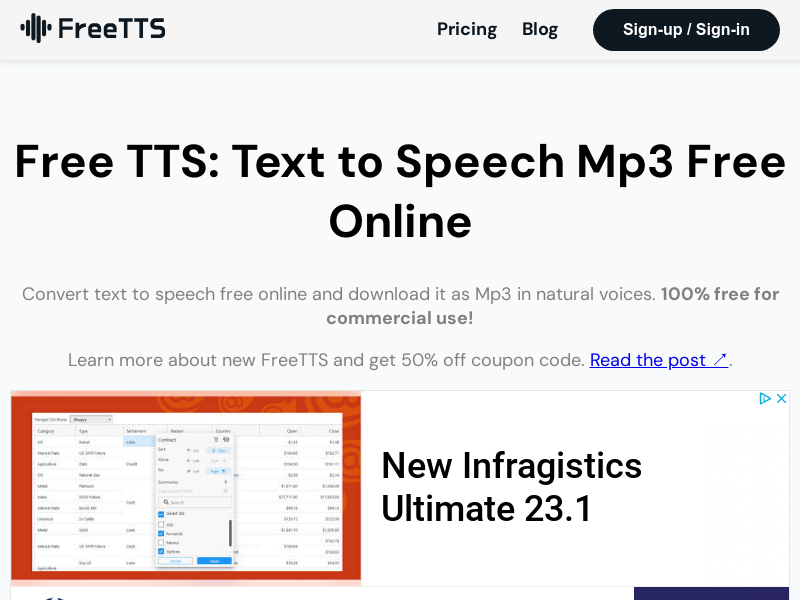
Screenshot archived from the listing page, for preview only.