Geekits
Open source toolbox for daily and dev tasksFree practical tools for everyday and developer use
Highlights
What you can do with it
- Students using homework helpers like the equation balancer
- Developer pulling web data with the scraping tool
- Designers creating QR codes for clients
How to use it
- 1 Visit the Geekits website
- 2 Pick a tool category such as AI or everyday tools
- 3 Select the specific tool you need
- 4 Enter the required information and run it
- 5 Repeat for another tool as needed
Who it is for
Pros
- Free and open source
- Wide range of tools in one place
- No installation required
Limitations
- Some developer tools need programming knowledge
- Free project upkeep and availability can change
- Tool quality varies across the collection
What Geekits is
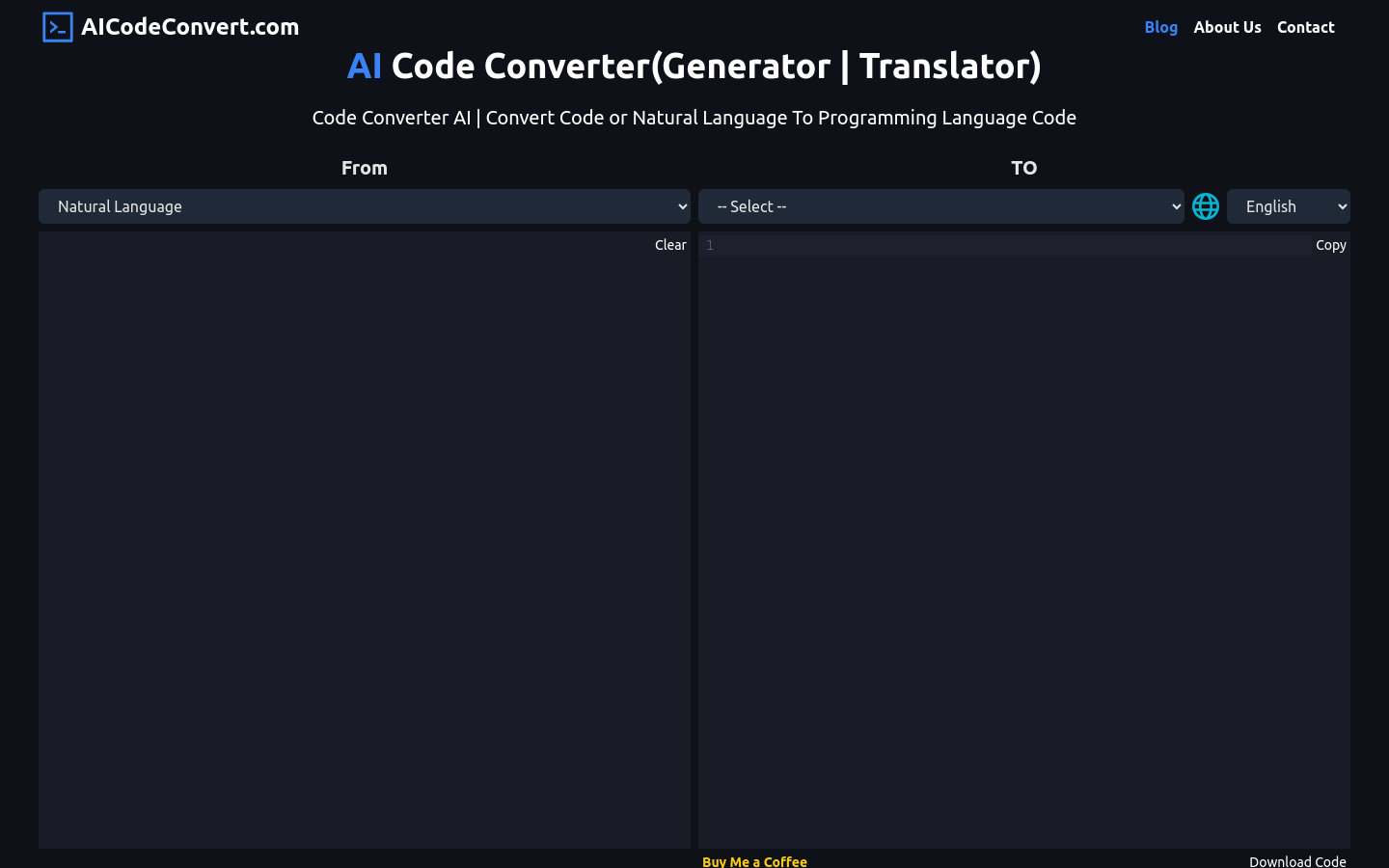
Geekits is an open source and free toolbox created by YGeeker. It collects practical tools across artificial intelligence, everyday use, image and video processing, and programming development. The AI section offers chat based on the GPT-3 model with templates. Everyday tools include an idiom dictionary, a general dictionary, a Pomodoro timer, a chemical equation balancer, and cross device text transfer. Image and video tools cover QR code generation, image slicing, screen recording, image stitching, and compression. Developer tools include web resource scraping, file tree generation, HTML to JSX conversion, and keyboard code lookup.
What you can do with it
- Chat with an AI assistant using built in templates
- Handle small everyday tasks like timers and dictionaries
- Process images and video with QR, slicing, and compression tools
- Use developer helpers for scraping and code conversion
Who it is for
- Students who need quick homework helpers
- Developers who want small utilities without installing software
- Designers and general users who need one off image tools
What to watch out for
Some developer tools assume programming knowledge, so not every utility is beginner friendly. As a free open source project, maintenance and availability can change without notice. The tools are general purpose helpers, so quality and depth vary from one tool to the next. The AI chat relies on an external model, so that part depends on upstream availability. Run one full task end to end first, then expand once you are comfortable with the workflow and the result quality. Behavior may vary across browsers and devices, so test before production use and consult the help docs if errors appear.
FAQ
Is Geekits free?
Yes. The site describes itself as an open source and free platform.
What kinds of tools does it include?
AI chat, everyday utilities, image and video processing, and programming development tools.
Do I need to install anything?
No. The tools run on the website directly.
Why it is free
What the official page says: 免费
Free limits, trial length and features are decided by the official site and can change at any time.
Product preview
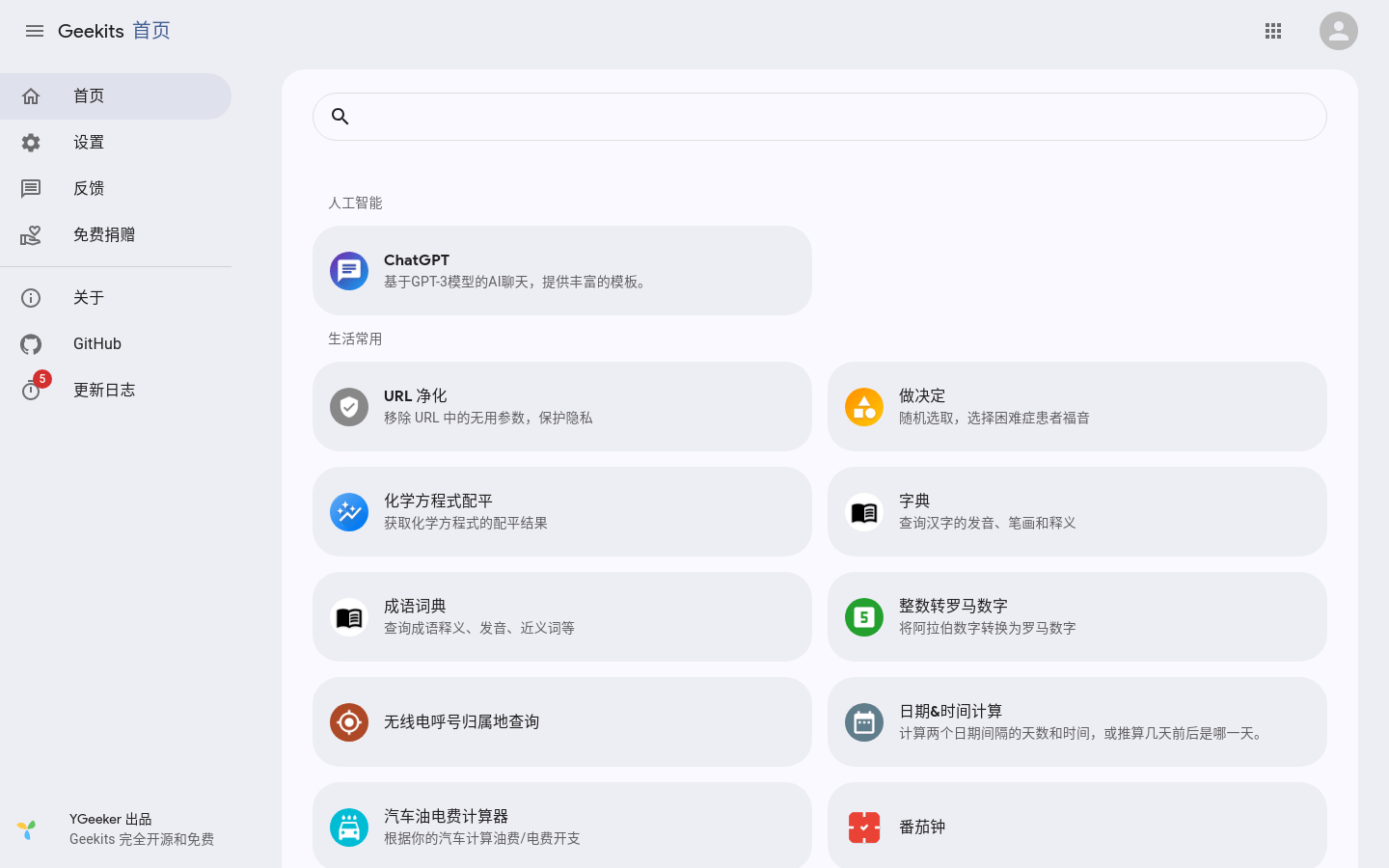
Screenshot archived from the listing page, for preview only.