Google Colab
Run Python code in your browser with free GPUWrite and run Python with no setup required
Highlights
What you can do with it
- Import data and build visual analyses
- Train neural network models on a free GPU
- Share a data analysis report as a notebook
How to use it
- 1 Open colab.research.google.com and sign in
- 2 Create a new notebook and add code or text cells
- 3 Choose a runtime with GPU or TPU if you need acceleration
- 4 Run the cells, view outputs, then save or share the notebook
Who it is for
Pros
- Free GPU and TPU access for heavy compute
- Zero local setup; everything runs in the cloud
- Easy to share notebooks with others
Limitations
- Sessions are time-limited and can disconnect
- Free GPU access is shared and may face queues or limits
- Needs a Google account and a stable connection
What Google Colab is
Google Colab, short for Colaboratory, is an online programming platform from Google's research team. You write and run Python code directly in a web browser, with no local setup or configuration. Because it runs in the cloud, you can tap Google's free GPU and TPU resources to speed up heavy computation. A notebook mixes code cells with text, formulas, and images, which makes it handy for data analysis, machine learning, and teaching demos. For students and researchers, it removes the friction of setting up an environment before you can start coding.
What you can do with it
- Import data and build visual analyses in a notebook
- Train neural network models using a free GPU or TPU
- Visualize results with charts sitting next to your code
- Share a full data analysis report as a runnable notebook
Who it is for
- Students learning Python, data analysis, and machine learning
- Data scientists who want quick experiments without local setup
- AI researchers and educators running demos and tutorials
What to watch out for
Free GPU and TPU access is shared, so sessions can be time-limited, disconnect when idle, or face queues during busy periods. You need a Google account and a stable internet connection, since everything runs in the cloud. Compute limits and usage rules can also change over time, so check the current terms if your work depends on steady access. Large models and datasets may exceed what the free tier comfortably supports, so for long or production-grade training jobs, plan around these constraints rather than assuming unlimited resources. For best results, start with a small test file and review the output carefully before working on anything important.
FAQ
Do I need to install anything?
No. Colab runs in your browser with no local configuration.
Is the GPU really free?
It offers free GPU usage, though access is shared and can be limited during peak times.
What can I use it for?
Data analysis, machine learning, neural network training, and teaching demos.
Why it is free
What the official page says: 免费使用免费
Free limits, trial length and features are decided by the official site and can change at any time.
Product preview
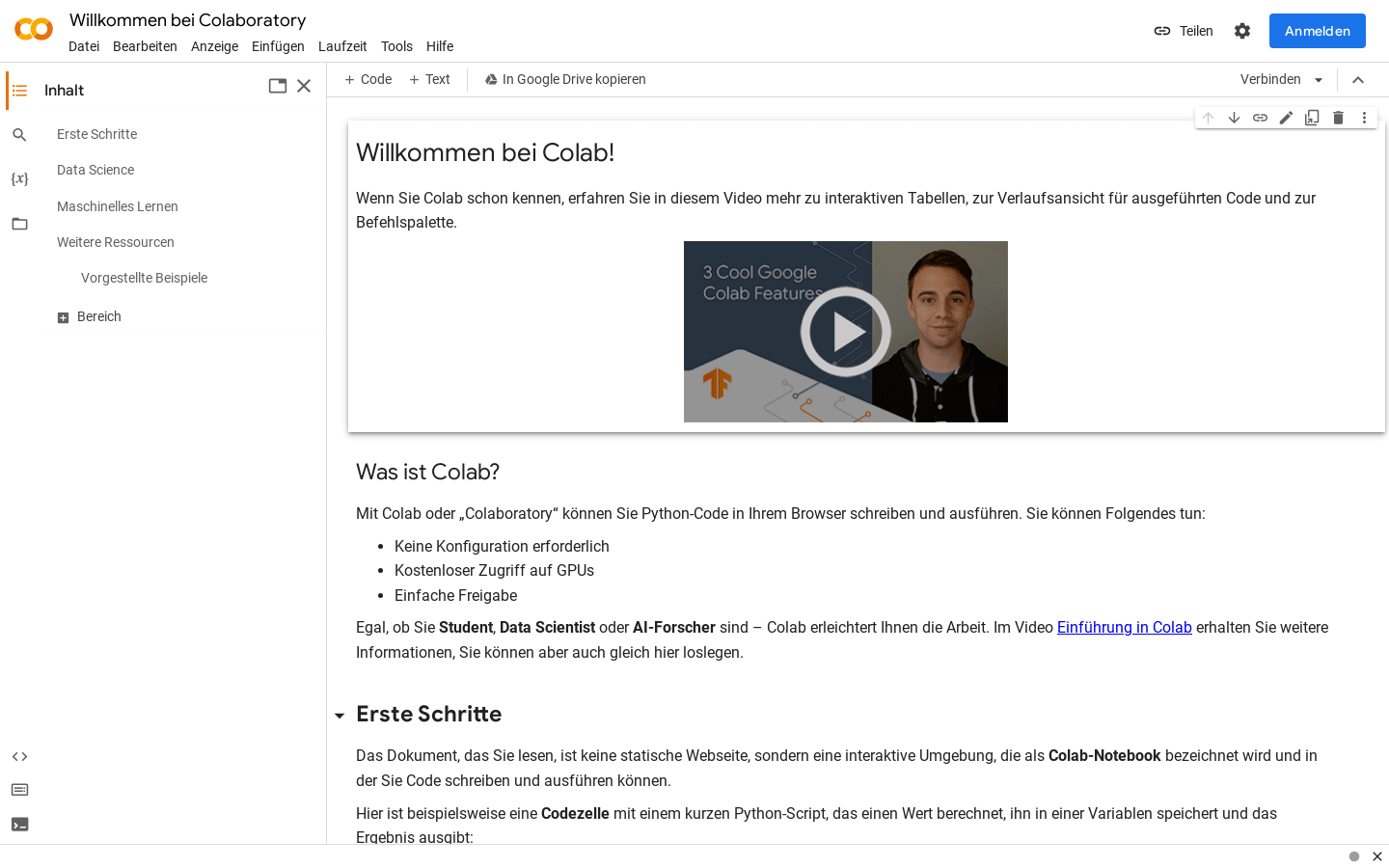
Screenshot archived from the listing page, for preview only.