Webflow
Visual website builder that writes real codeDesign visually, ship clean HTML, CSS, and JS
Highlights
What you can do with it
- Build an agency product showcase site with rich animation
- Deliver and deploy a client e-commerce site quickly
- Launch a startup corporate site the team can update itself
How to use it
- 1 Create a Webflow account and open the designer.
- 2 Lay out your page structure and styles on the canvas.
- 3 Add interactions, CMS collections, and content.
- 4 Check the responsive behaviour across breakpoints.
- 5 Publish, starting on the free plan if you are testing.
Who it is for
Pros
- Visual design with real code output underneath
- CMS lets non-developers update content
- Free starter plan for trying the workflow
Limitations
- Advanced features require paid professional plans
- The learning curve is steeper than a simple page builder
- Complex builds still need care to keep performance good
What Webflow is
Webflow is a visual web design and development tool. You build layouts and styles on a canvas, and the platform generates optimized HTML, CSS, and JavaScript behind the scenes. The site describes it as combining visual design with strong customization, so you can create complex animations, rich content pages, and custom components without writing every rule by hand.
Beyond the designer it includes a content management system, SEO tools, and team collaboration features such as branch development and permission management. Responsive design is a stated priority so pages hold up across devices. A free starter plan is available, with paid professional plans unlocking more advanced capability. The site answered normally at the last check.
What you can do with it
- Design page structure, styles, and animations visually.
- Manage website content through the built-in CMS.
- Improve search visibility with the included SEO tools.
- Work with teammates using branches and permissions.
- Ship multilingual versions for international audiences.
Who it is for
It suits designers who want pixel control without hand-coding every declaration, freelancers delivering client sites against a deadline, and teams where marketing staff need to update content without filing a ticket. Agencies running multiple client projects will find the collaboration features useful. Developers who prefer full code ownership and a local toolchain may find the platform model restrictive.
What to watch out for
The advanced features sit behind paid professional plans, so the free starter tier is for evaluation rather than production. Webflow is more complex than a drag-and-drop page builder, and the learning curve is real, especially around interactions and responsive behaviour. Large or animation-heavy builds need attention to performance, and exporting your work out of the platform is not the same as owning a plain codebase.
FAQ
Does Webflow write code for me?
Yes. Designing on the canvas produces clean, semantic HTML, CSS, and JavaScript output.
Is there a free plan?
Webflow offers a free starter plan, with paid professional plans for more advanced features.
Can my team edit content without a developer?
Yes. The built-in CMS lets authorized team members update content themselves.
Who is it aimed at?
Freelancers, agencies, and enterprises that want visual control plus real code and content management.
Why it is free
What the official page says: for free
Free limits, trial length and features are decided by the official site and can change at any time.
Product preview
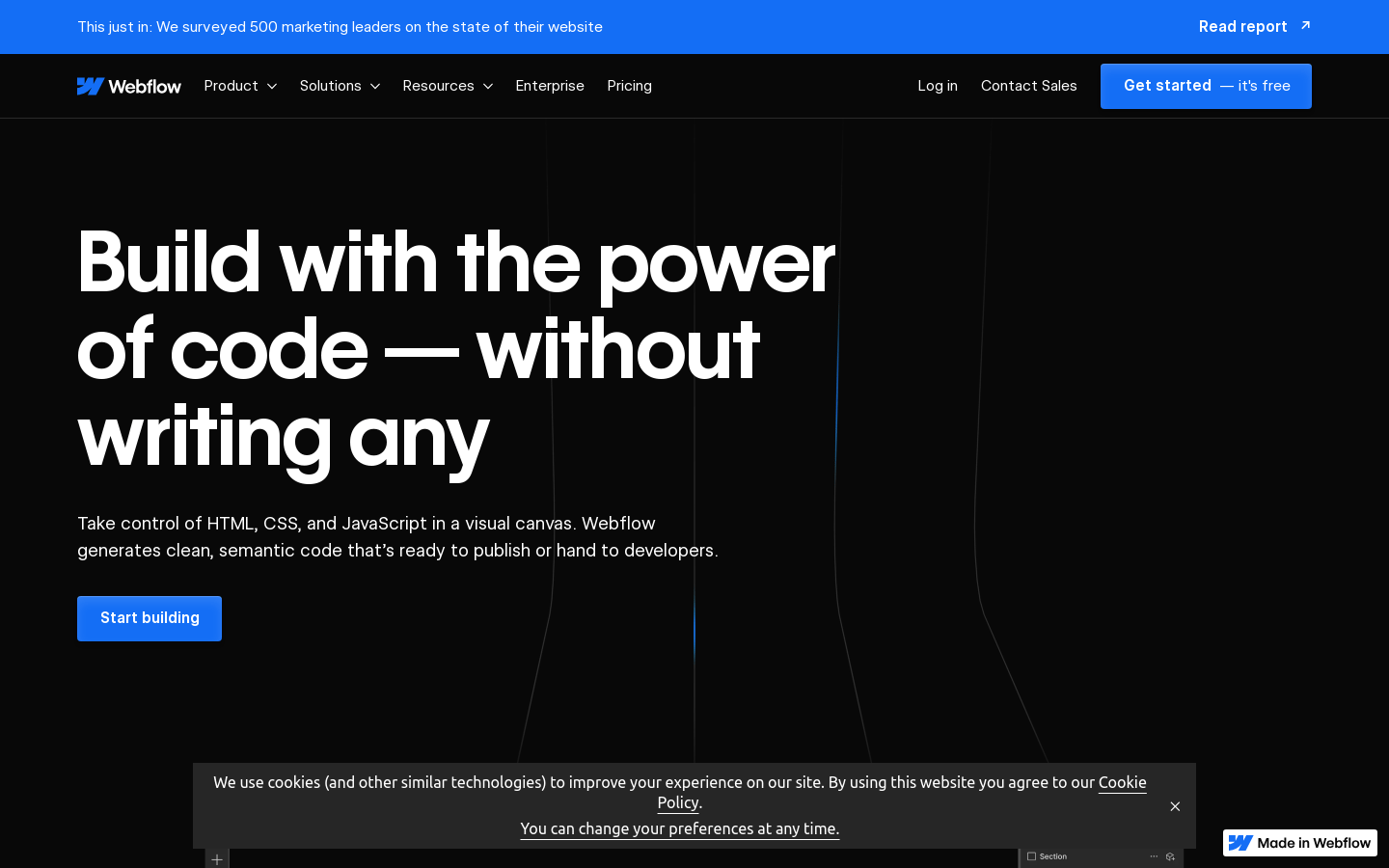
Screenshot archived from the listing page, for preview only.